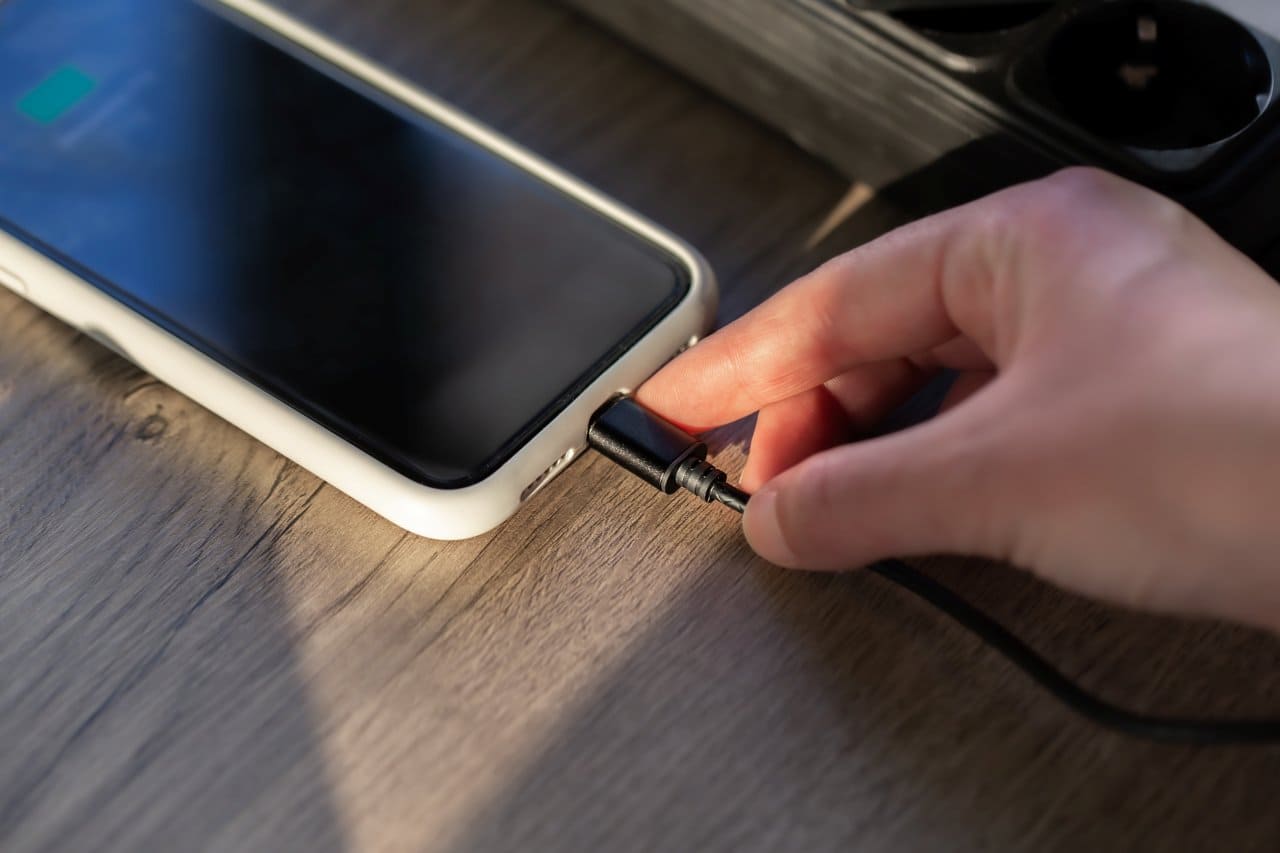
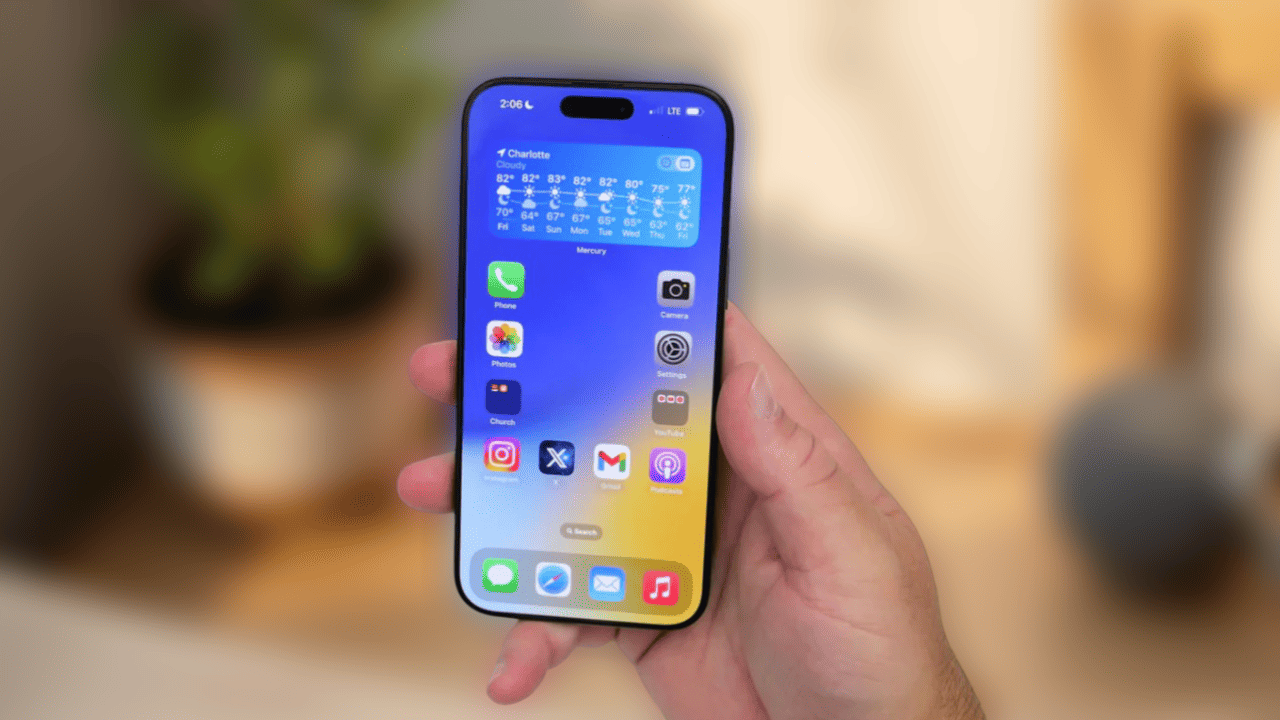
Smartphones today serve so many functions for both personal and business needs. This has made it difficult for many people to go even a single day without their phones. Our dependence has grown because smartphones handle communication, entertainment, banking, navigation, and daily work. But as technology moves fast, it becomes hard to keep up with newer systems and devices.
Once your smartphone starts getting old, you will notice it working slower. Apps may crash. Storage may feel tight. Software updates may stop. Some applications may even refuse to install. When this happens, the question naturally comes to mind: How long should you keep your smartphone before it is time to change it?
This is an important question, especially because buying a new smartphone can be expensive. It can also feel overwhelming when you learn that right after upgrading, a better version is already on the way. If you like using the latest models, you can go for easy instalment plans and upgrade regularly. But just because you can upgrade often, does not mean you must.
Understanding the right time to replace your smartphone helps you avoid unnecessary expenses and keeps your device running smoothly.
Distinguishing Between Smartphone Wants & Needs
Before buying a new smartphone, it is important to analyse what exactly you need, not what you are simply tempted to buy. Even though technology keeps changing every day, the difference between one generation and the next may not always be significant.
Most of the time, the changes are in:
- Font styles or sizes
- Colour variations
- Design shape
- Minor improvements in camera
- Slightly better security features
If your current phone—whether iPhone or Android—still satisfies your needs, there is no real reason to spend money on a new model.
If you use your phone mainly for simple tasks like:
- Calling and texting
- Taking photos
- Making notes
- Surfing the internet
- Occasional gaming
- Social media usage
then your current smartphone can easily last several years. For basic functions, even older devices work well unless they have hardware problems or battery issues.
Every year, new features appear in smartphones. Some features genuinely make life easier, while others are attractive but not necessary. You should also know the things you need to check before buying a new smartphone. Before deciding on upgrading your phone, its always better to compare the advantages and disadvantages.
Advantages of Moving to a New Smartphone
Switching to a new phone offers several benefits, especially for people who use their smartphones heavily or need updated software for work.
✔ Latest specifications
New devices come with faster processors, better cameras, and improved hardware.
✔ Advanced technology
Each new generation offers improvements in display quality, battery performance, and AI features.
✔ Faster processing power
Apps open quicker. Multitasking becomes smoother. Games run better.
✔ More features
You may get improved security tools, better night photography, or stronger battery optimization.
Upgrading feels refreshing, especially if your old device has become slow. Many smartphone troubleshooting experts agree that older models tend to show lag, app crashes, and storage issues after a few years.
Disadvantages of Moving to a New Smartphone
However, there are also drawbacks:
❌ High cost
New smartphones can be very expensive, especially flagship models.
❌ Data transfer takes time
Moving all your old data, photos, chats, and contacts to the new phone requires patience.
❌ You need to reinstall apps and games
This is a tedious task and takes time depending on your internet speed.
❌ Adjusting to a new phone can be difficult
If your daily schedule is busy, learning new settings or gestures can feel tiring.
For many users, these disadvantages are major reasons why they prefer keeping their existing device for longer.
Why You Cannot Use a Smartphone Forever
Even if you use your phone only for basic needs, there will come a time when it no longer feels smooth. It may not be displayed in stores anymore. Accessories may become difficult to find. New apps may stop installing. And the biggest issue: software updates eventually end.

Without updates, your phone becomes less secure and may stop supporting important applications. Whether you use your phone for business or personal work, there comes a point where upgrading becomes necessary to stay compatible with the latest software.
Every electronic device has a lifespan. Smartphones are no different. As with all gadgets, there is a life span of a smartphone as well after which it becomes either obsolete or very difficult to use Understanding how long a phone can realistically last helps you make better decisions.
How Long Should You Keep Your Smartphone?
There is no single correct answer. The ideal time depends on performance, personal needs, and phone condition. Still, here are common upgrade patterns:
Every 6 Months?
This is only for people who always want the latest design or for reviewers and mobile tech enthusiasts. Not needed for most users.
Every Year?
People who rely heavily on their phones for work or content creation may upgrade yearly for better cameras and updated features.
Every 2 Years?
This is the most common cycle. Many users find that their phones start showing signs of slowdown after two years. Battery health also reduces.
Every 3 Years or More?
Some phones, especially premium models, work smoothly for 3–4 years if maintained well. Many users prefer this cycle.
Only When Your Phone Stops Working!
A practical approach – many people upgrade only when the phone becomes unusable, fails to start, or cannot run essential apps.
Smartphone repair experts often say that most devices remain usable for 2–3 years, after which performance decline becomes noticeable.
Signs That It’s Time to Upgrade Your Smartphone
If you are unsure whether to replace your phone, look for these signs:
1. Your phone is slow, freezes, or crashes
Older devices struggle with new apps and heavier tasks.
2. Battery drains quickly
Battery performance drops naturally over time. A weak battery can affect daily usability.
3. Your phone no longer receives software updates
This can affect security and compatibility.
4. Apps stop installing or updating
This is a strong indication that your device is outdated.
5. Hardware problems appear often
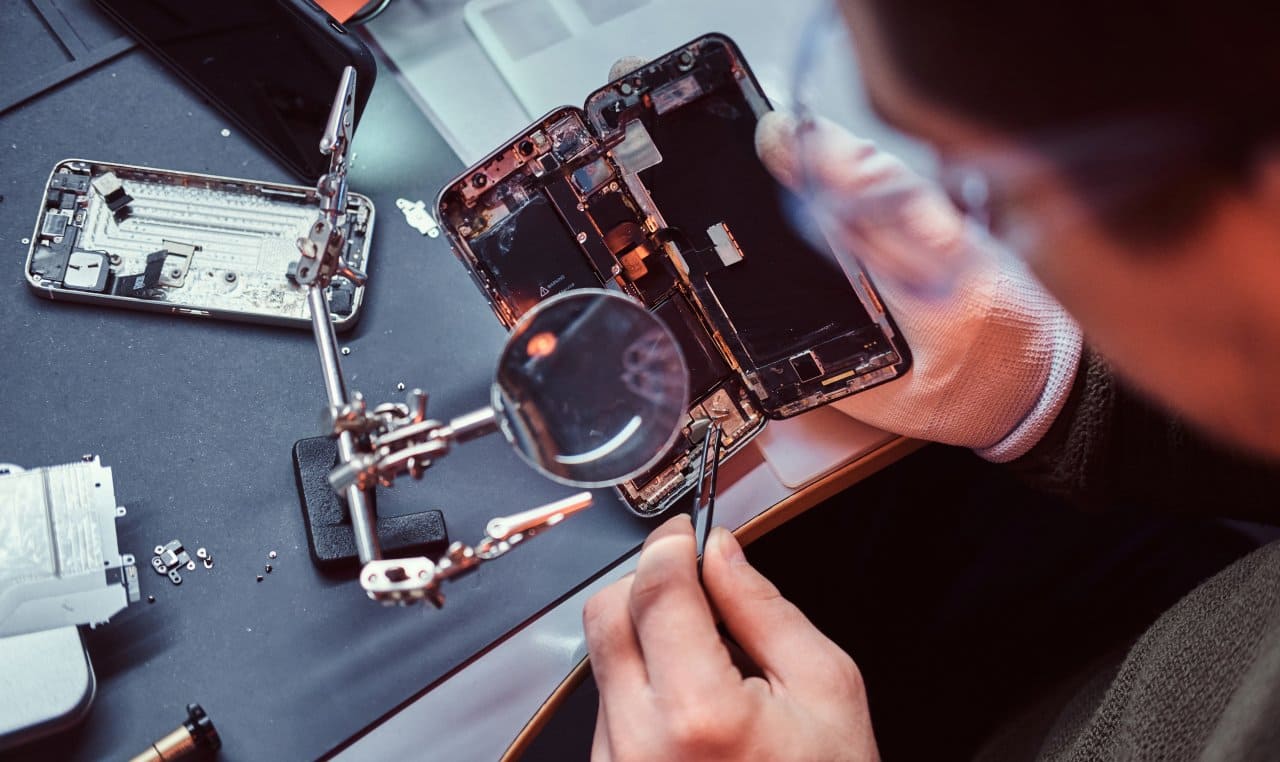
Buttons, speakers, charging ports, or cameras may stop functioning properly.
6. Storage is always full
Even after cleaning, you may still struggle for space.
7. Accessories become hard to find
Cases, batteries, and other parts may not be available anymore.
If multiple signs appear, upgrading becomes a practical decision.
Read Smartphones of the Future – What Should We Expect?
How Long Does a Smartphone Really Last?
Most smartphones can last:
2–3 years on average
This is the most common replacement period. Battery health declines, apps grow heavier, and software support ends.
3–4 years for premium models
If maintained well, high-end phones can work longer but may still lag with newer apps.
5 years with light usage
If you only use basic functions, you may stretch the lifespan further, but performance will decrease gradually.
No matter how well you care for your phone, internal components age, and technology evolves. Eventually, your device will feel outdated.
So, When Is the Right Time to Upgrade?
If you want to stay updated with new technology and you have the budget, upgrading every 2–3 years is the ideal balance.
If you do not want to spend often, you can continue using your phone until it becomes too slow or stops receiving updates.
Conclusion
If you want to stay up-to-date with the latest trends and technology and if you have the money, you can buy a new smartphone every year. But if you prefer saving, you can use your device longer. Since most smartphones become outdated in about 2–3 years, it is better not to stretch them much beyond that.
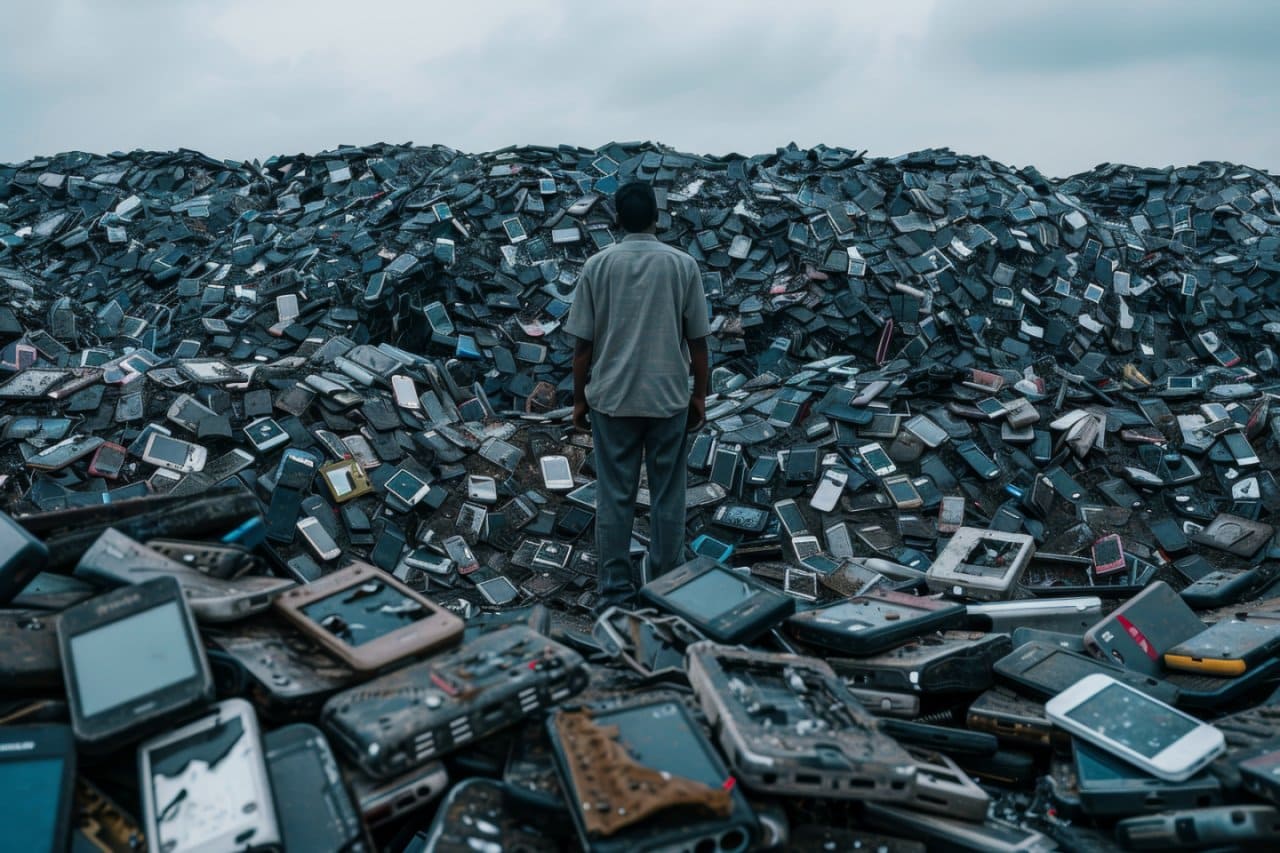
Whenever you upgrade to a new model, do not forget to recycle the old phone. The environment is just as important as our smartphones and even more!
If you found this article helpful, please consider sharing it.
We would also love to hear your views. Share your thoughts in the comments below.