Introduction
Your phone suddenly won’t turn on. Or it keeps restarting. Maybe the touchscreen freezes, the network drops randomly, or charging has become unreliable. Or its stuck on the boot logo. When problems like these appear, many people blame the battery, software, or apps. But in some cases, the real issue lies deeper — in the phone motherboard.
The motherboard is the main circuit board of a smartphone. It connects and controls all major components, including the processor, memory, charging system, display, camera, sensors, and network modules. When the motherboard is damaged, problems can look confusing, inconsistent, and difficult to fix.
This article explains five clear signs that your phone motherboard may be damaged, how to confirm the problem, and what practical repair options exist. It is written for beginners and everyday users, with simple explanations and real-world guidance for both Indian and global readers.
What Is a Phone Motherboard?
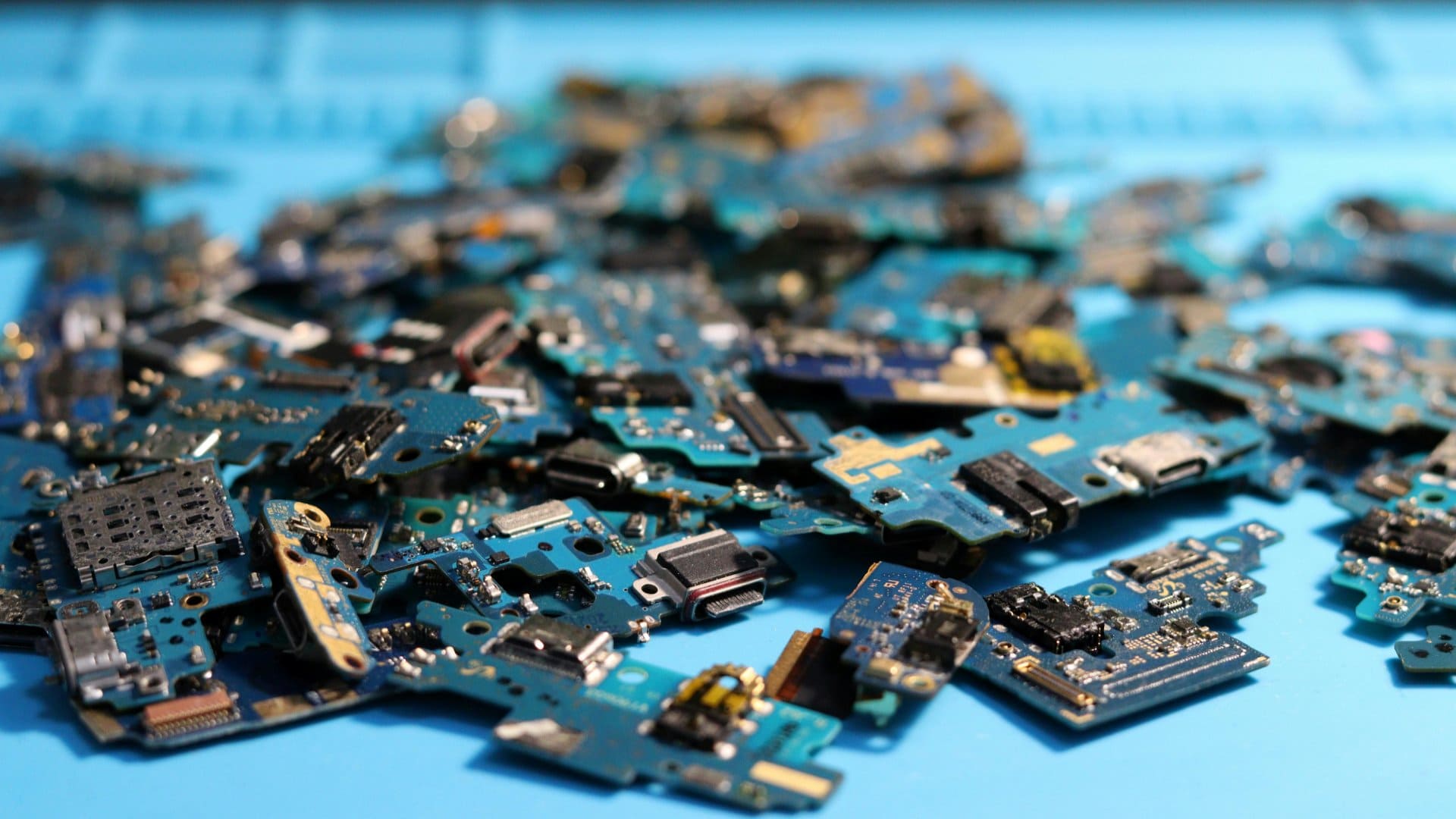
The motherboard is the central communication hub of a smartphone. It is also called main board, circuit board, logic board and PCB (Printed Circuit Board).
It connects:
- The processor (CPU)
- RAM and storage
- Charging port and battery connector
- Display and touchscreen circuits
- Network chips (SIM, Wi-Fi, Bluetooth)
- Camera and audio components
If one small section of the motherboard fails, the phone may still turn on but behave unpredictably. If the damage is severe, the phone may become completely dead.
Unlike screens or batteries, a motherboard cannot be easily replaced at home and usually requires professional tools and skills.
Common Causes of Motherboard Damage
Before looking at the signs, it helps to understand why motherboard problems happen.
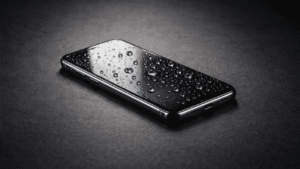
1. Liquid or Moisture Exposure
Water, humidity, or sweat can corrode tiny circuits. Even a phone that “seems fine” after water exposure can develop motherboard issues weeks later.
2. Physical Impact or Drops
A hard fall can crack solder joints or damage internal layers of the board, even if the screen looks intact.
3. Power Surges or Faulty Chargers
Using low-quality chargers or power banks can damage charging circuits on the motherboard.
4. Overheating
Heavy gaming, poor ventilation, or internal short circuits can overheat the board and weaken components.
5. Improper Repairs
Unskilled repairs, wrong parts, or excessive heat during soldering can permanently damage the motherboard.
⚠️ Early Warning Signs Before Total Motherboard Failure
In many cases, motherboard damage does not happen suddenly. Phones often show early warning signs days or even weeks before complete failure. Spotting these signs early can improve repair success and reduce data loss.
- Phone heats up in specific areas (near the camera or charging port) even during light use
- Battery drains unusually fast while idle, despite normal screen usage
- Network or Wi-Fi disappears after restarting and returns randomly
- Phone works only when connected to a charger or shuts down when unplugged
- Touchscreen or buttons stop responding occasionally, then work again
- Random system crashes or app freezes that persist after software updates
- Delayed response when pressing the power button
📌 Why this matters: These symptoms often indicate unstable circuits or weakening connections on the motherboard. Addressing them early can prevent complete failure and may lower repair costs.
Sign 1: Phone Does Not Turn On (Even with a Good Battery)
What You Notice
- The phone is completely dead
- No vibration, no logo, no charging symbol
- Battery replacement does not help
Why This Points to Motherboard Damage
When the battery and charging port are working, power should reach the motherboard. If critical power circuits or the main processor section are damaged, the phone cannot start.
How to Confirm
- Try a known-good charger and cable
- Charge for at least 30 minutes
- Connect the phone to a computer (no detection often indicates board-level failure)
Possible Fix
- Board-level power IC repair (professional only)
- In severe cases, motherboard replacement
Sign 2: Phone Keeps Restarting or Freezing Randomly
What You Notice
- Phone restarts without warning
- Freezes on logo or home screen
- Crashes even after factory reset
Why This Happens
Unstable connections on the motherboard can interrupt power or data flow to the processor or memory. This causes sudden reboots or system freezes.
Common Misdiagnosis
Many users assume this is a software issue. But if the problem continues after:
- Software updates
- Factory reset
- Safe mode testing
the motherboard becomes a strong suspect.
Possible Fix
- Micro-soldering to repair cracked joints
- Repairing or replacing damaged ICs
Sign 3: Network, Wi-Fi, or Bluetooth Stops Working
What You Notice
- No mobile network signal
- SIM not detected
- Wi-Fi or Bluetooth won’t turn on
- Frequent network drops
Why This Indicates Motherboard Issues
Network chips and antennas connect directly to the motherboard. Damage to these circuits prevents stable communication.
How to Rule Out Other Causes
- Test with another SIM card
- Reset network settings
- Check if IMEI shows correctly
If the IMEI is missing or shows “unknown,” motherboard damage is very likely.
Possible Fix
- Network IC repair or reballing
- Antenna circuit repair
The GSMA confirms that IMEI is critical for mobile network identification, and missing or invalid IMEI values can indicate serious internal issues. This helps explain why motherboard damage can lead to complete network failure.
Sign 4: Charging Problems That Don’t Improve After Port Replacement
What You Notice
- Phone charges slowly or not at all
- Battery percentage jumps erratically
- Phone heats up while charging
Why This Is a Motherboard Warning
Charging involves multiple motherboard components, including power management ICs. Even with a new charging port, damaged power circuits can prevent proper charging.
Example
A phone charges only when switched off. This often indicates damaged charging control circuits on the motherboard rather than a battery problem.
Possible Fix
- Charging IC repair
- Power line inspection and repair
Sign 5: Display, Touch, Camera, or Audio Works Intermittently
What You Notice
- Touchscreen stops responding randomly
- Camera shows black screen
- Speaker or microphone cuts out
- Display flickers without screen damage
Why This Happens
These components rely on tiny connectors and signal lines on the motherboard. Partial damage causes intermittent failures rather than total breakdown.
Important Distinction
If replacing the screen, speaker, or camera does not fix the issue, the problem is almost certainly on the motherboard.
Possible Fix
- Connector repair
- Signal line restoration
- Component-level replacement
How to Diagnose Motherboard Damage Safely
Step 1: Eliminate Simple Causes
- Try a new charger and cable
- Test with a known-good battery
- Remove memory card and SIM
Step 2: Perform Software Checks
- Boot into safe mode
- Factory reset (after backup)
- Update or reinstall firmware
Step 3: Observe Patterns
Motherboard issues often cause:
- Multiple unrelated problems
- Issues that worsen over time
- Problems unaffected by part replacement
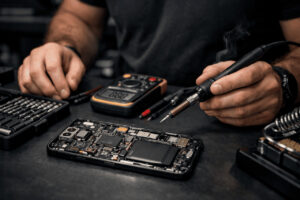
Step 4: Professional Diagnostic Testing
Technicians use:
- Multimeters
- Miucroscopes
- Diagnostic power supplies
These tools help confirm motherboard faults accurately.
Can a Phone Motherboard Be Repaired?
Yes — But Not Always
Motherboard repair depends on:
- Type of damage, shorting
- Phone model
- Availability of parts
- Repair skill level
Repair Is Usually Possible When:
- Damage is limited to a small circuit
- Corrosion is mild
- ICs can be replaced
Replacement Is Better When:
- Board is cracked
- Multiple layers are damaged
- Repair cost is too high
🔧 Repair vs Replace: Quick Decision Checklist
Use this simple checklist to decide whether repairing your phone motherboard makes sense or replacing the device is a better option:
- Phone age: If the phone is less than 2–3 years old, repair is often worth considering.
- Repair cost vs phone value: If repair cost is under 40–50% of the phone’s current value, repair usually makes sense.
- Data importance: If your data is important and not backed up, repair may help recover it.
- Type of damage: Minor or localized motherboard faults are more repairable than severe or liquid-corroded damage.
- Availability of skilled repair: Choose repair only if experienced motherboard-level technicians are available.
- Overall condition: If screen, battery, and body are in good shape, repair is more practical.
👉 Rule of thumb: Repair is best for newer phones with valuable data; replacement is safer for older devices or extensive motherboard damage.
Repair vs Replacement: A Practical Comparison
| Factor | Repair | Replacement |
|---|---|---|
| Cost | Lower in many cases | Often expensive |
| Data Safety | Data may be recoverable | Data usually lost |
| Time | 1-3 days | Same day (if part available) |
| Reliability | Depends on repair quality | Like new board |
Common Myths About Motherboard Damage
“A factory reset fixes motherboard issues”
False. Software resets cannot repair physical damage.
“If the phone turns on, the motherboard is fine”
Not true. Partial damage can cause hidden problems.
“Motherboard repair always fails”
Quality repairs by skilled technicians can be long-lasting.
Practical Tips to Prevent Motherboard Damage
- Avoid cheap or uncertified chargers
- Use a protective case
- Keep phone away from moisture
- Do not ignore overheating
- Choose experienced repair centers
Pros and Cons of Motherboard Repair
Pros
- Lower cost than replacement
- Data recovery possible
- Environmentally friendly
Cons
- Requires skilled technicians
- Not all damage is repairable
- Quality varies by repair center
FAQs
1. Can water damage always be repaired on a phone motherboard?
No. Early treatment improves success, but severe corrosion may be irreversible.
2. How much does phone motherboard repair usually cost?
Costs vary widely by model and damage severity. In many cases, it ranges from moderate to high compared to screen or battery replacement.
3. Is motherboard damage dangerous?
It can be. Short circuits may cause overheating or further internal damage if ignored.
4. Can motherboard damage cause battery drain?
Yes. Faulty circuits can draw power even when the phone is idle.
5. Will replacing the battery fix motherboard problems?
No. A new battery cannot fix damaged motherboard circuits.
6. Should I repair an old phone’s motherboard?
It depends on phone value, repair cost, and your data needs.
7. Can data be recovered from a phone with motherboard damage?
Often yes, especially if storage chips are intact and repair is possible.
Conclusion
Motherboard damage is one of the most serious smartphone problems, but it is often misunderstood. Sudden shutdowns, random restarts, network failures, charging issues, and intermittent hardware problems are strong warning signs.
By understanding these symptoms early, you can avoid unnecessary part replacements and make informed repair decisions. In many cases, professional motherboard repair is possible and cost-effective. In others, replacement may be the safer choice.
If your phone shows multiple unexplained issues, the motherboard deserves careful attention. Proper diagnosis and skilled repair can save both your device and your data.