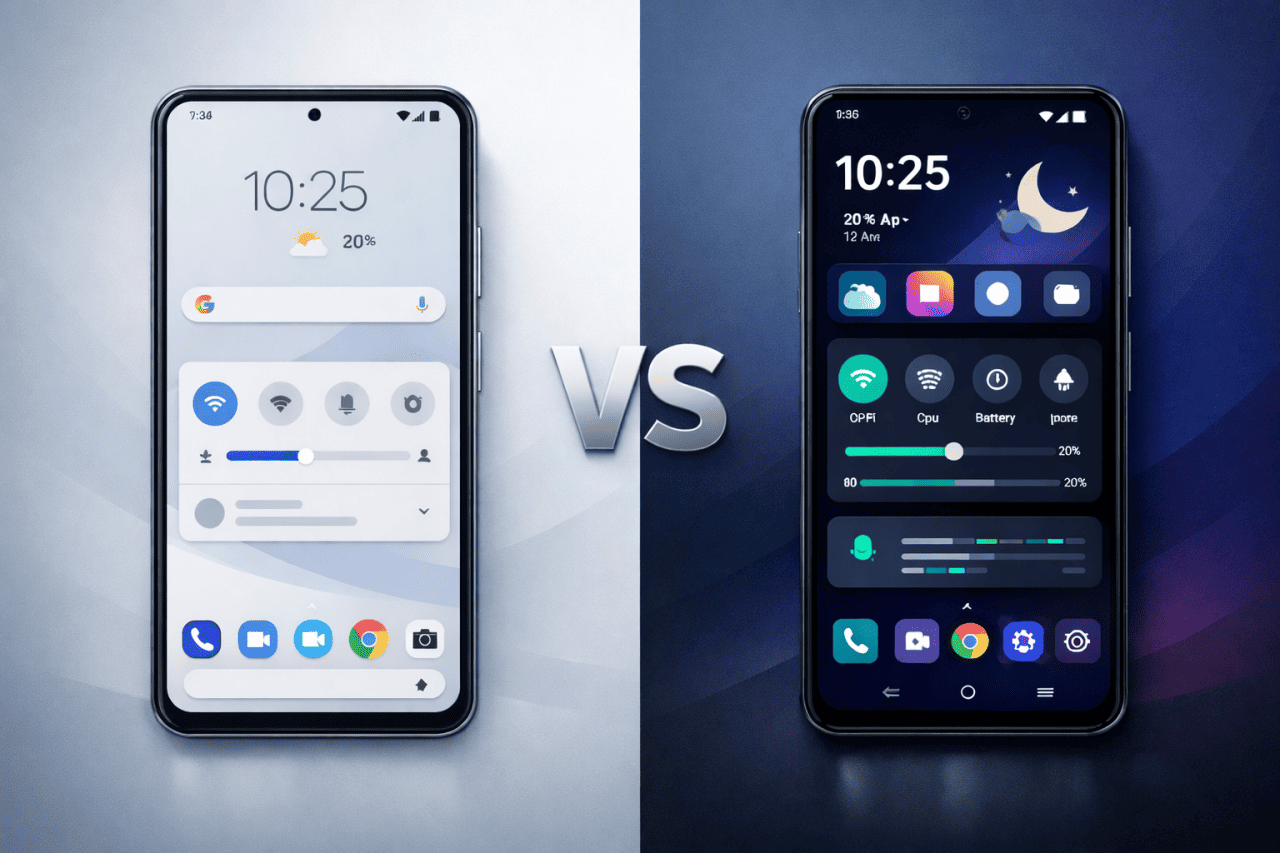
If you use an Android smartphone for some time, you may feel that it has become slow, cluttered, or outdated. Apps take longer to open. Storage fills up quickly. Updates stop arriving. At this point, many users start searching for answers and come across a common question:
Should I stick with Stock ROM or flash a Custom ROM on my Android phone?
This decision is important. Flashing a ROM changes the core software of your mobile device. It can improve performance and extend phone life, but it can also introduce risks if done without understanding.
This article explains Stock vs Custom ROM on Android in a simple, practical, and experience-based way.
By the end of this guide, you will clearly understand:
- What Stock ROM and Custom ROM actually are
- How they differ in real-world usage
- Performance, battery, updates, and stability differences
- Risks, limitations, and common mistakes
- Which option suits your phone and your usage
No hype. No shortcuts. Just clear information to help you decide wisely.
What Is a ROM in Android?
In Android terms, a ROM (Random Access Memory) refers to the complete operating system software running on your phone.
A ROM includes:
- Android OS version
- System user interface
- Core apps and services
- Hardware drivers
- Power and performance settings
- Security features
Every Android smartphone runs on a ROM. The difference lies in who builds it and how it is configured.
What Is a Stock ROM in Android?
A Stock ROM is the official software provided by the phone handset manufacturer. It is pre-installed when you buy a new Android phone.
Examples include:
- Samsung One UI
- Xiaomi MIUI or HyperOS
- Realme UI
- OxygenOS
- Pixel Android
Stock ROMs are built specifically for a phone model and are tested for mass usage.
Key Features of Stock ROM
- Official and manufacturer-approved
- Designed for hardware compatibility
- Comes with system apps and brand features
- Receives OTA updates
- Safer for warranty and service support
Stock ROM focuses on stability, safety, and consistency, not deep customization.
What Is a Custom ROM in Android?
A Custom ROM is a modified Android operating system created by independent developers or developer communities.
It is usually based on:
- Android Open Source Project (AOSP)
- Community-driven development
- Device-specific modifications
Custom ROMs are installed manually by flashing through a custom recovery like TWRP.
Common Types of Custom ROMs
- Clean AOSP ROMs
- Performance-focused ROMs
- Privacy-oriented ROMs
- Feature-rich ROMs
- Long-term support ROMs for old phones
Custom ROMs aim to give more control, fewer restrictions, and extended device life.
Stock ROM vs Custom ROM – Core Differences
| Aspect | Stock ROM | Custom ROM |
|---|---|---|
| Developer | Phone manufacturer | Independent developers |
| Stability | Very high | Depends on ROM quality |
| Customization | Limited | Extensive |
| Pre-installed apps | Many | Minimal |
| Updates | Official OTA | ROM-based OTA or manual |
| Warranty | Safe | Often void |
| Performance tuning | Conservative | Optimized or aggressive |
| Root access | Restricted | Optional |
Performance in Daily Use
Stock ROM Performance
Stock ROMs are tuned for:
- Heat control
- Battery safety
- Hardware protection
- Long-term reliability
Manufacturers intentionally limit peak performance to avoid overheating, battery degradation, and user complaints.
In real-world use, Stock ROM feels:
- Smooth but controlled
- Stable over long periods
- Slightly slower after years of use
For most users, this balance works well.
Custom ROM Performance
Custom ROMs often improve performance by:
- Removing background bloatware
- Using lightweight system UI
- Optimizing RAM usage
- Allowing custom kernels
Real-world benefits may include:
- Faster app launch times
- Smoother scrolling
- Better gaming performance on mid-range phones
However, poor ROMs can cause:
- Random reboots
- App crashes
- Heating problems
Performance depends on ROM maturity and device support, not just flashing.
Battery Life Comparison
Stock ROM Battery Behavior
Stock ROM battery management is:
- Conservative
- Predictable
- Designed for long battery health
It is ideal for users who:
- Rely on phone all day
- Want stable standby time
- Avoid system tweaking
Custom ROM Battery Behavior
Custom ROM battery results vary widely.
Battery improvements usually come from:
- Fewer background services
- Cleaner system apps
- Optimized kernels
Battery issues occur due to:
- Poor driver compatibility
- Experimental features
- Incomplete optimizations
Some Custom ROMs outperform Stock ROM. Others do not. There is no guarantee.
Software Updates and Android Versions
Stock ROM Updates
Advantages:
- Official security patches
- Certified stability
- Guaranteed compatibility
Limitations:
- Slow updates on budget phones
- Limited Android version upgrades
- Support often ends after 2–3 years
Custom ROM Updates
Advantages:
- Latest Android versions on old phones
- Faster feature updates
- Extended phone lifespan
Limitations:
- Depends on developer activity
- Security patch delays possible
- Updates may stop suddenly
Custom ROMs are especially useful when manufacturers abandon older devices.
Customization and User Control
Stock ROM Customization
Stock ROM allows:
- Themes and wallpapers
- Limited UI adjustments
- Basic gestures
Deep system-level changes are restricted to maintain stability.
Custom ROM Customization
Custom ROM allows:
- System UI modification
- Status bar and navigation tweaks
- Advanced gestures
- Font and icon control
- Privacy permission control
You get near-complete control over your Android smartphone.
Bloatware and Storage Usage
Stock ROM Reality
Most Stock ROMs include:
- Manufacturer apps
- Partner apps
- Duplicate system apps
Many apps cannot be removed without root access.
This results in:
- Storage usage
- Background RAM consumption
- Notification clutter
Custom ROM Advantage
Most Custom ROMs:
- Come with minimal apps
- Let users choose Google apps
- Avoid unnecessary services
This results in:
- Cleaner system
- More free storage
- Better RAM management
Stability and Reliability
Stock ROM Stability
Stock ROMs are:
- Extensively tested
- Hardware-certified
- Rarely crash
Best for:
- Work phones
- Students
- Non-technical users
Custom ROM Stability
Custom ROM stability depends on:
- Device popularity
- Developer experience
- Community testing
Some ROMs are daily-driver stable. Others are experimental.
Always check:
- Known issues list
- User feedback
- Update history
Security and Privacy
Stock ROM Security
- Verified boot
- Manufacturer security layers
- Play Protect compatibility
Custom ROM Security
Pros:
- Faster Android version updates
- Better permission control
Cons:
- Depends on patch frequency
- Misconfigured ROMs can reduce security
Privacy-focused ROMs exist, but they require technical understanding.
Warranty and Risk Factors
Stock ROM Safety
- Warranty remains valid
- Official service support
- No flashing risks
Custom ROM Risks
Flashing a Custom ROM usually requires:
- Bootloader unlocking
- Custom recovery installation
Possible risks include:
- Warranty void
- Data loss
- Bootloop or soft brick
Hard brick is rare but possible with incorrect files.
Who Should Choose Stock ROM?
Choose Stock ROM if you:
- Want maximum stability
- Use banking and office apps
- Do not want troubleshooting
- Depend on official service
- Value warranty
Stock ROM is not inferior. It is practical and reliable.
Who Should Choose Custom ROM?
Choose Custom ROM if you:
- Understand flashing basics
- Want clean Android experience
- Own an older Android phone
- Enjoy customization and learning
- Accept occasional bugs
Custom ROMs are best for enthusiasts and power users.
Common Mistakes to Avoid Before Flashing
- Not backing up important data
- Flashing wrong ROM for device variant
- Skipping firmware requirements
- Not reading reviews and ignoring known bugs
- Following outdated tutorials
Most issues happen due to user mistakes, not ROMs themselves.
Pros and Cons Summary
Stock ROM Pros
- High stability
- Official support
- Safe for warranty
- Better compatibility
Stock ROM Cons
- Limited customization
- Bloatware
- Slow updates on budget phones
Custom ROM Pros
- Clean system
- Better customization
- Extended device life
- Performance tuning
Custom ROM Cons
- Risk involved
- Warranty issues
- Stability depends on ROM
- Learning curve required
Why Some People Install a Custom ROM
- Official Android updates have stopped
- Too much bloatware in Stock ROM
- Better performance on older phones
- More customization and system control
- Longer usable life for the device
- Learning and experimenting with Android
Essential Safety Checklist Before Flashing Any ROM
- Take a full backup of all data
- Charge the phone to at least 60 percent
- Confirm exact device model and variant
- Keep official stock firmware ready
- Ensure custom recovery is properly installed
- Read the known issues for the ROM before flashing
When Not to Flash a Custom ROM
- It is your primary work or business phone
- You cannot afford data loss or downtime
- The phone is still under warranty
- No stable ROM is available for your exact model
- You are not comfortable fixing software issues
Common Myths vs Reality About Stock and Custom ROMs
- Myth: Custom ROM always makes a phone faster
Reality: Performance depends on ROM quality and optimization, not just flashing. - Myth: Custom ROMs are unsafe by default
Reality: Well-maintained ROMs are safe when flashed correctly. - Myth: Stock ROM is slow and badly optimized
Reality: Stock ROM prioritizes stability and battery health over peak speed. - Myth: Custom ROM breaks all banking apps
Reality: Most banking apps work unless security settings are altered. - Myth: Flashing a ROM permanently damages the phone
Reality: In most cases, you can return to Stock ROM safely.
FAQs
Is flashing a Custom ROM safe for beginners?
It can be safe if instructions are followed carefully, but beginners should proceed slowly and research well.
Can Custom ROM improve phone speed?
Yes, especially on mid-range and older phones, but results depend on ROM quality.
Can I return to Stock ROM after flashing?
Yes, in most cases Stock ROM can be flashed back.
Do banking apps work on Custom ROM?
Most work fine, but root and security settings can affect compatibility.
Is Custom ROM good for old Android phones?
Yes, it often keeps old phones usable after official updates stop.
Does flashing erase data?
Yes, flashing usually wipes all user data unless backup is taken.
Conclusion
There is no universal winner in Stock vs Custom ROM on Android. The right choice depends on your usage, skills, and expectations.
- Stock ROM offers stability, safety, and peace of mind.
- Custom ROM offers freedom, performance control, and extended phone life.
Over the years, many Android users flash ROMs hoping for instant performance gains. In practice, the biggest improvement comes from clean software, not extreme tuning. Stable ROMs with regular updates usually deliver the best daily experience.
If you want a phone that just works, stay on Stock ROM.
If you want to learn, customize, and experiment, Custom ROM can be rewarding.
Understand the trade-offs, prepare properly, and make an informed decision. That is the smartest way to flash any Android phone.