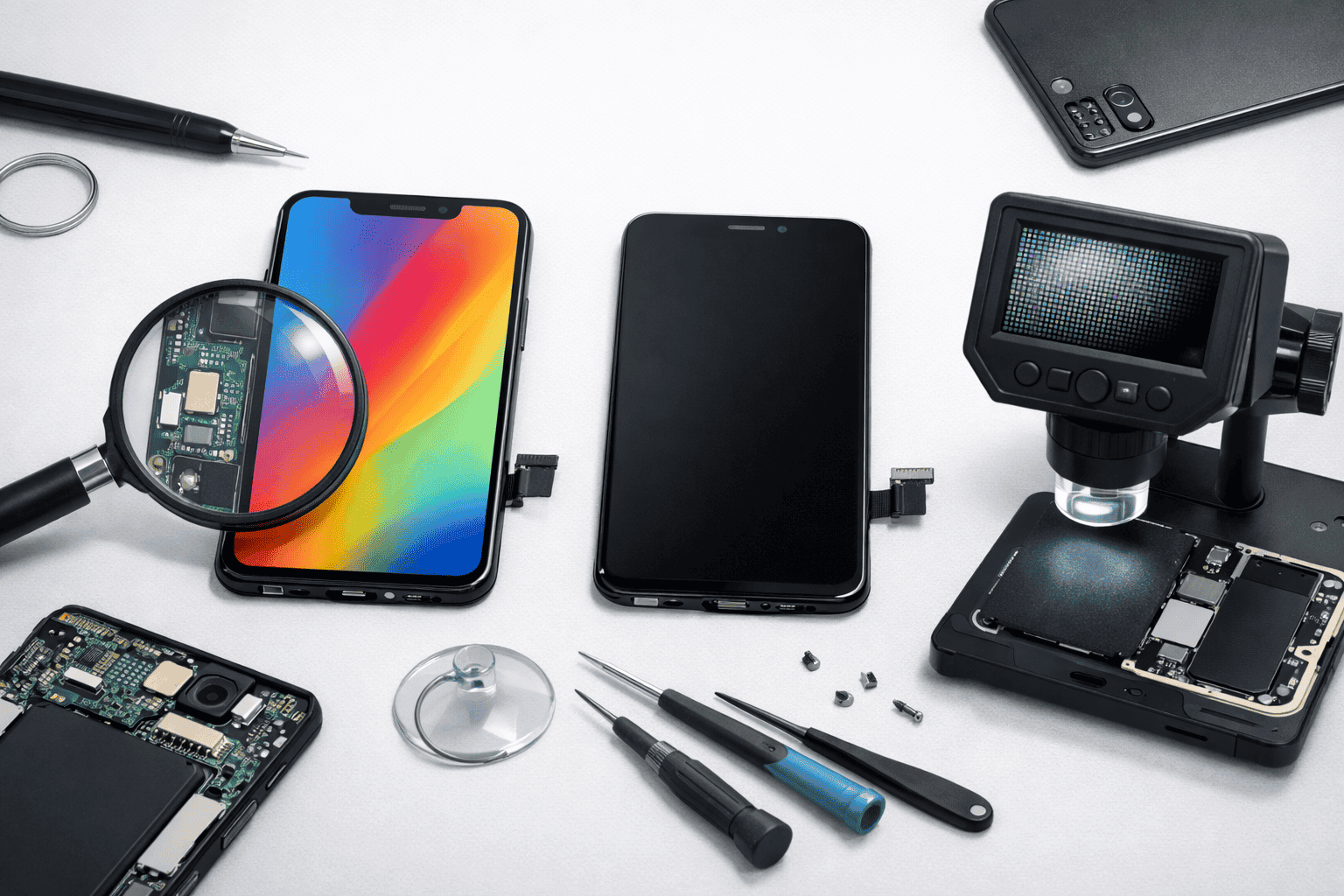
Replacing a mobile phone LCD is common after accidental drops or display damage. But one major problem users and repair technicians face is identifying whether the replacement LCD is original or fake. Duplicate and local displays are widely available and often sold as “original,” even though their performance and lifespan are very different.
This comprehensive guide explains how to check original vs fake mobile LCD for both Android phones and iPhones. The methods shared here are practical, safe, and based on real repair experience. Whether you are a phone user, a student learning mobile repairing, or a working technician, this guide will help you make informed decisions.
What Is an Original Mobile LCD?
An original mobile LCD also call OG display by many technicians is a display that meets the phone brand’s official specifications. It may be:
- Factory-installed by the manufacturer
- Supplied by the brand’s authorized OEM partner
Original LCDs are designed to match the smartphone’s:
- Brightness and color calibration
- Touch response and accuracy
- Power efficiency
- Software and hardware compatibility
They deliver consistent performance and long-term reliability.
What Is a Fake or Duplicate Mobile LCD?
A fake mobile LCD (also called copy, local, or compatible LCD) is produced by third-party manufacturers. These displays are designed to look similar but are not built to the same standards. These are further classified into 1st copy and 2nd copy – where 2nd copy is of very low quality graphics.
Fake LCDs often have:
- Lower-quality display panels
- Weaker touch ICs
- Poor backlight efficiency
- Inconsistent quality control
Some fake LCDs may work fine initially but degrade quickly with regular use.
Common Types of Mobile LCD Displays in the Market
Understanding these categories helps avoid confusion when buying or replacing a display.
Original / OEM LCD
- Best display quality
- Accurate colors and brightness
- Expensive but reliable
Refurbished Original LCD
- Original panel with replaced glass or backlight
- Quality depends on refurbishment process
- Performance close to original if done properly
First Copy / Compatible LCD
- Looks similar to original
- Reduced brightness and touch accuracy
- Shorter lifespan
Local / Duplicate LCD
- Cheapest option
- Poor viewing angles and touch response
- Not suitable for long-term use
An LCD display is also called digitizer, combo, screen, folder, display panel, OLED/AMOLED Screen, etc.
Why It’s Important to Identify Original vs Fake LCD
Using a fake LCD can cause several issues over time:
- Poor sunlight visibility
- Touch lag and ghost touches
- Increased battery drain
- Heating problems
- Reduced phone resale value
For technicians, installing duplicate displays without informing customers can lead to complaints and trust issues.
How to Check Original vs Fake Mobile LCD (General Tests)
These checks apply to both Android phones and iPhones.
1. Brightness and Outdoor Visibility Test
Original LCDs produce higher and more uniform brightness.
How to test:
- Set screen brightness to maximum
- Use the phone under sunlight or strong indoor light
Signs of a fake LCD:
- Screen looks dull
- Uneven brightness patches
- Poor readability outdoors
2. Color Accuracy and White Balance
Original displays show:
- Natural skin tones
- Clean whites
- Balanced contrast
Fake displays may show:
- Yellowish or bluish whites
- Over-saturated colors
- Poor contrast in dark scenes
A simple check is to open a white or gray screen and observe color consistency.
3. Touch Sensitivity and Responsiveness
Touch performance is one of the biggest indicators.
Original LCD:
- Smooth scrolling
- Accurate typing
- Reliable multi-touch
Fake LCD:
- Delayed response
- Missed touches
- Inaccurate edge touch
You can test this by typing quickly or drawing straight lines across the screen.
4. Viewing Angle Test
Tilt the phone slowly from different angles.
Original LCDs maintain color and brightness even at sharp angles.
Fake LCDs often:
- Darken quickly
- Lose color accuracy
- Show color inversion
5. Glass Quality and Surface Feel
Original display glass:
- Smooth and premium feel
- Proper oleophobic coating
- Resists fingerprints
Fake display glass:
- Feels rough or slippery
- Attracts fingerprints easily
- Reflects more light
6. Flex Cable and Connector Inspection (For Technicians)
Original LCD flex cables usually have:
- Clean printing
- Serial numbers or barcodes
- Proper connector thickness
Fake LCD flex cables may show:
- Faded text
- No identification marks
- Poor connector alignment
7. Battery Drain and Heating
Fake LCDs often consume more power.
Common symptoms:
- Faster battery drain
- Phone heating during normal use
- Reduced screen-on time
This happens due to inefficient backlights and touch ICs.
8. Weight and Thickness Difference
Original LCD assemblies:
- Match the phone’s original thickness
- Fit perfectly in the frame
Fake LCDs may feel:
- Slightly heavier or lighter
- Thicker or thinner
Even small differences can affect phone durability.
9. Packaging and Label Check
Original LCDs usually come with:
- Branded or sealed packaging
- Anti-static protection
- Proper labels or QR codes
Fake LCDs often arrive in:
- Plain boxes
- Minimal protection
- Generic stickers
10. Price Comparison
If the price seems too low, it usually indicates a fake LCD.
Original displays are expensive due to quality and limited supply. Large price differences are a strong warning sign.
How to Check Original vs Fake iPhone LCD
iPhones and iPads offer additional software-level checks that help identify display authenticity.
1. Display Message in iPhone Settings
On newer iPhone models:
- Go to Settings → General → About
- Look for Display Message
If you see a message like:
- “Unable to verify this iPhone has a genuine Apple display”
It means:
- The display is not original, or
- It was replaced and not properly paired
2. True Tone Feature Check
True Tone works only with original or properly programmed displays.
If True Tone is missing after replacement:
- Display may be fake
- Or original but not reprogrammed
3. Auto-Brightness and Color Adjustment
Original iPhone displays:
- Adjust brightness smoothly
- Shift colors naturally based on lighting
Fake displays:
- Sudden brightness jumps
- Unnatural color changes
4. Touch Precision and Haptic Feedback
Original iPhone LCD or OLED:
- Extremely precise touch
- Consistent haptic feedback
Fake displays:
- Slight delay in response
- Poor edge detection
5. Text Sharpness and Black Levels
Original iPhone displays:
- Sharp text
- Accurate skin tones
- Deep blacks (OLED models)
Fake displays:
- Grainy text
- Grayish blacks
- Washed-out colors

The Gx brand display spare part for iPhones is a low-quality option, but it is a good choice for users who want a cheaper replacement.
How to Check Original vs Fake Android Mobile LCD
Android phones vary by brand, but these checks apply widely.
1. Compare With the Same Phone Model
If possible:
- Compare side by side with another original device
- Observe brightness, color, and contrast
Differences become obvious quickly.
2. AMOLED vs LCD Behavior
On AMOLED phones:
- Original displays show deep blacks
- Black pixels turn off completely
Fake AMOLED displays:
- Blacks appear gray
- Higher power consumption
3. In-Display Fingerprint Performance
On supported phones:
- Original displays detect fingerprints quickly
- Fake displays may fail or slow down detection
4. Display Settings and Calibration
Original displays:
- Respond accurately to color profiles
- Show minimal distortion
Fake displays:
- Limited calibration effect
- Persistent color imbalance
Before agreeing to a costly screen replacement, it’s worth understanding your options. If only the front glass is cracked, changing just the glass instead of the entire display will be a much cheaper option. This article on front glass repair vs full display replacement costs clearly explains price differences and repair outcomes.
Common Myths About Original and Fake Mobile LCDs
Myth: Expensive LCDs are always original
Truth: Some copies are overpriced
Myth: Refurbished LCDs are always bad
Truth: High-quality refurbished displays can perform well
Myth: Apps can detect fake LCDs
Truth: No app can reliably confirm LCD originality
Pros and Cons: Original vs Fake Mobile LCD
Original LCD – Pros
- Best display quality
- Accurate touch response
- Better battery efficiency
- Longer lifespan
Original LCD – Cons
- Expensive
- Limited availability for older phones
Fake LCD – Pros
- Affordable
- Easily available
Fake LCD – Cons
- Poor brightness and colors
- Touch issues
- Higher battery drain
- Short lifespan
At the same time, while buying a phone without proper checks can easily lead to costly mistakes, which is why knowing the basics really helps—this guide on how to check whether a phone is original or duplicate explains it in a simple, practical way.
Practical Tips for Mobile Repair Technicians
- Always test the LCD before full installation
- Keep original and copy samples for comparison
- Clearly explain display quality options to customers
- Avoid mixing original and duplicate parts unknowingly
Clear communication builds trust and reduces disputes.
Practical Tips for Mobile Users
- Ask for your old display after replacement
- Confirm display type before repair
- Test brightness and touch before leaving the shop
- Avoid extremely cheap screen replacements
If your phone has become faulty and you’re unsure where to get your phone repaired safely, this detailed guide on trusted mobile phone repair shops in Mumbai can help you choose reliable service centres based on experience and customer trust.
Frequently Asked Questions (FAQs)
1. Is there any app to check original or fake mobile LCD?
No. There is no reliable app that can accurately identify whether a mobile LCD is original or fake. Physical inspection and performance testing are the most trusted methods.
2. How to check original or fake iPhone display?
On newer iPhones, go to Settings → General → About. If you see a message saying the display is not genuine, it means the screen is not original or not properly paired. You can also check if True Tone is available.
3. Does True Tone missing mean the iPhone display is fake?
Not always. Missing True Tone usually means the display is not original or was replaced without proper programming. Original displays require calibration after replacement to retain True Tone.
4. How can I identify fake LCD on Android phones?
On Android phones, fake LCDs usually show low brightness, poor sunlight visibility, color shift, touch lag, and higher battery drain. Comparing with the same phone model helps identify differences easily.
5. Is refurbished LCD better than fake or local LCD?
Yes. A good-quality refurbished original LCD generally performs much better than local or duplicate LCDs, especially in brightness, touch accuracy, and durability.
6. Why do fake mobile LCDs drain battery faster?
Fake LCDs use low-quality backlights and inefficient touch ICs, which consume more power. This leads to faster battery drain and sometimes phone heating.
Conclusion
Knowing how to check original vs fake mobile LCD is essential for both iPhone and Android users. By testing brightness, color accuracy, touch response, viewing angles, power consumption, and software indicators, you can identify display quality with confidence.
There is no shortcut or guaranteed app-based solution. Careful inspection, practical testing, and experience remain the most reliable ways to avoid fake LCDs and ensure long-lasting smartphone performance.