Tag: iPhone

  • 13 Things to Check Before Buying a Used or Refurbished iPhone

    13 Things to Check Before Buying a Used or Refurbished iPhone

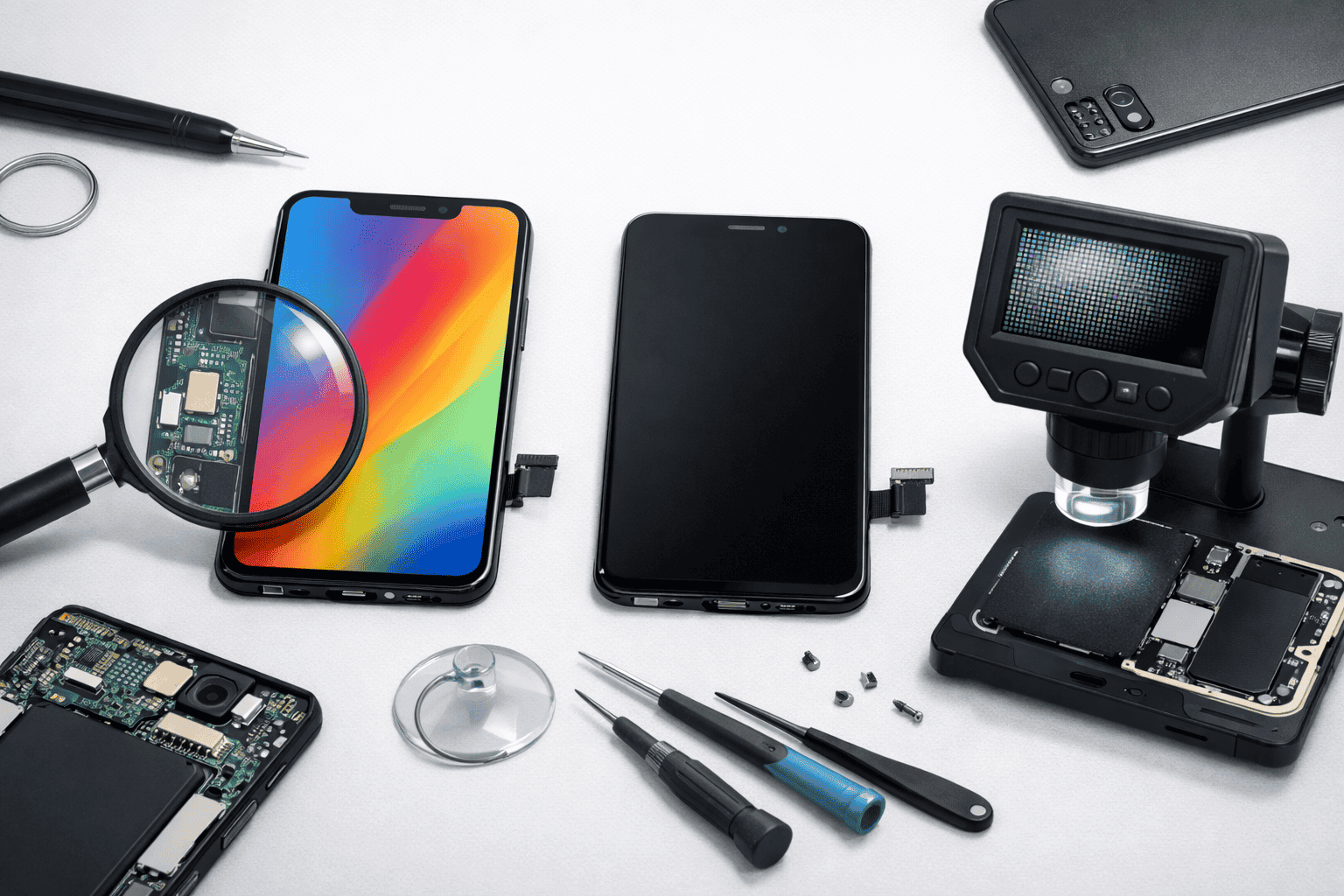
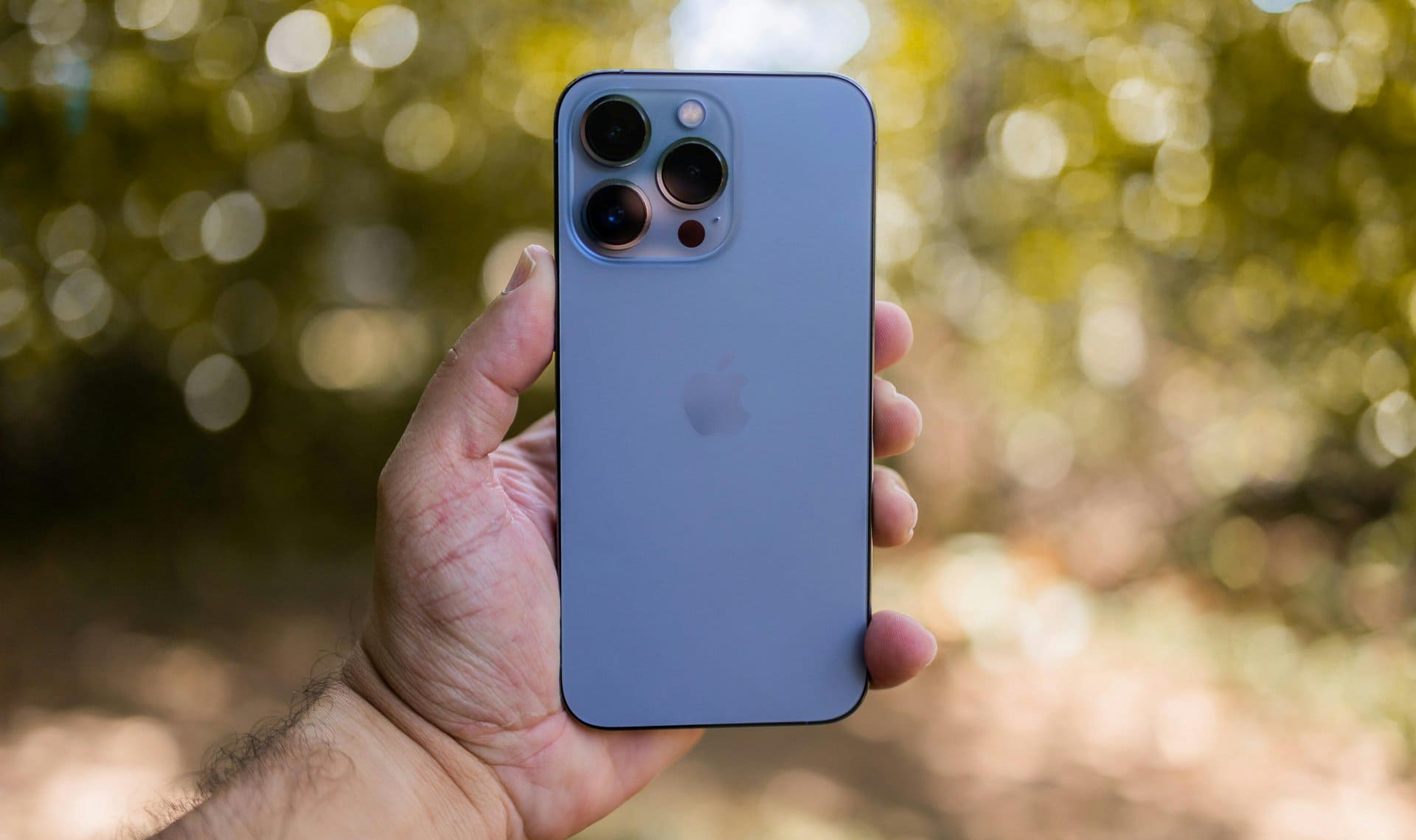
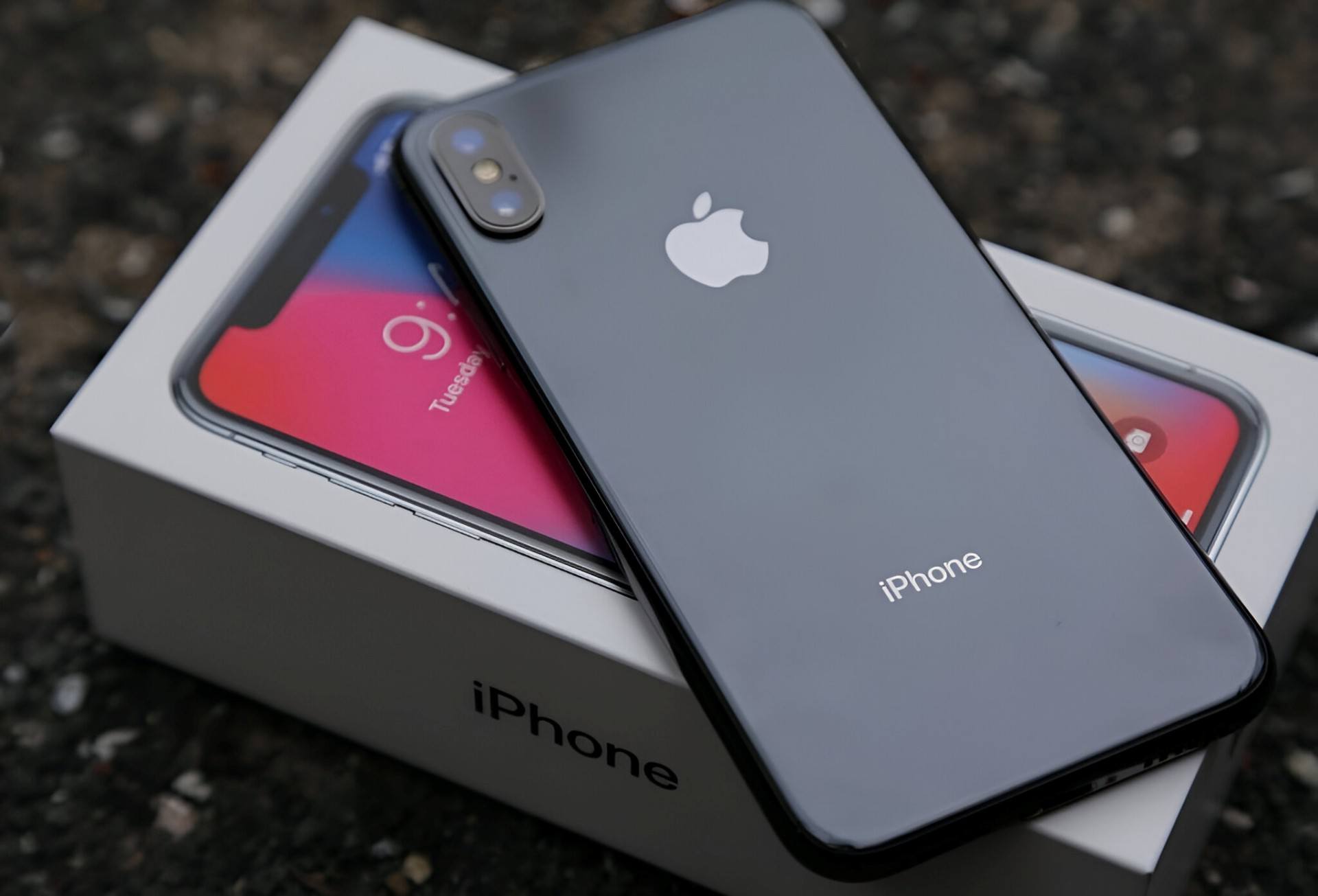
    Buying a used or refurbished iPhone can be a smart decision. You save money and still get a powerful smartphone. But it can also turn into a bad experience if you miss important checks.

    Many people buy a second hand or pre owned iPhone and later discover issues like poor battery health, hidden damage, iCloud lock, or even a stolen device. This guide is written to help you make a safe and confident decision.

    “A careful check before buying saves regret after paying.”

    Below is a practical, real-world buying guide based on common mistakes, technician experience, and everyday user problems. Whether you are buying from a friend, a local shop, or an online seller, this checklist applies.


    Why You Must Inspect a Used or Refurbished iPhone Carefully

    An iPhone is a premium device built by Apple. Even an old model can perform well for years. But internal wear, poor handling, or past repairs can affect its value and reliability. You can also read here general things to check before buying any used or second hand smartphone.

    A proper inspection helps you:

    • Avoid stolen or blacklisted phones
    • Check real condition instead of seller claims
    • Estimate future repair costs
    • Decide if the price is fair

    This checklist works for most popular iPhone models like iPhone 11, iPhone 12, iPhone 13, iPhone 16, iPhone 17, iPhone XR, iPhone SE, and even older devices.


    1. Check the iPhone Model and Storage Variant

    Start with the basics. Always confirm the exact iPhone model and storage capacity.

    How to check

    • Go to Settings → General → About
    • Check:
      • Model name
      • Storage (64GB, 128GB, 256GB, etc.)

    Many sellers advertise higher storage than the phone actually has. This is common in second hand markets.

    Tip: Match the model number online to confirm region and original specifications.


    2. Verify IMEI Number (Very Important)

    The IMEI number is the phone’s unique identity.

    What to do

    • Dial *#06#
    • Match the IMEI with:
      • The box (if available)
      • Settings → About

    Why this matters

    • Confirms originality
    • Helps detect stolen or blacklisted devices
    • Required for resale and warranty checks

    If the IMEI does not match, do not buy the phone.


    3. Check for iCloud Lock and Activation Lock

    This is one of the most critical steps.

    How to check

    • Go to Settings
    • If you see “Sign in to iPhone”, it is safe
    • If an Apple ID is already logged in, ask the seller to remove it

    Why it matters

    • iCloud-locked phones are unusable
    • Resetting won’t help
    • Even refurbished phones must be iCloud-free

    Never trust verbal assurance. Always check yourself.


    4. Inspect the Physical Condition Closely

    Do a slow, careful visual inspection.

    Look for:

    • Dents, bends, or deep scratches
    • Cracks near camera or edges
    • Quality of graphics on display
    • Loose buttons
    • Gaps between screen and frame

    Minor scratches are normal on old phones. But dents or bends can indicate a fall or internal damage. Also check the charger if you are getting one along with it.

    Tip: A phone with heavy dents often has hidden motherboard issues.


    5. Check Display Quality and Touch Response

    The display is one of the most expensive parts.

    Test these points

    • Full brightness and low brightness
    • White screen (look for yellow patches or lines)
    • Touch accuracy across all corners

    Red flags

    • Ghost touch
    • Dead pixels
    • Flickering

    If the display was replaced, check if it feels less bright or less smooth.


    6. Test Battery Health and Charging

    Battery condition tells you how the phone was used.

    How to check

    • Go to Settings → Battery → Battery Health
    • Look at Maximum Capacity

    What is acceptable

    • 85% and above: good
    • 80–84%: usable but expect replacement soon
    • Below 80%: negotiate price or avoid

    Also test:

    • Fast charging
    • Charging port firmness

    7. Run Basic Diagnostic Checks

    You don’t need advanced tools. Simple diagnostic tests are enough.

    Test manually

    • Speaker (music + call)
    • Microphone (voice recording)
    • Vibration
    • Proximity sensor (during calls)

    These checks act like a quick mobile inspection test.


    8. Check Camera Performance (Front & Rear)

    Open the camera app and test all lenses.

    What to test

    • Focus speed
    • Blurry spots
    • Video recording
    • Flash

    Dust inside the camera or focus issues often mean past damage.


    9. Test Face ID or Touch ID

    Biometric features are essential for daily use.

    Check properly

    • Set up Face ID again
    • Lock and unlock multiple times

    If Face ID does not work, repairs are expensive and sometimes impossible.


    10. Check Network, Wi-Fi, and Bluetooth

    A phone may look perfect but still have network issues.

    Test these

    • Make a call
    • Use mobile data
    • Connect to Wi-Fi
    • Pair Bluetooth

    Network issues can point to antenna or motherboard problems.


    11. Confirm It Is Not Stolen or Blacklisted

    A stolen or blacklisted iPhone can stop working anytime.

    What to do

    • Ask for original bill if possible
    • Check IMEI status via carrier tools
    • Avoid phones with suspiciously low prices

    If the price feels too good, something is usually wrong.


    12. Ask About Repairs and Parts Replacement

    Be direct. Ask the seller:

    • Was the screen replaced?
    • Was the battery changed?
    • Any water damage?

    Refurbished phones may have replaced parts. That’s fine if disclosed honestly.

    Hidden repairs are a warning sign.


    13. Compare Price With Market Value

    Do not rush.

    Compare prices across:

    • Local shops
    • Online refurbished platforms
    • Different sellers

    This helps you identify if the phone is overpriced.

    “The best deal is not the cheapest one, but the safest one.”


    Used vs Refurbished iPhone: Quick Comparison

    AspectUsed iPhoneRefurbished iPhone
    SellerIndividual / shopProfessional seller
    TestingLimitedProper checklist
    WarrantyRareSometimes included
    PriceLowerSlightly higher
    RiskHigherLower

    Best Place to Buy a Used or Refurbished iPhone

    There is no single best place, but safer options include:

    • Trusted local shops
    • Certified refurbished platforms
    • Known sellers with return policy

    Avoid unknown online listings without verification.


    Common Mistakes Buyers Make

    • Skipping IMEI check
    • Ignoring battery health
    • Trusting seller words blindly
    • Not testing Face ID
    • Buying in a hurry

    Avoid these, and you already stay ahead of most buyers.


    Does This Guide Apply to iPad and Other Apple Devices?

    Yes. Many checks like Apple ID lock, battery health, and physical inspection also apply to iPad and other Apple devices.


    Final Checklist Summary (Quick View)

    Before paying, confirm:

    • Correct model and storage
    • Clean IMEI
    • No iCloud lock
    • Good battery health
    • No major dents or damage
    • All features working

    Buying a used or refurbished iPhone is not risky if you know what to check. Take your time, follow this checklist, and don’t hesitate to walk away if something feels wrong.

    A careful buyer always gets the better phone.

  • 5 Signs You Should Replace Your Old Cell Phone and Buy a New One

    5 Signs You Should Replace Your Old Cell Phone and Buy a New One

    Smartphones have become an inseparable part of our daily lives. They help us communicate, work, learn, shop, and capture memories — all from a small device that fits in our pocket. As mobile technology grows rapidly, our expectations from our phones grow too. Faster processors, better cameras, longer battery life, stronger security — each upgrade pushes users to question whether their current phone is still enough.

    The truth is simple: no phone lasts forever. Regular use, aging components, and technological advancements slowly push older devices out of their comfort zone. At some point, you’ll begin to notice signs that your current smartphone is no longer keeping up.

    “A phone doesn’t stop working overnight. It gives small signs — you just have to listen.”

    Many people delay upgrading because their device “still works.” But working and working efficiently are two very different things. A slow, glitchy, unreliable phone can affect your productivity, security, and even safety.

    This article highlights the five most important signs that signal it is time to replace your old smartphone and invest in a new one. We’ll break down these signs in simple language, with real examples and clear guidance to help you make a confident decision.


    Why Phones Become Outdated Over Time

    Before diving into the signs, it helps to understand why phones age. Every smartphone has components — processors, memory chips, batteries, cameras — that wear down over time. Software also evolves, and new apps demand more power. Eventually, the gap between what your phone can handle and what you need becomes too large.

    Here are the most common reasons smartphones fall behind:

    • Components weaken with long usage
    • Apps require more storage and processing power
    • Software updates stop for older models
    • Batteries degrade naturally
    • New communication standards (5G, Wi-Fi improvements)
    • Increased security requirements

    Once these limitations start affecting your everyday experience, it’s a sign that your phone has reached the end of its practical lifespan.


    1. Outdated Features and Hardware Limitations

    One of the clearest signs that your phone is aging is when its features feel outdated compared to modern devices. New smartphones are designed to handle the latest apps, high-quality photos, better connectivity, enhanced security, and faster performance.

    Older phones often struggle to keep up because:

    • The processor can’t handle modern apps smoothly
    • The camera quality falls behind current standards
    • The battery drains much faster
    • The display resolution feels dull compared to newer screens
    • It lacks support for newer technologies

    Hence its equally important to know for how long you should use your smartphone before buying a new one.

    Even simple tasks start to feel slow or limited. For example:

    • Taking a sharp low-light photo becomes nearly impossible
    • The phone cannot support new versions of certain apps
    • Connectivity options like fast charging or improved Wi-Fi are missing
    • Storage space is limited and cannot be expanded further

    Manufacturers release new phones frequently. The purpose is not just to follow trends but to introduce better hardware that matches modern demands. If your phone feels old-fashioned or incapable of handling what you need, it may be time to switch.


    2. Slow Interface and Poor Performance

    Your smartphone should make your life easier, not frustrate you with delays. When a device slows down, freezes, or lags during basic actions, it’s a major sign that the internal components are struggling.

    Common performance issues include:

    • Apps take too long to open
    • Touch response feels delayed
    • Scrolling becomes jerky
    • The phone restarts without warning
    • Switching between apps feels sluggish

    A full storage or a large number of background apps can cause temporary slowdowns, but when the problem continues even after cleaning your phone, it means the hardware is no longer capable of handling the workload.

    Factory reset is considered as a prominent solution to get your phone interface back to the normal condition, but if that doesn’t work anymore, there is no significant reason left to cling onto your current phone. A factory reset may help for a short time, but if the performance drops again, upgrading becomes the smarter choice.

    “When your phone slows down, your patience slows down too.”

    A laggy device affects work, entertainment, communication, and even safety during emergencies. If the performance is consistently poor, it’s a practical sign that you should consider a replacement.


    3. Insufficient Storage That Constantly Fills Up

    Storage problems are extremely common as apps, photos, videos, and system files get larger. Even low-resolution images today take more space than they did years ago.

    If your phone frequently shows:

    • “Storage Almost Full”
    • “Cannot Install Update”
    • “Clear Space to Continue”

    …it means your device has reached its limit.

    Low storage affects your phone in many ways:

    • Slow performance
    • App crashes
    • Camera refusing to capture photos
    • Failure to update apps
    • Unable to download documents or media

    Many older phones come with low internal memory, and even if they support external SD cards, the speed is slower compared to built-in storage.

    When your phone cannot store the files you need — even after deleting apps and clearing the gallery — it’s a clear indication that your device can no longer support your digital lifestyle.


    4. System Updates No Longer Available

    Software updates play a crucial role in improving security, performance, and compatibility with apps. When a phone stops receiving updates, it becomes:

    • Less secure
    • Incompatible with many apps
    • Slower over time
    • Missing new features

    Most smartphone brands stop providing updates for older models after a certain period. This means your device will not receive:

    • Security patches
    • New operating system features
    • Optimization improvements
    • Bug fixes

    Without these updates, your phone may experience app glitches, reduced battery efficiency, and exposure to malware risks.

    When your device shows:
    “Your system is up to date”
    even though newer features are already available for other models, your phone is officially outdated.

    This is one of the strongest reasons people decide to upgrade.


    5. Recurring or Unfixable Problems

    At some point, repairing an old phone becomes more expensive or impractical than buying a new one. If you’ve already visited a repair shop multiple times for:

    • Random shutdowns
    • Battery draining too fast
    • Overheating
    • Charging port failure
    • Display issues
    • Poor network reception

    …and the problem keeps coming back, the root cause may be deeper — often related to the motherboard.

    Recurring issues usually mean:

    • Internal components are wearing out
    • The phone has suffered liquid or physical damage
    • The battery health has dropped significantly
    • The motherboard has micro-faults

    Repairing major components of an old phone is often not worth the money, especially when newer smartphones offer better performance at competitive prices.

    When your phone becomes unreliable, it affects your everyday life — from communication to work to safety. That’s a sign you shouldn’t ignore.


    Additional Signs You Might Need a New Smartphone

    Beyond the main five signs, here are a few other issues that suggest an upgrade might help:

    1. Poor Camera Quality

    If your photos and videos look grainy or outdated compared to today’s standards, an upgrade could make a big difference.

    2. Weak Battery Backup

    A battery that lasts only a few hours is a major inconvenience and a safety risk.

    3. App Compatibility Issues

    When essential apps stop working or updating, your device has reached its software limit.

    4. Overheating

    Frequent overheating can cause internal damage and is often a sign of an aging processor.

    5. Physical Damage

    A cracked display, swollen battery, or damaged body affects both performance and safety.

    Read How To Select And Buy The Best Smartphone – Smartphone Buying Guide

    Read How To Buy a Used (Second Hand) Mobile Phone


    When Should You Definitely Replace Your Phone?

    If your phone shows two or more of the signs mentioned in this article, replacing it is usually the smarter decision. Holding onto a failing device often leads to:

    • More repair costs
    • Reduced productivity
    • Missed opportunities
    • Higher security risks
    • Poor daily experience

    A new smartphone doesn’t only offer better performance — it also offers peace of mind.

    Speed, performance, storage, camera, display clarity, features, battery, software version are some of the most important specification which get outdated over time and force a user to switch to a new device.


    Conclusion

    Smartphones have become essential tools that keep us connected and productive. They bring information, entertainment, and convenience to our fingertips. But like any device, a phone eventually reaches a point where it cannot keep up with modern needs.

    If your device struggles with performance, storage, updates, or recurring issues, upgrading isn’t just a luxury — it becomes a practical necessity. A new phone offers improved speed, better security, stronger battery life, and features that simplify your daily routine.

    “Upgrading your phone isn’t about following trends — it’s about choosing comfort, reliability, and future readiness.”

    An improved device can enhance both your digital and everyday life. When the signs are clear, don’t hesitate to make the switch.

  • How to Recover Permanently Deleted Photos and Videos from iPhone

    How to Recover Permanently Deleted Photos and Videos from iPhone

    Losing precious photos or important videos from your iPhone can feel frightening. One accidental tap on Delete and the memories you thought were safe disappear in seconds. But the good news is this: many deleted files can still be recovered, even if they seem gone forever.

    Before you panic, remember something important:

    “Your data may vanish in a moment, but smart recovery steps can bring it back when you act quickly.”

    In this detailed guide, you’ll learn all the reliable ways to recover permanently deleted photos and videos from an iPhone—whether you use iCloud, iTunes/Finder, a data recovery app, or a professional recovery service.

    This article explains everything step-by-step in plain, simple words so that anyone can follow the process with confidence.


    What “Permanently Deleted” Actually Means on an iPhone

    Many iPhone users believe that when a photo or video is deleted, it disappears instantly. But that’s not true.

    There are three stages of deletion:

    1. Deleted but still inside “Recently Deleted”

    Photos and videos stay in the Recently Deleted folder for about 30 days. You can restore them instantly from there.

    2. Removed from device storage but still recoverable from backups

    If the item is removed from Recently Deleted, it may still exist in:

    • iCloud Photos backup
    • iCloud device backup
    • iTunes/Finder backup
    • Third-party cloud apps
    • Local Mac photo library

    3. Physically overwritten

    Only after the system writes new data over the deleted file does it become nearly impossible to recover.

    Because of this, acting fast increases your chance of success.


    🔍 Before You Begin: Critical Steps to Improve Recovery Success

    Taking a few precautions before attempting recovery will protect your chances.

    1. Stop using your iPhone

    The more you use the device, the more likely it overwrites deleted files.

    2. Turn off iCloud Photos temporarily

    This stops syncing that might delete files from everywhere.

    Go to:
    Settings → Apple ID → iCloud → Photos → Turn Off Sync

    3. Check other Apple devices

    Your photos may still exist on your:

    • iPad
    • Mac Photos app
    • iCloud.com

    4. Check third-party apps

    Many users unknowingly back up their photos in:

    • Google Photos
    • OneDrive
    • Dropbox
    • Amazon Photos

    Method 1: Recover from “Recently Deleted” (Fastest & Easiest)

    This is the first place you should check.

    Steps

    1. Open the Photos app.
    2. Go to Albums.
    3. Scroll down to Recently Deleted.
    4. Select the photos or videos you want.
    5. Tap Recover.

    If the images are there, you’re done—no advanced recovery needed.


    Method 2: Recover from iCloud Photos

    If iCloud Photos was enabled, your media may still exist online.

    Check using iCloud.com

    1. Visit iCloud.com and log in.
    2. Open Photos.
    3. Look in All Photos and Recently Deleted.
    4. Restore your files if available.

    Why this works well

    • Sometimes deleted files sync slower across devices.
    • Some users disable automatic deletion in Settings.

    Method 3: Restore from an iCloud Backup (Full Device Restore)

    If the photos existed when your last iCloud backup was created, this method works.

    ⚠ Important

    This method replaces your current iPhone data.
    Backup your phone before restoring.

    Steps

    1. Go to Settings → General → Transfer or Reset iPhone → Erase All Content.
    2. Restart the iPhone.
    3. Choose Restore from iCloud Backup during setup.
    4. Select a backup created before the deletion.

    Best For

    • Recently deleted files that are no longer in the Photos app
    • Users who regularly back up their iPhone

    Method 4: Recover Using iTunes/Finder Backup (Mac or Windows)

    This method does not require iCloud and works offline.

    Steps

    1. Connect your iPhone to your computer.
    2. Open Finder on Mac or iTunes on Windows.
    3. Select your device.
    4. Choose Restore Backup.
    5. Pick the backup created before deletion.

    When this method shines

    • You turned off iCloud Photos
    • You keep regular encrypted backups
    • You use your Mac for photo storage

    Join Prizm Institute’s mobile software repairing course to learn flashing and unlocking of Android smartphones and iPhones.


    Method 5: Use a Trusted Data Recovery Tool (Without Resetting Your iPhone)

    If you don’t want to wipe your device, a data recovery tool is your best option.

    These tools scan your iPhone’s database to retrieve deleted files that are not yet overwritten.

    Popular recovery tools include:

    • Dr.Fone Data Recovery
    • iMobie PhoneRescue
    • Tenorshare UltData
    • Disk Drill iOS Recovery

    How they work

    1. Install the software on your computer.
    2. Connect your iPhone via USB.
    3. Let the software scan for deleted items.
    4. Preview photos and videos found.
    5. Recover the files to your computer.

    Advantages

    • No need to erase your iPhone
    • Quick scanning
    • Recovers photos, videos, chats, and app media

    Limitations

    • Cannot recover files that are already overwritten
    • Quality varies by app
    • Paid versions usually needed for full recovery

    Method 6: Check Third-Party Cloud Accounts (Surprisingly Common)

    Many iPhone users have auto-upload enabled without realizing it.

    Check cloud storage apps like:

    • Google Photos
    • OneDrive
    • Dropbox
    • Amazon Photos
    • Mega

    Why this works

    These apps keep separate backups and don’t delete files when you delete them from your iPhone—unless you manually remove them inside the cloud app.


    Method 7: Check Apps That Store Media Internally

    Some apps store photos internally instead of your Camera Roll.

    You may find lost media inside:

    • WhatsApp
    • Telegram
    • Snapchat Memories
    • Instagram Archive
    • Files app downloads
    • Notes attachments
    • Email downloads

    Sometimes, WhatsApp images appear again if your WhatsApp backup is restored.


    Method 8: Use Apple Support or a Professional Data Recovery Service

    If the data is extremely valuable—wedding photos, baby videos, business records—you may want professional help.

    When to choose a recovery lab

    • iPhone won’t turn on
    • Liquid damage
    • Physical damage
    • Recovery software cannot detect your storage
    • Deleted files are extremely important

    What recovery labs can do

    Advanced tools can access the NAND storage directly (chip-level recovery), which offers higher success rates. They help you recover lost data due to Jailbreak, device damage, stolen device, water damage, black screen of death, factory reset, iPhone stuck at Apple logo and lot more.

    “Sometimes saving your memories is worth more than saving your phone.”


    🎯 Why iPhone Photo and Video Recovery Works

    iPhones use advanced storage systems. When you delete a file:

    • It is not removed instantly
    • The system moves it to a “pending delete” state
    • Until overwritten, recovery is possible

    This is why the first rule is:

    Stop using the device immediately after accidental deletion.

    This simple step alone increases success rates dramatically.


    🔧 Bonus: How to Prevent Future Photo and Video Loss

    Avoiding data loss is far easier than recovering it.

    Here are essential protection methods:


    1. Enable iCloud Photos

    This syncs every photo and video across Apple devices.


    2. Use more than one cloud backup

    Use at least one of these in addition:

    • Google Photos
    • OneDrive
    • Amazon Photos
    • Dropbox

    3. Create regular computer backups

    Use Finder or iTunes to back up your device weekly.


    4. Export photos to a hard drive

    A simple folder backup prevents major data loss.


    5. Turn on “Optimize iPhone Storage” carefully

    This saves space but may confuse which files exist locally.


    🧩 Frequently Asked Questions (FAQ)

    1. Can permanently deleted photos be recovered if there is no backup?

    Yes, sometimes—using a recovery tool or professional data recovery service.

    2. How long does iCloud keep deleted photos?

    Usually around 30 days in the Recently Deleted folder.

    3. Do Apple Stores recover deleted photos?

    Apple Stores help with diagnostics but do not perform deep recovery.

    4. Are recovery apps safe to use?

    Most reputable apps are safe when downloaded from official websites.

    5. Do iPhones keep deleted photos forever?

    No. Once overwritten, they are impossible to retrieve.

    Conclusion

    Recovering permanently deleted photos and videos from your iPhone is possible through several proven methods. Whether you rely on iCloud, iTunes/Finder backups, a recovery app, or professional help, there is almost always a chance to retrieve your lost memories – especially if you act quickly.

    Take your time, follow the steps carefully, and choose the recovery method that fits your situation best.

    If your data is extremely valuable, consider expert help. For everything else, the tools and techniques shared in this guide should be enough to bring your photos and videos back safely.

  • All About Alfa Mobile Store Irla, Vile Parle, Mumbai – The Famous Electronics Shop

    All About Alfa Mobile Store Irla, Vile Parle, Mumbai – The Famous Electronics Shop

    Alfa Stores, often also referred to as Alfa Mobile Store, Alfa Electronics or Alfa Irla, is one of the most popular gadget destinations in Mumbai. Located in Irla, Vile Parle West near Cooper Hospital and Prime Mall, this shop has earned a strong reputation for selling electronic products at competitive prices. For many Mumbaikars, the store has become a trusted place to buy smartphones, tablets, cameras, laptops, and home appliances.

    People who want genuine products and transparent pricing often choose this store over many other gadget outlets. Over the years, Alfa has become more than just a mobile store. It has grown into a complete electronics hub and one of the most-recognized offline markets in Mumbai.

    “A trusted store is one where people return not for discounts, but for confidence.”


    What Makes Alfa Store Popular Among Shoppers?

    Alfa is known for providing a wide variety of electronic devices under one roof. Customers often say that the shop offers models and gadgets that are not easily found in regular malls or local markets. Many imported products also arrive here before they reach other offline stores.

    alfa stores irla mumbai logo

    Some popular items found here include:

    • Mobile phones of all major brands
    • Tablets and iPads
    • Latest laptops and MacBooks
    • Smartwatches and accessories
    • Gaming consoles like PlayStation and Xbox
    • High-quality headphones and speakers
    • Cameras, lenses, and photography gear
    • Small home appliances and kitchen gadgets

    The store also stocks rare electronic items and hard-to-find imported gadgets that attract tech enthusiasts from all over Mumbai. Prizm Institute, which guides students about gadgets during its mobile training programs, also considers Alfa Store one of the most reliable offline shops for purchasing smartphones and accessories in Mumbai.

    Apart from electronics, Alfa also sells:

    • Perfumes
    • Imported Chocolates
    • Sauces
    • Cosmetics
    • Sunglasses
    • Clothing & Footwear
    • Gift items
    • Watches
    • Clocks

    However, its true identity still lies in being a leading electronics shop in Irla with a loyal customer base.


    The Shopping Experience at Alfa Stores Irla

    Alfa Stores is almost always crowded, especially during weekends and festivals. Customers travel from Andheri, Santacruz, Bandra, Jogeshwari, Goregaon, Kandivali, Borivali, and many other parts of the western suburbs. People from Navi Mumbai, Thane, and even other districts of Maharashtra make special visits to Irla to shop from Alfa.

    The shop has four sections—Alfa 1, Alfa 2, Alfa 3, and Alfa 4.
    Each section is dedicated to a different category of products, which makes browsing easier. Because of Alfa’s popularity, the nearby area itself is commonly known as Alfa Market and Irla Market, filled with stalls, mobile accessory shops, and small vendors who benefit from the heavy footfall Alfa brings to the locality.

    The biggest reason people choose this store is straightforward:

    They get a wide range of products at good prices without compromising on quality.

    Many customers who prefer offline shopping over online platforms visit Alfa for peace of mind. They get to check the device, compare models, and interact with staff before making a purchase. This personal touch is what keeps the store thriving in the age of e-commerce.


    Why People Prefer Alfa Over Other Stores

    Customers often list the following reasons:

    • Huge variety of electronics
    • Competitive pricing compared to many offline stores
    • Genuine and original products
    • Good discounts during festive seasons
    • One of the oldest and most trusted electronics shops in Mumbai
    • Availability of imported gadgets not found elsewhere
    • Easy access from major locations like Andheri and Vile Parle

    Many popular personalities—including models, actors, and business professionals—also shop here. Its reputation has remained strong for decades, making it a landmark electronics store in Vile Parle.


    Nearby Alternatives for Gadget Shopping in Mumbai

    Although Alfa is a top choice, some other reliable offline gadget and mobile stores in Mumbai include:

    • Zoop, Charni Road
    • Khazana Collection, Kalina
    • Top 10 Stores, multiple branches across Mumbai

    These stores also offer a good range of electronics and smartphone accessories, but Alfa’s long-standing reputation still places it ahead for many buyers.


    Customer Tips Before Shopping at Alfa Irla

    To make the most of your shopping experience at this electronics store, consider the following tips:

    1. Compare models before visiting

    Alfa has many options. Check online reviews first so you know what to look for.

    2. Avoid peak hours

    Evenings and weekends are extremely crowded. Weekdays are calmer.

    3. Ask about warranty clearly

    Ensure the product has a valid manufacturer warranty, especially for imported items.

    4. Keep payment options ready

    The store accepts multiple payment modes, but having cash or UPI helps speed up billing.

    5. Check prices across sections

    Sometimes, the same model may be available in more than one Alfa outlet.

    6. Inspect the product physically

    Since this is an offline gadget store, always check the device before buying.

    7. Visit during festival sales

    The store offers attractive prices during Diwali, Eid, and other festive seasons.


    Address, Contact & Location Information

    Address:
    5 & 6, Dadi House, Irla Society Road,
    Vile Parle (West), Mumbai – 400056, Maharashtra, India

    Phone Numbers:
    (022) 26713459
    (022) 26719696

    Landmarks:
    Cooper Hospital and Prime Mall

    Nearest Railway Stations:

    • Vile Parle (Western Line)
    • Andheri (Western & Metro Line)

    The area is well connected by bus, auto, and private vehicles, making it easy for customers to reach the store from across the city. Parking is an issue here. You can pay and park near Khadi store.


    Why Alfa Irla Continues to Dominate Mumbai’s Electronics Market

    Alfa has kept its reputation intact due to:

    • Trust built over decades
    • Quick product turnover
    • Updated stock of latest gadgets
    • Reliable quality
    • Transparent pricing
    • Strong customer loyalty

    Even as online shopping grows, Alfa continues to thrive because many shoppers want a real, hands-on buying experience. They prefer checking their smartphones or cameras in person rather than depending solely on online listings.

    “Offline stores survive not only by selling products, but by selling trust.”

    Alfa Irla has managed to build exactly that trust.


    Final Thoughts

    If you are in Mumbai and love exploring gadgets, Alfa Store in Irla, Vile Parle is a must-visit. You can find everything from the latest smartphones to cameras, laptops, wearables, accessories, and even unique imported devices. The prices are competitive, the variety is excellent, and the experience feels far more personal than buying online.

    Whether you are upgrading your mobile, buying a gift, or exploring tech products, Alfa continues to remain one of the best electronics markets in the city.