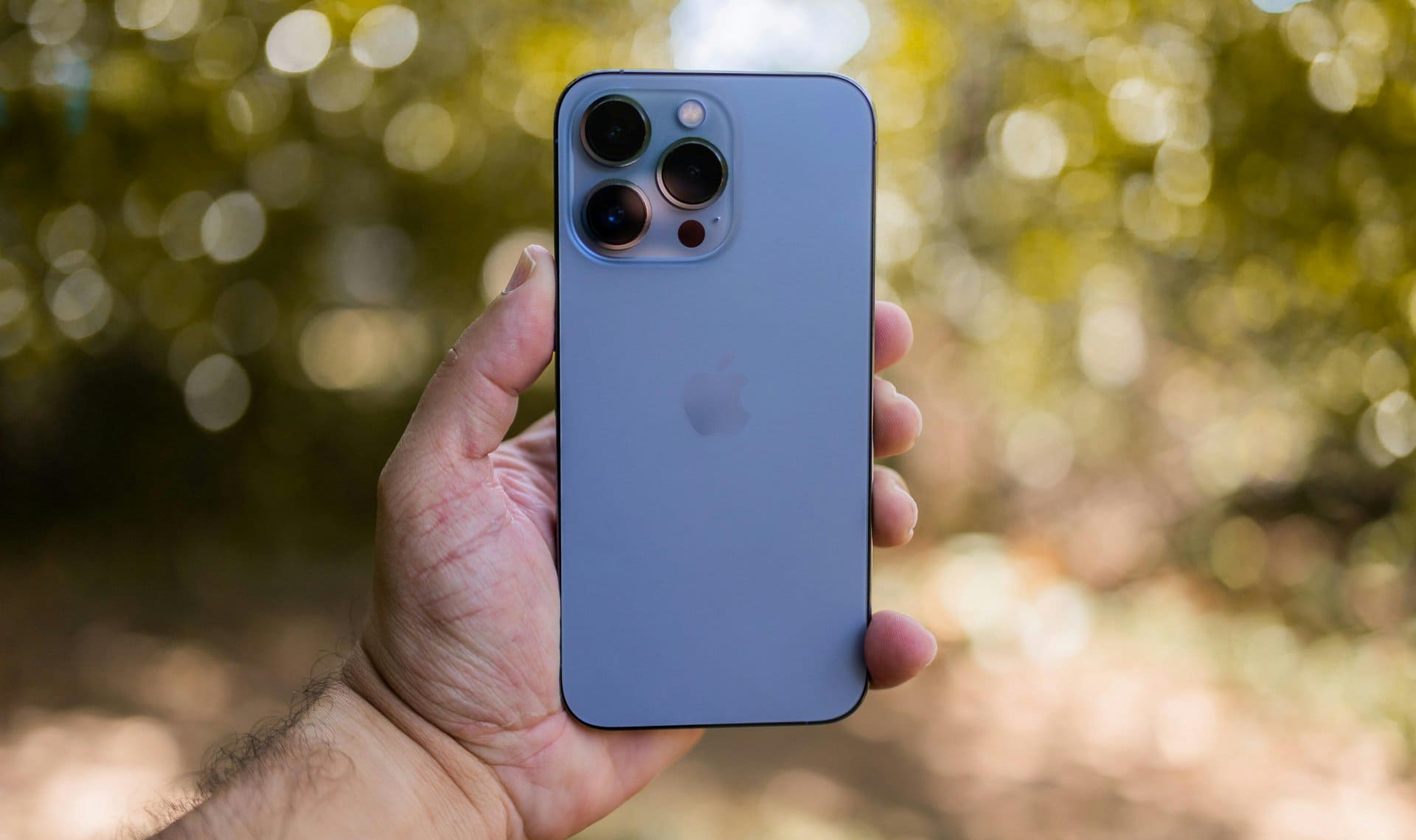
Buying a used or refurbished iPhone can be a smart decision. You save money and still get a powerful smartphone. But it can also turn into a bad experience if you miss important checks.
Many people buy a second hand or pre owned iPhone and later discover issues like poor battery health, hidden damage, iCloud lock, or even a stolen device. This guide is written to help you make a safe and confident decision.
“A careful check before buying saves regret after paying.”
Below is a practical, real-world buying guide based on common mistakes, technician experience, and everyday user problems. Whether you are buying from a friend, a local shop, or an online seller, this checklist applies.
Why You Must Inspect a Used or Refurbished iPhone Carefully
An iPhone is a premium device built by Apple. Even an old model can perform well for years. But internal wear, poor handling, or past repairs can affect its value and reliability. You can also read here general things to check before buying a second hand smartphone.
A proper inspection helps you:
- Avoid stolen or blacklisted phones
- Check real condition instead of seller claims
- Estimate future repair costs
- Decide if the price is fair
This checklist works for most popular iPhone models like iPhone 11, iPhone 12, iPhone 13, iPhone 16, iPhone 17, iPhone XR, iPhone SE, and even older devices.
Here is comprehensive article explaining the difference between buying a new phone versus a used phone and then decide accordingly.
1. Check the iPhone Model and Storage Variant
Start with the basics. Always confirm the exact iPhone model and storage capacity.
How to check
- Go to Settings → General → About
- Check:
- Model name
- Storage (64GB, 128GB, 256GB, etc.)
Many sellers advertise higher storage than the phone actually has. This is common in second hand markets.
Tip: Match the model number online to confirm region and original specifications.
When buying a new or used smartphone, a few simple checks can save you from big trouble—this guide on how to know if a phone is original or duplicate explains those checks in an easy, practical way.
2. Verify IMEI Number (Very Important)
The IMEI number is the phone’s unique identity.
What to do
- Dial *#06#
- Match the IMEI with:
- The box (if available)
- Settings → About
Why this matters
- Confirms originality
- Helps detect stolen or blacklisted devices
- Required for resale and warranty checks
If the IMEI does not match, do not buy the phone.
3. Check for iCloud Lock and Activation Lock
This is one of the most critical steps.
How to check
- Go to Settings
- If you see “Sign in to iPhone”, it is safe
- If an Apple ID is already logged in, ask the seller to remove it
Why it matters
- iCloud-locked phones are unusable
- Resetting won’t help
- Even refurbished phones must be iCloud-free
Never trust verbal assurance. Always check yourself.
4. Inspect the Physical Condition Closely
Do a slow, careful visual inspection.
Look for:
- Dents, bends, or deep scratches
- Cracks near camera or edges
- Quality of graphics on display
- Loose buttons
- Gaps between screen and frame
Minor scratches are normal on old phones. But dents or bends can indicate a fall or internal damage. Also check the charger if you are getting one along with it.
Tip: A phone with heavy dents often has hidden motherboard issues.
5. Check Display Quality and Touch Response
The display is one of the most expensive parts.
Test these points
- Full brightness and low brightness
- White screen (look for yellow patches or lines)
- Touch accuracy across all corners
Red flags
- Ghost touch
- Dead pixels
- Flickering
If the display was replaced, check if it feels less bright or less smooth.
6. Test Battery Health and Charging
Battery condition tells you how the phone was used.
How to check
- Go to Settings → Battery → Battery Health
- Look at Maximum Capacity
What is acceptable
- 85% and above: good
- 80–84%: usable but expect replacement soon
- Below 80%: negotiate price or avoid
Also test:
- Fast charging
- Charging port firmness
7. Run Basic Diagnostic Checks
You don’t need advanced tools. Simple diagnostic tests are enough.
Test manually
- Speaker (music + call)
- Microphone (voice recording)
- Vibration
- Proximity sensor (during calls)
These checks act like a quick mobile inspection test.
8. Check Camera Performance (Front & Rear)
Open the camera app and test all lenses.
What to test
- Focus speed
- Blurry spots
- Video recording
- Flash
Dust inside the camera or focus issues often mean past damage.
9. Test Face ID or Touch ID
Biometric features are essential for daily use.
Check properly
- Set up Face ID again
- Lock and unlock multiple times
If Face ID does not work, repairs are expensive and sometimes impossible.
10. Check Network, Wi-Fi, and Bluetooth
A phone may look perfect but still have network issues.
Test these
- Make a call
- Use mobile data
- Connect to Wi-Fi
- Pair Bluetooth
Network issues can point to antenna or motherboard problems.
11. Confirm It Is Not Stolen or Blacklisted
A stolen or blacklisted iPhone can stop working anytime.
What to do
- Ask for original bill if possible
- Check IMEI status via carrier tools
- Avoid phones with suspiciously low prices
If the price feels too good, something is usually wrong.
12. Ask About Repairs and Parts Replacement
Be direct. Ask the seller:
- Was the screen replaced?
- Was the battery changed?
- Any water damage?
Refurbished phones may have replaced parts. That’s fine if disclosed honestly.
Hidden repairs are a warning sign.
13. Compare Price With Market Value
Do not rush.
Compare prices across:
- Local shops
- Online refurbished platforms
- Different sellers
This helps you identify if the phone is overpriced.
“The best deal is not the cheapest one, but the safest one.”
Used vs Refurbished iPhone: Quick Comparison
| Aspect | Used iPhone | Refurbished iPhone |
|---|---|---|
| Seller | Individual / shop | Professional seller |
| Testing | Limited | Proper checklist |
| Warranty | Rare | Sometimes included |
| Price | Lower | Slightly higher |
| Risk | Higher | Lower |
Best Place to Buy a Used or Refurbished iPhone
There is no single best place, but safer options include:
- Trusted local shops
- Certified refurbished platforms
- Known sellers with return policy
Avoid unknown online listings without verification.
If you’re wondering how to start a second hand mobile reselling business, this guide walks you through everything from sourcing phones to selling for profit.
Common Mistakes Buyers Make
- Skipping IMEI check
- Ignoring battery health
- Trusting seller words blindly
- Not testing Face ID
- Buying in a hurry
Avoid these, and you already stay ahead of most buyers.
Does This Guide Apply to iPad and Other Apple Devices?
Yes. Many checks like Apple ID lock, battery health, and physical inspection also apply to iPad and other Apple devices.
Final Checklist Summary (Quick View)
Before paying, confirm:
- Correct model and storage
- Clean IMEI
- No iCloud lock
- Good battery health
- No major dents or damage
- All features working
Buying a used or refurbished iPhone is not risky if you know what to check. Take your time, follow this checklist, and don’t hesitate to walk away if something feels wrong.
A careful buyer always gets the better phone.