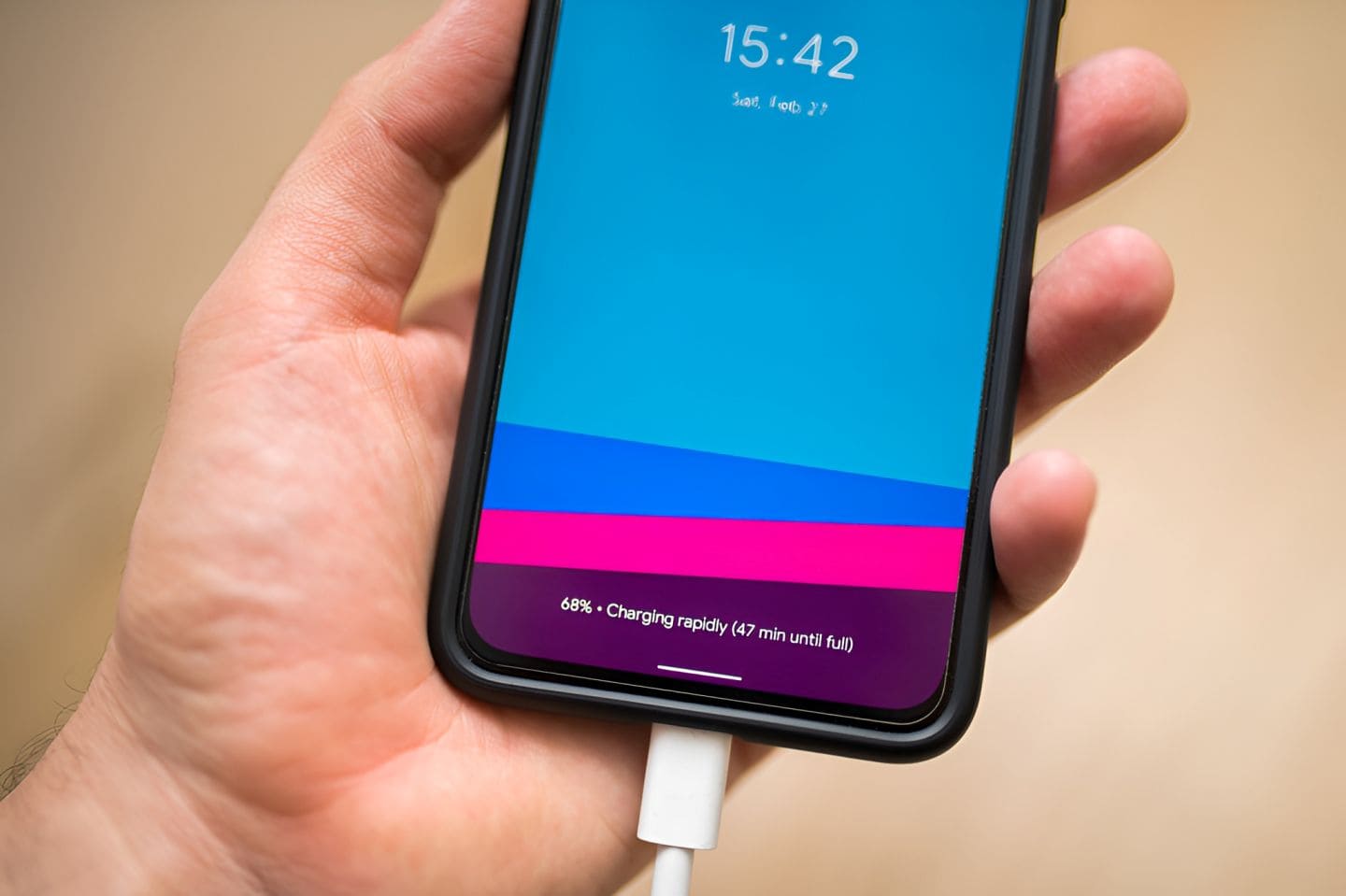
Is your phone not charging when you plug it in? This is one of the most common problems users face with any smartphone, whether it is an Android or an iPhone. It can be frustrating, especially when your battery is almost dead and you need your device urgently.
The good news is that most charging problems are not serious and can be fixed at home without spending money. In this guide, you will learn 7 easy fixes for phone not charging issues, along with practical tips, real examples, and expert insights to help you solve the problem quickly.
Why Is Your Phone Not Charging?
Before jumping to solutions, it helps to understand the possible reasons.
Common causes include:
- Damaged charging cable or adapter
- Dust or lint in charging port
- Software glitches
- Battery wear and tear
- Faulty power source
- Water or moisture damage
As a simple rule:
“Most charging issues are external, not internal.”
7 Easy Fixes for Phone Not Charging
1. Check Your Charging Cable and Adapter
Why this matters
Your charging cable is the most used accessory. Over time, it can get damaged internally.
What to do
- Try a different cable and adapter
- Use original or certified accessories
- Check for bends, cuts, or loose connections
Real-life example
Many users think their phone battery is dead, but many a times, switching to a new cable solves the issue instantly.
Pro tip
Avoid cheap duplicate chargers. They may damage your smartphone battery over time.
2. Clean the Charging Port Properly
Why this matters
Dust and lint can block the charging connection.
Steps to clean safely
- Turn off your phone
- Use a wooden toothpick or soft brush
- Gently remove dirt from the port
- Avoid using metal objects
Common mistake
Using pins or needles can damage the charging pins inside.
Result
You may notice your phone starts charging normally again after cleaning.
3. Restart Your Phone
Why this works
Sometimes, it is just a software glitch.
Steps
- Restart your Android or iPhone
- Plug in the charger again
Practical insight
Many background apps can interfere with charging detection.
“A simple restart can fix problems that look serious but are not.”
4. Try a Different Power Source
Possible issue
The problem may not be your phone but the power outlet.
What to test
- Use another wall socket
- Try charging via laptop or power bank
- Avoid loose extension boards
Example
People often charge phones from laptops. If USB ports are weak, charging may be slow or not happen.
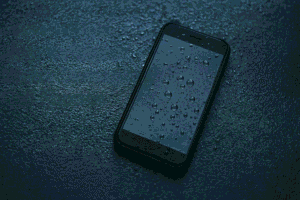
5. Check for Moisture or Water Damage
Why this is important
Modern smartphones have moisture sensors that stop charging if water is detected.
Signs
- Warning message like “Moisture detected”
- Charging stops automatically
What to do
- Keep phone in dry area
- Do not use hair dryer
- Let it air dry for a few hours
Pro tip
Silica gel packets can help absorb moisture faster.
6. Update Software or Reset Settings
Why this helps
Software bugs can affect charging behavior.
Steps
- Check for system updates
- Install latest version
- Reset settings if needed
Important
Do not factory reset unless necessary.
Use case
Business users who rely on their mobile phone daily should keep software updated to avoid unexpected issues.
7. Check Battery Health
When to suspect battery issue
- Phone charges very slowly
- Battery drains quickly
- Phone shuts down suddenly
What to do
- Check battery health in settings
- Visit authorized service center if needed
Reality check
Batteries degrade over time. This is normal.
Phone Not Charging Troubleshooting Table
| Problem | Possible Cause | Quick Fix |
|---|---|---|
| Phone not charging at all | Faulty cable or adapter | Try a different cable and adapter |
| Charging very slowly | Weak charger or background apps | Use fast charger and close apps |
| Charging stops randomly | Loose connection or dust | Clean charging port and check cable |
| Charges only at certain angle | Damaged cable or port | Replace cable or repair port |
| Charging but battery not increasing | Software issue | Restart phone or update software |
| Not charging after water exposure | Moisture in port | Let phone dry completely |
| Phone overheating while charging | Heavy usage or battery issue | Stop usage and unplug charger |
| Wireless charging not working | Misalignment or incompatible charger | Adjust position or use correct charger |
| Fast charging not working | Unsupported cable or settings | Use original fast charger |
Here are 6 reasons phone batteries explode and how to avoid it. You should always be careful if your phone is overheating or the battery has swollen a lot.
Android vs iPhone Charging Issues
Android Phones
Pros
- Easy troubleshooting
- Multiple charger options
Cons
- Quality varies across brands
- Ports wear out faster in budget models
iPhone
Pros
- Stable charging system
- Better battery optimization
Cons
- Expensive repairs
- Limited accessory compatibility
Common Mistakes to Avoid
- Using low quality chargers
- Ignoring dust in charging port
- Charging in very hot conditions
- Using phone while charging heavily
- Delaying battery replacement
Tips to Prevent Charging Problems
- Use original or certified accessories
- Clean charging port monthly
- Avoid overcharging overnight regularly
- Keep phone away from water
- Do not bend charging cable
When You Should Seek Professional Help
- Charging port is loose
- Phone heats excessively
- Battery swelling
- Phone not turning on at all
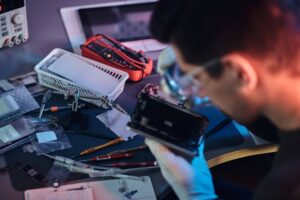
You can also bring your charging issue phone to Prizm Institute for repairs as we also provide mobile repairing services in Kurla in Mumbai. Its better to let a professional technician repair it if the fault is a major one.
Latest Trends in Smartphone Charging
- Fast charging technology is becoming standard
- Wireless charging is growing in popularity
- Smart charging protects battery life
- USB Type C is now widely used
These advancements improve convenience but also require proper accessories. Do you know how fast and how much watts is the world’s fastest phone charger?
FAQ Section
1. Why is my phone plugged in but not charging?
This can happen due to faulty cable, dirty port, or software glitch.
2. How do I fix slow charging on my smartphone?
Use a fast charger, original USB cable, clean the port, and avoid using phone while charging.
3. Can a damaged charging port be repaired?
Yes, but it usually requires professional repair.
4. Is it safe to use third party chargers?
Only if they are certified and high quality.
5. Why does my phone stop charging at a certain percentage?
This may be due to battery optimization or software settings.
6. How often should I replace my phone battery?
Usually after 2 to 3 years depending on usage.
CONCLUSION
A phone not charging can feel like a major problem, but in most cases, it is simple to fix. From checking your cable to cleaning the charging port and updating software, these easy steps can save you time and money.
The key is to identify the cause step by step instead of guessing. Regular care and proper charging habits will also prevent future issues.
If your problem still continues after trying all fixes, it is best to consult a professional technician.
Take care of your smartphone, and it will take care of you when you need it the most.