Introduction
Switching off lights after leaving home. Adjusting the fan speed without getting up. Checking whether the door is locked while you’re at work.
These everyday situations are exactly why many people are curious about controlling their home with a phone.
Until a few years ago, this felt expensive and complicated. Today, it is affordable, practical, and beginner-friendly. You don’t need to be an engineer. You don’t need to rewire your house. And you don’t need advanced technical knowledge.
With a smartphone, basic internet connection, and the right devices, you can control lights, fans, appliances, security cameras, and more—from anywhere.
This guide explains everything from the ground up:
- What smart home and IoT really mean
- How phone-based home control works
- What devices you actually need (and what you don’t)
- Step-by-step setup for beginners
- Real-world examples, benefits, limits, and common mistakes
If you are new to smart homes or just confused by the options, this article is written for you.
What Does “Controlling Your Home With Your Phone” Mean?
Controlling your home with your phone means using a mobile app on your smartphone to operate household devices remotely.
Instead of:
- Physical switches
- Manual remotes
- Being physically present
You use:
- A smartphone app
- An internet connection (Wi-Fi or mobile data)
- Smart or smart-enabled devices
You can control devices:
- From another room
- From your office
- From another city or country
This control can include:
- Turning devices on or off
- Adjusting settings (brightness, speed, temperature)
- Scheduling actions
- Monitoring status (on/off, camera feed, power use)
Understanding IoT in Simple Words
IoT stands for Internet of Things.
In simple terms:
IoT means physical devices that can connect to the internet and communicate with your phone or other devices.
An IoT device usually has:
- A small processor
- Wi-Fi or Bluetooth connectivity
- Sensors or switches
- A companion mobile app
Examples:
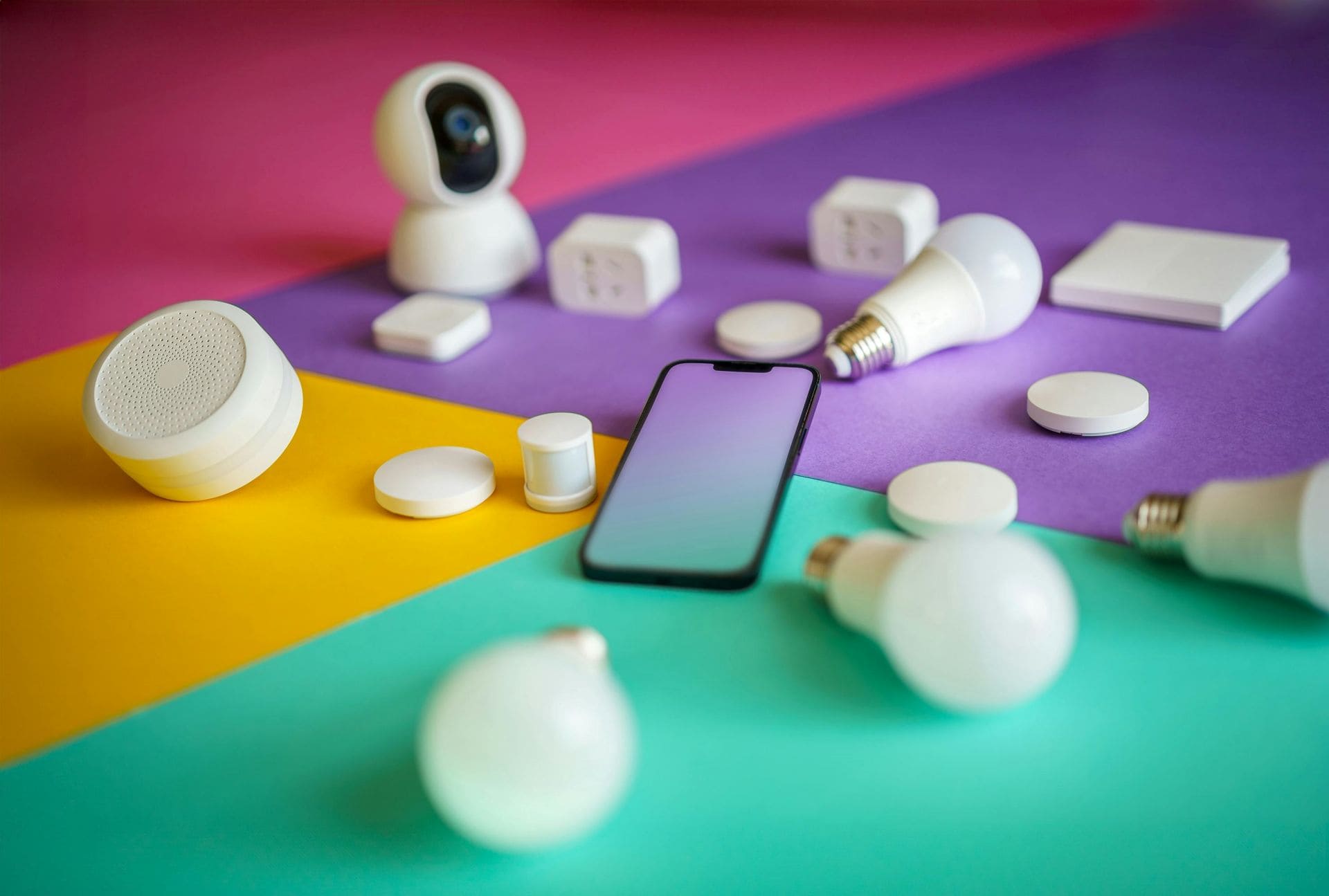
- Smart bulbs
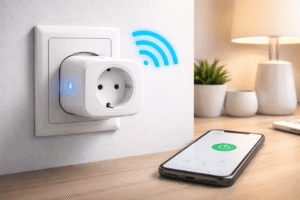
- Smart plugs
- Smart switches
- Smart cameras
- Smart door locks
Your phone acts as the control center, while the internet acts as the bridge between you and your home.
How Phone-Based Home Control Works (Step-by-Step Concept)
Here is the basic flow, explained simply:
- You open a smart home app on your phone
- The app sends a command through the internet
- The command reaches your home Wi-Fi router
- The smart device receives the instruction
- The device performs the action
Example:
You tap “Turn off living room light” → light switches off instantly.
This process usually takes less than a second with a stable internet connection.
What You Need to Control Your Home With Your Phone
1. A Smartphone
Almost any modern smartphone works:
- Android phones
- iPhone devices
You just need:
- Updated operating system
- App store access
- Internet connection
2. Internet Connection
At home:
- Wi-Fi broadband connection
On your phone:
- Mobile data or Wi-Fi
A faster connection improves responsiveness but basic broadband is enough.
3. Smart Devices or Smart Controllers
You can start small. You do not need to automate everything at once.
Common beginner devices:
- Smart bulbs
- Smart plugs
- Smart switches
- Smart power strips
4. Mobile Apps
Each smart device comes with its own app or supports a common smart home platform.
The app allows you to:
- Pair devices
- Control them
- Create schedules
- Monitor status
Choosing your first smart plug can feel confusing with so many options available. This guide simplifies the decision in 10 Best Smart Plugs for Beginners – No Hub Needed.
Popular Things You Can Control Using Your Phone
Lights
- Turn on/off lights remotely
- Adjust brightness
- Change colors (RGB bulbs)
- Schedule lighting
Fans
- On/off control
- Speed adjustment (with compatible controllers)
- Timers
Air Conditioners
- Temperature control
- Mode selection
- Scheduling
- Power monitoring
Power Sockets & Appliances
- Control non-smart devices using smart plugs
- Turn off irons, heaters, chargers remotely
- Monitor power usage
Security Devices
- Live camera feeds
- Motion alerts
- Door lock status
- Two-way audio (on supported devices)
Smart Devices vs Smart Switches: What’s Better for Beginners?
| Feature | Smart Device | Smart Switch |
|---|---|---|
| Installation | Very easy | Moderate |
| Works with existing appliances | Limited | Yes |
| Physical switch compatibility | Sometimes | Yes |
| Cost per point | Higher | Lower |
| Beginner-friendly | Yes | Medium |
Tip:
If you are renting or want zero wiring changes, start with smart bulbs and plugs.
If you own your home and want cleaner control, smart switches are better long term.
Step-by-Step: How to Control Your Home With Your Phone
Step 1: Choose One Device to Start
Do not automate everything at once.
Good first choices:
- Bedroom light
- Living room fan
- TV power socket
Step 2: Install the Device
- Replace bulb / plug device into socket
- Power it on
- Follow basic safety instructions
Step 3: Install the Mobile App
- Download the app mentioned on the device box
- Create an account if required
- Enable Bluetooth and Wi-Fi
Step 4: Pair the Device
- App will search for nearby devices
- Connect to home Wi-Fi
- Name the device (e.g., “Bedroom Light”)
Step 5: Test Control
- Turn device on/off from phone
- Try controlling from another room
- Try controlling using mobile data
Congratulations. Your phone now controls part of your home.
Scheduling and Automation (The Real Power of Smart Homes)
Manual control is just the beginning.
You can automate actions like:
- Lights turn on at sunset
- Fan turns off after 1 hour
- AC switches off automatically at night
- Lights turn on when motion is detected
Automation saves:
- Energy
- Time
- Effort
Even beginners can create simple schedules in minutes.
Real-Life Use Cases (Practical Examples)
Example 1: Forgetful Appliance Control
You leave home and wonder:
“Did I switch off the iron?”
Open app → check → turn off instantly.
Example 2: Elderly-Friendly Homes
Elderly family members can:
- Control devices from bed
- Avoid moving in the dark
- Use simple phone taps
Example 3: Travel Monitoring
While traveling:
- Check camera feeds
- Turn lights on occasionally
- Create a “someone is home” effect
If your smart plug fails to pair with your home network, the issue could be frequency related. Learn the most common causes and fixes in Why Smart Plug Does Not Connect to 5GHz Wi-Fi: 5 Quick Fixes.
Real-World Smart Home Setup Examples
Smart home setups look different depending on where you live or work. An apartment, an independent house, and a small office each have unique needs, wiring limitations, and internet reliability issues.
The examples below show what actually works in real situations, not ideal lab setups.
1. Apartment (Rented or Owned)
Typical Situation
- Limited permission for wiring changes
- Standard Wi-Fi router from ISP
- Mixed usage of Android phones and iPhones
- Frequent power fluctuations (especially in India)
Recommended Setup
Best approach: Plug-and-play devices with no permanent changes.
Devices used
- Smart bulbs for bedroom and living room
- Smart plugs for TV, router, and chargers
- Optional smart camera for main door
How phone control helps
- Turn off lights after leaving home
- Schedule night lights automatically
- Remotely power off unused appliances
Estimated setup cost
- India: ₹1,500–₹4,000
- Global: $25–$70
Setup difficulty: Easy (15–30 minutes)
Real-world insight
In apartments, Wi-Fi signal strength matters more than device brand. Placing the router centrally avoids “device offline” issues that beginners often face.
2. Independent House (Owned Home)
Typical Situation
- Multiple rooms and floors
- More appliances and higher power usage
- Stable broadband connection
- Freedom to modify switches
Recommended Setup
Best approach: Smart switches + selected smart appliances.
Devices used
- Smart switches for lights and fans
- Smart AC controller
- Smart outdoor camera
- Smart doorbell (optional)
How phone control helps
- Control lights and fans floor-wise
- Monitor entry points remotely
- Schedule outdoor lights at sunset
Estimated setup cost
- India: ₹6,000–₹15,000
- Global: $100–$250
Setup difficulty: Medium (may need electrician)
Real-world insight
In Indian independent houses, choosing smart switches with manual override is critical. During power or internet issues, physical switches still work normally.
3. Small Office (5–20 People)
Typical Situation
- Fixed working hours
- Shared devices like lights, AC, and printers
- Need for energy control and security
- Multiple users accessing the same system
Recommended Setup
Best approach: Centralized phone control with scheduling.
Devices used
- Smart switches for lights and fans
- Smart plugs for printers and routers
- Smart camera for entrance
- One admin phone for control
How phone control helps
- Automatically switch off devices after office hours
- Monitor entry during non-working hours
- Reduce electricity wastage
Estimated setup cost
- India: ₹5,000–₹12,000
- Global: $80–$200
Setup difficulty: Medium
Real-world insight
In offices, assigning one admin account avoids confusion. Multiple uncontrolled users often lead to accidental device switching during work hours.
4. Small Shop or Retail Store
Typical Situation
- Long operating hours
- Lighting and signage used daily
- Limited technical staff
- Need for simple, reliable control
Recommended Setup
Best approach: Smart plugs and switches with timers.
Devices used
- Smart plug for display lights
- Smart switch for ceiling lights
- Optional camera for theft monitoring
How phone control helps
- Turn on lights before arriving
- Ensure everything switches off at closing time
- Monitor shop remotely on holidays
Estimated setup cost
- India: ₹2,000–₹6,000
- Global: $35–$100
Setup difficulty: Easy to Medium
Real-world insight
For shops in India, devices that auto-recover after power cuts are important. Many budget smart plugs restart safely without manual reset, which is ideal for retail use.
Smart Home Cost Breakdown (Beginner to Advanced Setups)
The cost of controlling your home with your phone depends on how many devices you automate and how deep you want the control to be. You don’t need a full setup from day one. Many people start small and expand gradually as they get comfortable.
Below is a realistic cost breakdown based on commonly used smart devices in Indian homes and comparable global pricing.
| Setup Level | Devices Included | Approx Cost Range |
|---|---|---|
| Starter Setup | 1 smart plug OR 1 smart bulb | ₹1,000 – ₹2,000 |
| Basic Room Setup | 2 smart bulbs + 1 smart plug | ₹2,500 – ₹4,500 |
| Single-Room Automation | Smart switch (lights & fan) | ₹3,500 – ₹6,000 |
| Multi-Room Home Setup | Smart switches + plugs (2–3 rooms) | ₹6,000 – ₹12,000 |
| Security-Focused Setup | Smart camera + smart plug | ₹4,000 – ₹8,000 |
| Advanced Home Control | Smart switches, AC control, cameras | ₹10,000 – ₹18,000 |
Cost Perspective
- Prices vary by brand, features, and region
- Installation charges (if any) are usually separate
- Most users reach a comfortable setup without going beyond the Basic or Single-Room level
Popular Smart Home Ecosystems Beginners Should Know About
When controlling your home with your phone, you’ll often come across a few well-known smart home ecosystems. You don’t need to use all of them, but understanding what they do helps you make better choices.
Amazon Echo
Amazon Echo devices act as voice-enabled smart home hubs. They work alongside mobile apps to control lights, plugs, fans, and other smart devices. Many beginners like Echo because it supports a wide range of third-party smart home products and is easy to set up using a smartphone.
Google Nest
Google Nest focuses on simple, app-first smart home control. Using your phone, you can manage devices like lights, plugs, thermostats, and cameras from one place. It integrates well with Android phones and is known for clean apps and reliable automation.
Apple HomePod
Apple HomePod is designed for users already using iPhones and other Apple devices. It works through Apple’s Home app, allowing phone-based control with strong privacy features. It’s beginner-friendly but usually works best when all devices support Apple’s ecosystem.
Philips Hue
Philips Hue is mainly used for smart lighting control. Using your phone, you can control brightness, colors, scenes, and schedules. It’s popular worldwide for its stability and is often one of the first smart devices people try at home.
Quick note:
You don’t need to buy these devices to control your home with your phone. Many smart plugs, bulbs, and switches work independently using their own mobile apps. These ecosystems simply offer centralized control and optional voice features if you want to expand later.
Benefits of Controlling Your Home With Your Phone
Key Advantages
- Convenience and comfort
- Remote access from anywhere
- Energy savings
- Better safety and awareness
- Custom schedules
Long-Term Value
- Lower electricity wastage
- Reduced manual effort
- Scalable system (add devices later)
Limitations and Things to Be Aware Of
Internet Dependency
No internet = no remote control
(Local control may still work for some devices)
Compatibility Issues
- Not all devices work with all apps
- Mixing brands may need multiple apps
Initial Learning Curve
- Small setup effort required
- Basic app familiarity needed
Security Responsibility
- Weak passwords can be risky
- Always enable app security options
Common Mistakes Beginners Make
- Buying devices without checking Wi-Fi compatibility
- Using weak home Wi-Fi routers
- Forgetting firmware updates
- Over-automating too early
- Ignoring manual override options
Start small. Learn gradually. Expand confidently.
Safety, Privacy, and Trust Tips
- Use strong passwords
- Enable two-factor authentication if available
- Keep apps and devices updated
- Buy from reliable manufacturers
- Avoid public Wi-Fi for setup
Smart homes are safe when used responsibly.
Pros and Cons Summary
Pros
- Easy phone-based control
- Remote access
- Energy efficiency
- Custom automation
- Scalable system
Cons
- Internet dependency
- Initial setup time
- App ecosystem limitations
- Needs basic digital awareness
Balanced expectations lead to better experiences.
Is Smart Home Control Right for You?
Smart home control is useful when it solves real daily problems, not just because it looks modern. A quick self-check can help you decide.
It’s a good fit if you:
- Forget to switch off lights or appliances
- Want convenience and remote access
- Are comfortable using a smartphone and apps
- Travel often or stay out for long hours
- Want to reduce electricity wastage
Even one smart plug or bulb can be enough to see value.
It may not suit you if you:
- Have unreliable internet or frequent power cuts
- Prefer physical switches over mobile apps
- Expect zero setup or learning
- Want systems that work fully offline
Simple way to decide
Start with one low-cost device, use it for a few weeks, and see if it improves your routine. Expand only if it genuinely helps.
Bottom line: Smart home control works best when it adds convenience to your life—not when it feels like extra effort.
FAQs
1. Can I control my home with my phone without Wi-Fi?
Most devices need Wi-Fi for remote control. Some work locally via Bluetooth but with limited range.
2. Is smart home control expensive?
No. You can start with a single smart plug or bulb and expand gradually.
3. Does it work on both Android and iPhone?
Yes. Most smart home apps support both platforms.
4. Can I use smart devices in rented homes?
Yes. Smart plugs and bulbs are ideal because they require no permanent changes.
5. Is smart home automation safe?
Yes, if you use strong passwords, update devices, and avoid untrusted apps.
6. What happens if power goes off?
Devices restart when power returns. Some settings may need rechecking.
Conclusion
Controlling your home with your phone is no longer futuristic or complex. It is practical, affordable, and beginner-friendly.
With just a smartphone, internet connection, and a few smart devices, you can:
- Simplify daily routines
- Improve comfort
- Save energy
- Stay connected to your home anywhere
Start small. Learn as you go. Build your smart home step by step.
Once you experience the convenience, it becomes hard to imagine going back.