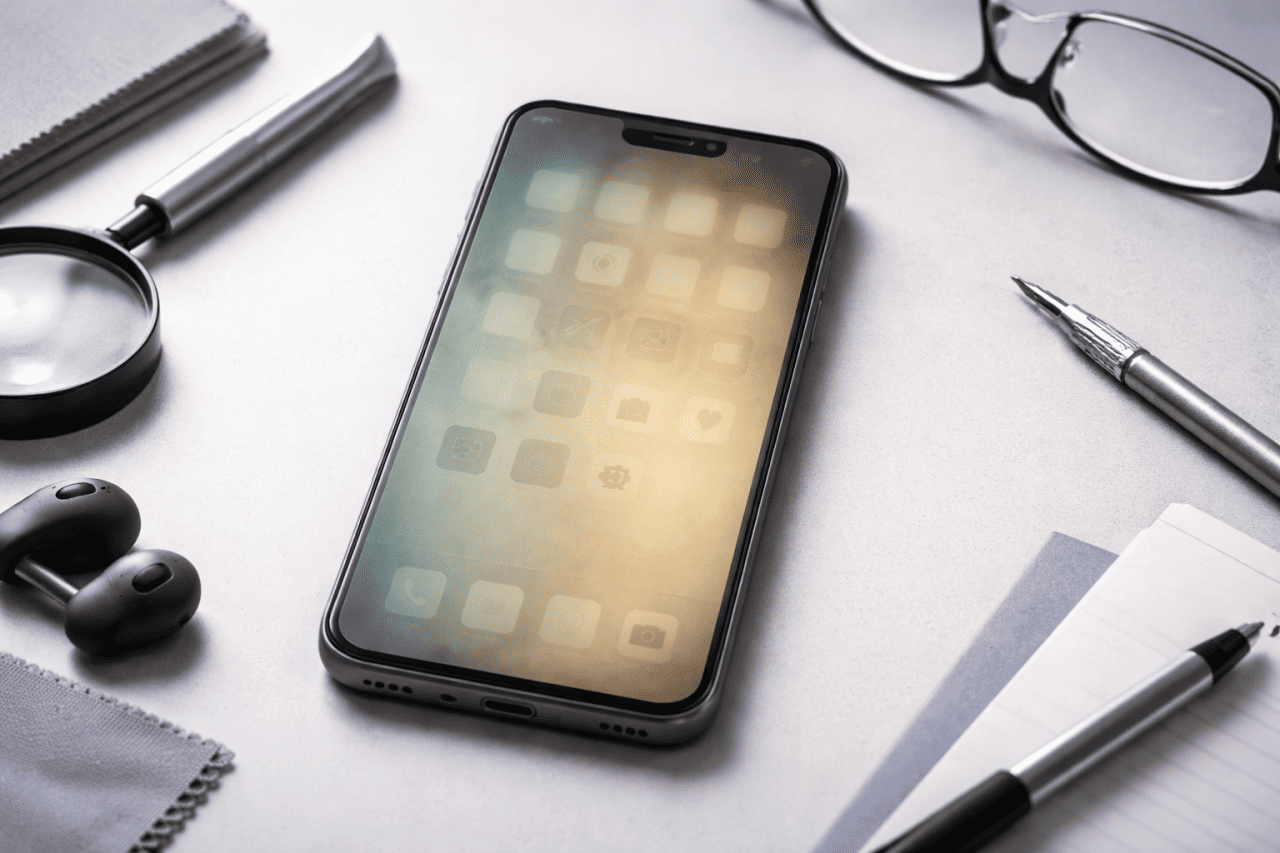
Screen burn is one of the most frustrating phone display problems. You unlock your phone and notice faint shadows of icons, a keyboard outline, or a status bar that never fully disappears. At first, it looks like dirt or glare. But over time, it becomes clear that something is wrong with the screen itself.
This issue affects many Android phones and iPhones, especially those with OLED or AMOLED displays. It can happen on budget phones and premium smartphones alike. The good news is that screen burn is not always permanent. In many cases, it can be reduced, managed, or slowed down with the right steps.
This guide explains what screen burn really is, why it happens, and five proven methods that can help fix or reduce it in 2026. The focus is practical and realistic. You will also learn what does not work, when repair is the only option, and how to prevent the problem in the future.
What Is Screen Burn on a Phone?
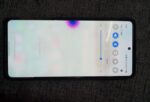
Screen burn, often called screen burn in, happens when certain pixels on a display wear out faster than others. This creates a permanent or semi permanent image that remains visible even when the content on the screen changes.
You may notice:
- Ghost images of app icons
- A faded navigation bar
- Keyboard outlines
- Status bar symbols that never disappear
Screen Burn vs Image Retention
These two issues are often confused.
- Image retention is temporary. The ghost image fades after minutes or hours.
- Screen burn is long term. The image remains visible even after restarts.
Understanding the difference matters because image retention is easy to fix, while true burn is more difficult.
Which Phones Are Most Affected?
Screen burn mainly affects phones with OLED and AMOLED displays.
These displays are common in:
- Most modern Android smartphones
- Many recent iPhone models
- Phones with always on display features
LCD screens can suffer from image retention, but permanent burn is rare on LCD.
Common Causes of Screen Burn
Screen burn does not happen overnight. It builds up slowly due to usage habits.
Main causes include:
- High screen brightness for long periods
- Static elements like navigation bars and status icons
- Gaming or video apps with fixed UI
- Always on display used continuously
- Long screen on time without variation
A phone used heavily for navigation apps or social media is more at risk than one used for calls and messaging.
How to Check How Bad the Screen Burn Is
- Open a white or grey image in full screen
- Reduce brightness to around 40 percent
- Look for icons, keyboard outlines, or bars
- Rotate the phone to rule out glare
Can Screen Burn Be Fixed Completely?
This is where honesty matters.
- Mild burn or image retention can often be reduced or reversed
- Severe burn is usually permanent
- Software methods help more in early stages
The five methods below are proven to help in real world use, but results depend on how advanced the damage is.
Method 1 – Use Pixel Refresh or Screen Calibration Tools
What This Method Does
Pixel refresh tools work by cycling colors across the screen. This helps balance uneven pixel wear, especially in early stages of burn.
How to Use It
- Search for trusted screen refresh or burn fix apps
- Run the tool for 30 to 60 minutes
- Keep the phone plugged in during the process
- Repeat daily for a few days if needed
When It Works Best
- Early burn signs
- Light ghosting
- Image retention mistaken as burn
Limitations
- Does not fix deep burn
- Overuse may increase overall pixel wear
This method is most effective when the issue is caught early.
Method 2 – Reduce Brightness and Change Display Settings
Why This Helps
Brightness directly affects pixel aging. Reducing brightness slows further damage and sometimes makes existing burn less visible.
Steps to Follow
- Set brightness to auto or below 60 percent
- Enable dark mode across the system
- Use dark wallpapers instead of bright ones
- Reduce screen timeout duration
Real World Impact
This method does not reverse burn, but it prevents it from getting worse and improves daily usability.
Method 3 – Use Inverted Colors or Color Cycling Temporarily
How This Method Works
Inverting colors or displaying full screen color patterns forces pixels to operate differently. This can help reduce uneven wear in mild cases.
How to Try It
- Enable color inversion temporarily
- Play full screen videos with varied colors
- Avoid static images during this period
Practical Tip
Use this method for limited sessions, such as 20 to 30 minutes daily. Long continuous use is not recommended.
Method 4 – Adjust App and UI Behavior
Reduce Static Elements
Static UI elements are the biggest contributors to burn.
Changes That Help
- Switch to gesture navigation instead of buttons
- Hide persistent navigation bars where possible
- Use apps with dynamic UI layouts
- Rotate wallpaper periodically
Experience Insight
Users who switch from button navigation to gestures often notice that burn stops spreading further.
Method 5 – Professional Display Replacement
When This Is the Only Solution
If screen burn is clearly visible at all times and affects usability, replacement is the only permanent fix.
Things to Consider
- Cost of replacement vs phone value
- Availability of original display
- Warranty coverage
Important Reality Check
Software cannot fix severe burn. Accepting this early saves time and frustration.
Screen Burn Risk by Display Type
| Display Type | Burn Risk | Notes |
|---|---|---|
| OLED / AMOLED | High | Pixel wear causes permanent burn |
| Super AMOLED | High | Same risk, better brightness control |
| LCD | Very low | Mostly temporary image retention |
What Not to Do
Some advice online can make things worse.
Avoid:
- Maximum brightness burn fix videos for hours
- Cheap unverified apps that promise instant repair
- Static white images for long periods
- Ignoring the issue until it spreads
When It Might Not Be Screen Burn
Not every shadow or mark on your phone screen means permanent damage. In many cases, the issue is temporary or caused by something else.
- Temporary image retention after gaming – Ghost images that fade after a few minutes or hours, especially after long gaming or video sessions.
- App UI glitches – Some apps leave visual artifacts that disappear once the app is closed or the phone is restarted.
- Software overlays or accessibility features – Blue light filters, edge panels, or accessibility tools can create fixed-looking shapes on the screen confirms in settings.
- Dirty or damaged screen protector – Scratches, bubbles, or residue on a screen protector can look like burn but vanish once it is cleaned or removed.
Quick Screen Burn Prevention Checklist
Use these simple habits to reduce the risk of screen burn on your phone.
- Keep brightness below maximum whenever possible
- Use dark mode across apps and system settings
- Enable auto screen off to avoid long idle display time
- Avoid static apps for hours, especially games or navigation
- Change wallpapers regularly to prevent uneven pixel wear
How Long Does It Take to See Improvement?
Results vary.
- Image retention may fade in hours
- Mild burn may improve over days
- Severe burn shows little to no change
Consistency matters more than intensity.
Pros and Cons of Software Fixes
Pros
- Low cost or free
- Easy to try at home
- Helpful for early stage issues
Cons
- Limited effectiveness
- Cannot repair damaged pixels
- Time consuming
How to Prevent Screen Burn in the Future
Prevention is always easier than repair.
Best Practices
- Keep brightness reasonable
- Use dark mode regularly
- Avoid long static screens
- Enable screen timeout
- Change wallpapers often
Phones used with these habits rarely develop noticeable burn.
Common Misconceptions About Screen Burn
Screen Burn Always Means Replacement
Not always. Early cases can improve.
Only Cheap Phones Get Burn
False. Premium phones are equally affected.
Software Can Fully Fix Any Burn
Incorrect. Software has limits.
FAQs
Is screen burn permanent on phones?
Severe screen burn is permanent, but mild cases can sometimes be reduced with proper steps.
Does screen burn affect touch response?
No. Screen burn affects visuals, not touch sensitivity.
Can factory reset fix screen burn?
No. Screen burn is hardware related.
Does dark mode prevent screen burn?
Dark mode helps reduce risk but does not guarantee full prevention.
Can iPhones get screen burn?
Yes. Any OLED iPhone can develop screen burn over time.
Is screen replacement worth it?
It depends on phone age and replacement cost.
Conclusion
Screen burn is a real and common issue in modern smartphones, especially those with OLED displays. While it cannot always be completely fixed, early action makes a big difference. Using pixel refresh tools, reducing brightness, adjusting UI behavior, and avoiding static elements can significantly slow or reduce the problem.
The most important takeaway is to manage expectations. Software methods help in early stages, but severe burn requires display replacement. With the right habits, you can extend your phone screen life and avoid burn issues altogether.
If your phone is still usable, focus on prevention. If the burn affects daily use, consider repair options carefully. Either way, understanding the problem puts you in control.