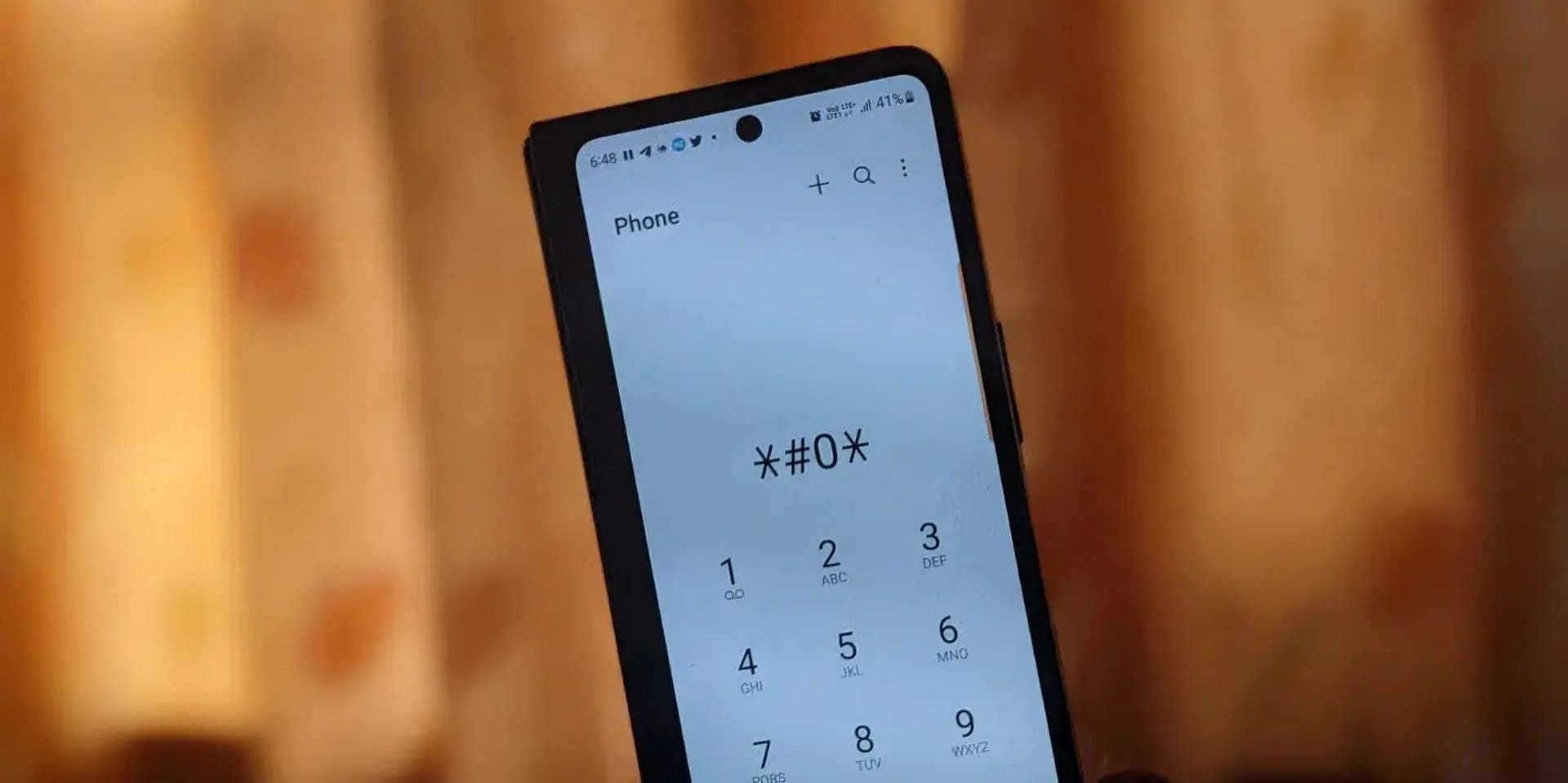
Android phones are powerful, flexible, and full of hidden features. But many users only use a small part of what their smartphone can actually do. Behind the scenes, Android includes secret dialer codes and hidden tricks that can help you test hardware, check system details, troubleshoot problems, and access advanced information.
These codes are mostly used by technicians, service centers, and advanced users—but many of them are safe and useful for regular phone users too.
In this guide, you’ll learn 20+ working Android secret codes and practical hidden tricks, explained in simple language with real-life use cases.
⚠️ Important note:
Some codes open testing menus or reset data. Use them carefully. Do not change settings unless you understand what they do.
What Are Android Secret Codes?
Android secret codes are special numeric combinations entered in the phone dialer (like making a call). Instead of placing a call, these codes open hidden menus or display system information.
They are mainly used for:
- Hardware testing
- Software diagnostics
- Network information
- Device identification
- Factory testing
Most codes start and end with symbols like * and #.
Here are some important mobile repairing terms, jargon & full forms to increase your knowledge. These jargon help technicians understand phone hardware and software in a better way.
Why These Secret Codes Still Matter Today
Even with modern Android apps, secret codes are still useful because they:
- Work offline
- Show raw system data
- Help detect hardware faults
- Save time during troubleshooting
- Are used by service centers and technicians
If you own an Android smartphone, these codes can help you understand your device better. Meanwhile, you can explore some smart iPhone secret codes, tricks and shortcuts that help you access hidden features many users don’t even know exist.
How to Use Android Secret Codes
Using secret codes is simple:
- Open the Phone / Dialer app
- Enter the code exactly as written
- The menu or information appears automatically
No internet connection is required.
Universal Android Secret Codes (Work on Most Phones)
These codes usually work on stock Android and many custom Android skins.
1. Check IMEI Number
*#06#
Supported on: All Android phones
What it does: Displays IMEI (International Mobile Equipment Identity)
Use this to:
- Verify phone originality
- Check warranty
- Block a lost mobile phone
- Useful during resale
This is one of the most important Android codes. Safe to use.
2. Android Phone Information Menu
*#*#4636#*#*
Supported on:
- Stock Android
- Google Pixel
- Motorola
- Nokia
- Some Samsung models
Shows:
- Phone info (network, signal, LTE/NR)
- Battery health
- Usage statistics
- Wi-Fi details
This is one of the most useful diagnostic menus.
3. Software Version Details
*#*#44336#*#*
Supported on: Many Android devices
Shows:
- Build time
- Build number
- Software version details
Helpful when checking firmware authenticity.
4. Hardware Test Menu
*#*#0*#*#*
Supported on:
- Samsung
- Some Xiaomi models
- Some OnePlus devices
Allows testing:
- Display colors
- Touchscreen
- Sensors
- Speaker
- Camera
- Vibration
Very useful when buying a used or refurbished phone.
Samsung Secret Codes (Still Working)
Samsung smartphones support some of the most powerful service codes.
5. Samsung Complete Test Mode
*#0*#

Supported on: Most Samsung Galaxy phones
Test:
- AMOLED display
- Touch grid
- Sensors
- Camera
- Speaker
- Receiver
No data risk.
6. Firmware Version (Samsung)
*#1234#
Shows:
- PDA version
- CSC version
- Modem version
Useful for technicians and advanced users.
7. Battery Status (Samsung)
*#0228#
Displays:
- Battery voltage
- Battery level
- Charging status
Helpful if your phone drains fast.
8. Service Mode (Advanced)
*#0011#
Shows network-level information like:
- Signal strength
- Band info
- Cell ID
For advanced users only.
Xiaomi / Redmi / POCO Secret Codes
Xiaomi devices use a mix of Android and MIUI-specific menus.
9. Xiaomi Hardware Test Menu
*#*#6484#*#*
Supported on: Xiaomi, Redmi, POCO
Allows testing:
- Display
- Buttons
- Camera
- Sensors
- Audio
- Connectivity
Very reliable and widely used.
10. Xiaomi Software Info
*#*#4636#*#*
Same as stock Android, works well on MIUI.
11. Xiaomi Engineering Mode
*#*#3646633#*#*
Supported on: Some MediaTek-based Xiaomi phones
Used mainly for:
- Network testing
- Radio settings
Avoid changing values.
OnePlus Secret Codes
OnePlus phones running OxygenOS still support several useful codes.
12. OnePlus Hardware Diagnostics
*#808#
Supported on: Many OnePlus models
Tests:
- Sensors
- Camera
- Audio
- Touchscreen
13. OnePlus Engineering Menu
*#801#
Accesses engineering functions for testing and debugging.
Oppo / Realme / Vivo Secret Codes
These brands share internal systems in many models.
14. Hardware Test Menu
*#*#807#*#*
Supported on: Oppo, Realme, Vivo (selected models)
Used to check:
- Display
- Sensors
- Buttons
- Camera
15. Factory Test Mode
*#*#808#*#*
Works on several Oppo and Realme phones.
Motorola & Nokia Secret Codes
Near-stock Android phones support core diagnostic menus.
16. Motorola Test Menu
*#*#2486#*#*
Access hardware tests and system checks.
17. Nokia Hardware Diagnostics
*#*#372733#*#*
Useful for sensor and component testing.
Network & Connectivity Codes
18. Check Network Lock Status
*#7465625#
Shows:
- SIM lock status
- Network lock
Supported on some Samsung and Android devices.
19. Wi-Fi Information
*#*#232338#*#*
Displays Wi-Fi MAC address.
20. Bluetooth Information
*#*#232337#*#*
Shows Bluetooth device address.
Data Reset Codes (Use With Extreme Caution)
⚠️ These codes erase data permanently.
They are listed for awareness, not recommendation.
21. Factory Reset (Partial)
*#*#7780#*#*
Removes:
- Apps
- Settings
Does not remove internal storage.
22. Full Factory Reset
*2767*3855#
Erases:
- Internal storage
- Apps
- Accounts
Cannot be undone. This code works only in older Samsung Galaxy phones.
Hidden Android Tricks Without Codes
Not all hidden features require secret numbers.
Enable Developer Options
- Go to Settings
- About phone
- Tap Build number 7 times
Unlocks:
- USB debugging
- Animation control
- Performance tweaks
Built-in Safe Mode
Helps detect faulty apps.
- Hold Power button
- Tap and hold Power off
- Select Safe Mode
Here are some more hidden Android tips and tricks that you can use and explore.
“The smartest smartphone user is not the one with the latest device, but the one who understands it.”
Common Reasons Codes Don’t Work
If a code does not open anything, possible reasons include:
- Brand does not support it
- Carrier restrictions
- Android skin limitations
- Software updates disabling access
- Incorrect typing
Always type codes exactly as shown.
Are Secret Codes Safe?
Yes, if used correctly.
Safe usage:
- Viewing information
- Running tests
- Checking battery and network
Risky usage:
- Changing engineering values
- Using reset codes unknowingly
If you are unsure, exit without saving.
Who Should Use These Codes?
These hidden tricks are useful for:
- Android users
- Smartphone buyers
- Mobile repair technicians
- Refurbished phone sellers
- Quality check teams
- Advanced users
They work on Android devices including:
- Entry-level phones
- Mid-range smartphones
- Flagship models
- Some tablets
They do not apply to iPhone, which uses a different system.
Summary: Use Knowledge, Not Guesswork
Android secret codes are powerful tools.
They help you understand your phone beyond apps and settings.
Use them to test, verify, and learn — not to experiment blindly.
If you buy or repair mobile phones regularly, learning these codes can save time, money, and confusion.
Quick Call-to-Action
- Try one or two safe codes on your Android smartphone today.
- Start with IMEI or hardware tests.
- Explore slowly.
- Your device will tell you more than you expect.