Smartphones have become such an important part of our lives that we often forget how complex these devices really are. We use them every day, yet very few people stop to ask a simple question: how are smartphones made? From the first idea to the final packaged device, the journey of a smartphone is long, detailed, and involves many experts and technologies. Understanding this process gives us a deeper appreciation for the device we carry in our pockets.
When a company decides to launch a new phone, it already has years of previous models, research data, and user feedback. This means it does not need to start from zero. The design teams study older models, look at customer complaints, and analyze market trends. They also observe new technologies that can be included. By improving the previous version and adding modern features, the company creates a better and more refined smartphone.
Below is a complete explanation of the manufacturing process, including the main stages that every smartphone goes through before reaching the customer.
1. Making the Prototype
The first step begins with an idea. The product planning team discusses what features the new phone should have, what design it must follow, and what improvements are expected. Once these ideas are finalized, they are handed to the research and development team.
Design and Aesthetic Prototype
The R&D team creates a non-working prototype. This version focuses only on external design, weight, size, and overall look. It does not function, but it helps everyone visualize the product. Key decision-makers inspect this prototype and suggest changes. The goal is to make the device attractive, comfortable to hold, and user-friendly.
Once the design is approved, the team begins working on the internal structure.
Most of world’s smartphone manufacturing today is being done in China.

Internal Hardware Planning
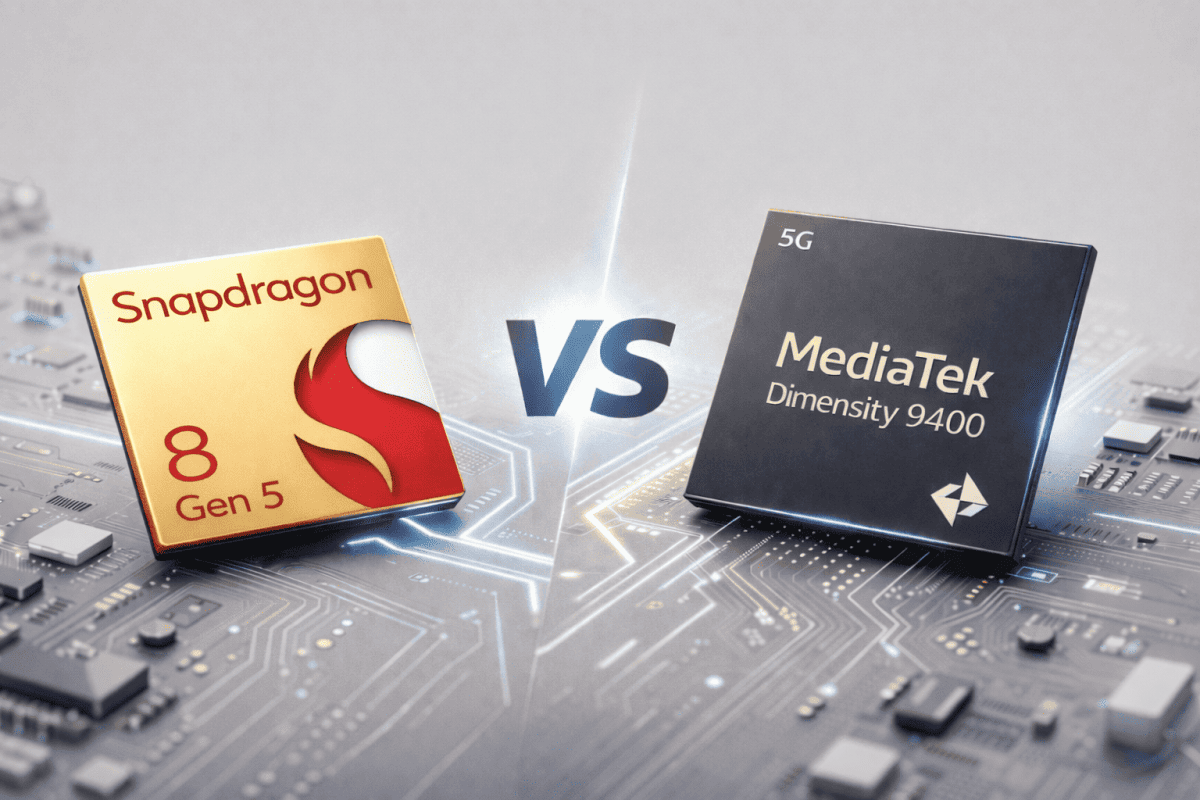
The next stage involves the electronics engineering team. They select the processor, memory, battery size, and screen type. The engineers decide how the smartphone components will fit inside the case. They also choose the camera modules, sensors, and wireless systems.
Every part used in a smartphone — from the chipset to the charging port — must be compatible with one another. Engineers test different combinations until they find the most reliable and efficient setup.
After assembling the internal parts, the prototype becomes a working model. This is then tested for basic performance. If it performs well, it goes back to the senior team for approval.
2. Software Installation
Once the hardware design is finalized, the software team steps in. They install the operating system, essential drivers, and basic applications. The operating system may be Android with a custom interface or a completely different ecosystem, depending on the manufacturer.
Software-Hardware Compatibility
The hardware and software must work smoothly together. If there is any incompatibility, the device may overheat, freeze, or drain battery too quickly. Therefore, engineers test the software for stability, speed, and smooth functioning.
Specialists in mobile technology development analyze how the software behaves under heavy use, poor network conditions, or low battery. They check the camera app, storage system, performance of sensors, and overall interface experience.
At this stage, major design changes are difficult because the prototype has already been approved. The goal now is to make everything stable for mass production.
Read How to buy the best smartphone?
Read What is fairphone? Why should you conside buying it?
3. Testing Phase
Before a smartphone enters the production line, it goes through strict testing procedures. Companies do not want defective products reaching the market.

Hardware Tests
These tests include:
- Drop tests to check durability
- Bend tests to ensure frame strength
- Pressure tests
- Water resistance tests, if the device is designed for it
- Battery safety tests
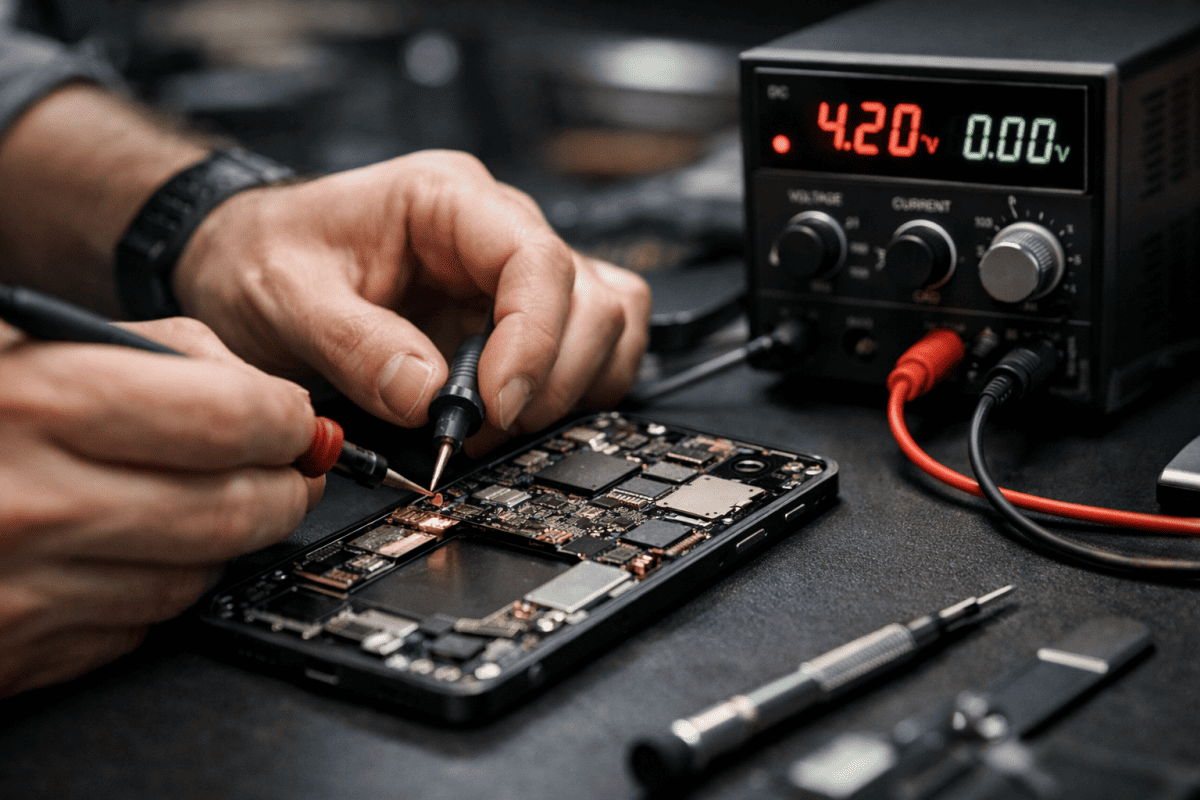
Components like processors, displays, speakers, antenna systems, and storage chips are examined using special equipment.
Software Tests
The software team checks:
- System stability
- Boot speed
- App compatibility
- Network connectivity
- Camera performance
- Security functions
Phones are tested under different temperatures, network conditions, and long usage cycles.
Only after passing both hardware and software rounds does the prototype qualify for production.
4. Mass Production
Once the final model is approved, mass production begins. Large-scale manufacturing happens in multiple steps, often across several countries.
Component Sourcing
Smartphone components come from various suppliers around the world. This includes:
- Displays
- Processors
- Memory chips
- Camera sensors
- Batteries
- Frames and back covers
Some brands produce their own parts, while others depend on suppliers.
OEM Manufacturing
Many companies outsource manufacturing to OEM factories (Original Equipment Manufacturers).
Foxconn is one of the biggest names in this industry. It manufactures devices for brands like Apple, Xiaomi, Amazon, and many others.
OEM plants have large production lines where thousands of workers and robots assemble phones. Precision machines solder circuits, fit tiny chips, and attach screens. Skilled workers perform tasks that require accuracy, such as attaching cameras and checking alignment.
Assembly Line
During assembly:
- The motherboard is fitted with the processor, memory, and chips.
- The display is attached carefully.
- The battery is installed.
- Cameras, speakers, sensors, and buttons are added.
- The frame and back cover are sealed.
- Software is installed automatically using special tools.
Each smartphone passes through quality checks before moving to the next stage.
If you’re interested in learning how smartphones are assembled or repaired, many institutes offer cell phone repair training that teaches handling, disassembly, and reassembly.
Foxconn is one of the major companies which manufactures devices on behalf of some of the top companies like Apple, Xiaomi, Nintendo, Amazon, etc. It has large manufacturing plants in many countries, the biggest being in Shenzhen, Zhengzhou, and Kunshan, among many other cities and provinces in China.
You can learn assembling and disassembling of iPhones and other smartphones by enrolling into cell phone repair training conducted by Prizm Institute.
During mass production, smartphones usually are codenamed to avoid leak of information related to specification and design.
5. Packaging Stage
Once the phones pass performance tests, they move to the packaging area. Here, each phone is:
- Cleaned
- Placed in a protective film
- Packed with accessories like charger, cable, SIM tool, and user manual

Package design is important because it reflects the brand’s identity.
Read Start Your Own Smartphone Company for $1,000
Read How Will Your Future Smartphones Look Like?
6. Shipping and Distribution
The final stage involves shipping. Smartphones are transported in bulk to:
- Distributors
- Warehouses
- Retail stores
- Online sellers

From there, the devices reach customers across the world.
Understanding the Complete Manufacturing Process
To summarize the journey:
- Idea and planning
- Prototype creation
- Hardware selection
- Software installation
- Testing phase
- Mass production
- Packaging
- Global distribution
This complex chain involves thousands of workers, pieces of machinery, advanced robotics, global suppliers, and strict quality standards. Every smartphone you buy has gone through an enormous amount of planning and effort.
Why This Process Matters
Knowing how smartphones are made helps users appreciate:
- The engineering behind mobile technology
- The importance of each component
- The skill required for production
- The value of proper quality testing
- The reason phones differ in price and features
It also highlights how global the smartphone industry is. Many parts come from different countries, and assembly happens in specialized industrial zones.
Enjoyed this post? Please share it!