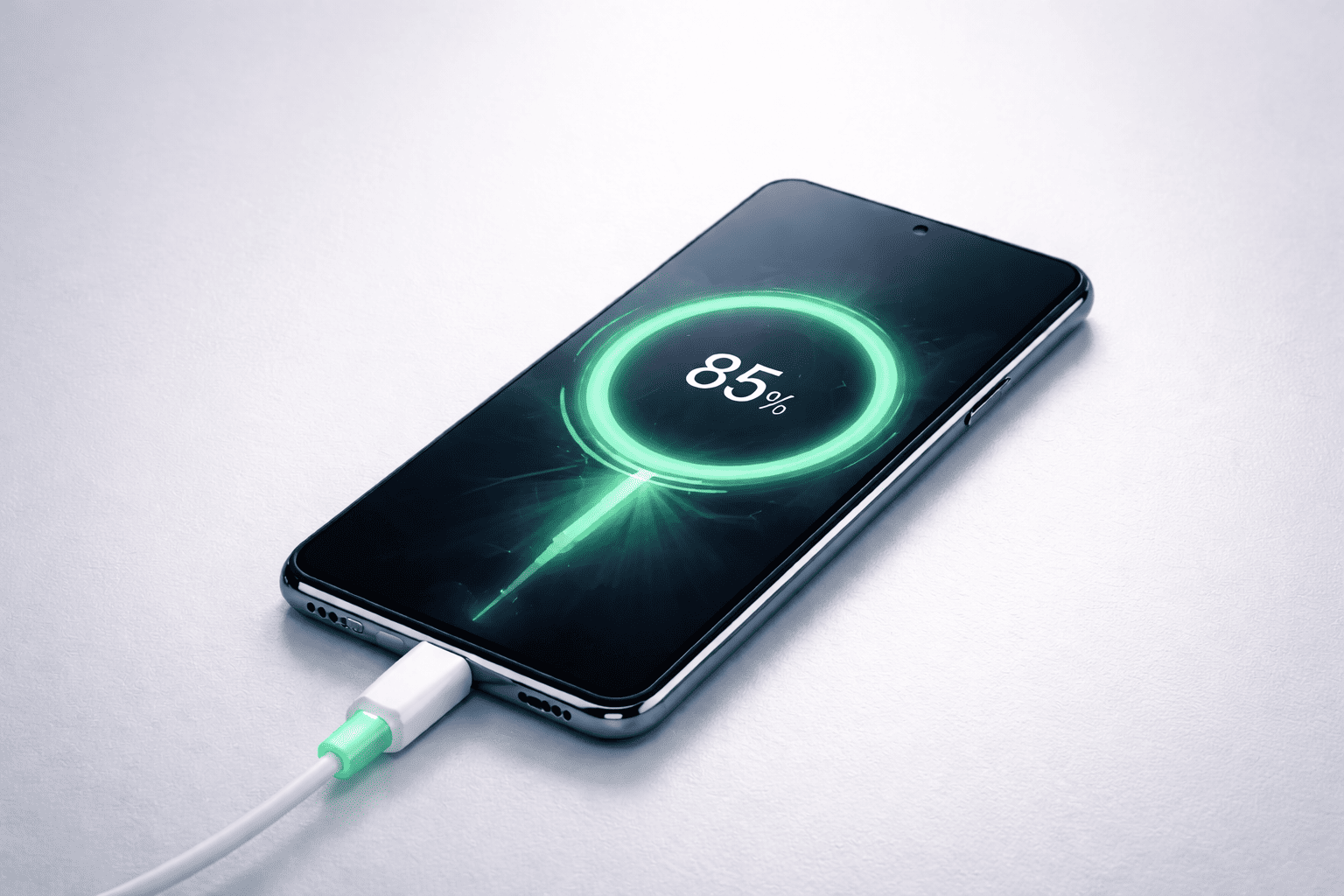
Wireless phone charging has become quite common these days. It is a technology that has grown into a large ecosystem of different wireless charging devices, and not just for smartphones alone. These chargers can now be used in public places, offices, malls, cafés, and even at home. The rise of this technology shows how people prefer convenience over traditional wired setups.
Although the benefits of wireless charging may seem obvious, it also has its drawbacks. So, if you are planning to switch to wireless charging, it is worthwhile to know both sides of this technology. Many mobile technicians and smartphone troubleshooting experts believe that understanding the pros and cons helps users make smarter decisions and avoid unnecessary hardware problems.
Wireless charging removes the need for cables and connectors, and it offers a more modern way to charge devices. In this fast-changing smart world, we now depend on smart chargers for our smartphones.
How Wireless Phone Charging Works
Wireless charging is usually based on inductive charging. A coil inside the charger creates an electromagnetic field. Another coil inside the smartphone receives that energy and converts it into electrical power. Since the process is based on alignment and distance between coils, the positioning of the phone becomes important.
This is the same principle used in some other consumer electronics, including headphones and smartwatches. Many brands follow Qi wireless charging standards, which ensure compatibility between different devices.
Mobile technicians who work on cell phone diagnostics and software issues often explain that wireless charging puts less stress on charging ports, helping them last longer. But they also warn that incorrect usage or cheap chargers can still create performance issues.
What Are the Advantages of Wireless Phone Charging?
Below are the major benefits that users enjoy when switching to wireless charging. Many of these points have contributed to the growing demand for wireless charging stations both at home and in public spaces.
1. Convenience
The number one benefit of wireless charging is the simplicity it offers. You no longer have to deal with messy cords, broken cables, or loose connectors. Charging becomes as easy as placing your phone on a charging pad.
There is no need to search for a charger or wonder which cable works with which phone. The process removes confusion between USB-C, Lightning, and older charging types. Many users feel that this single benefit is enough to justify switching.
Wireless chargers also allow you to charge multiple devices without plugging and unplugging cables repeatedly. This reduces wear and tear and helps prevent charging port issues, a common problem mobile repair professionals deal with daily.
2. Integration and Compatibility
One of the best advantages of certain wireless chargers is the ability to integrate with almost all smartphones, regardless of the charging socket shape or size. A compatible charging pad supports different brands, including both Android and iOS devices.
Also, wireless charging is not limited to smartphones. Many chargers now support:
- Smartwatches
- Wireless earbuds
- Tablets
- Portable devices with Qi receivers
This integration creates a common charging system for various gadgets, reducing clutter and making your desk or home setup more organized.
3. Multiple Device Charging
Most homes today have several smartphones. Even though many phones now use USB-C, there are still differences between Apple and Android accessories. A wireless charging pad solves this by allowing different phones to be placed on the same surface and charged together.
A multi-device wireless charging setup helps charge:
- Smartphones
- Tablets
- Earbuds
- Smartwatches
This reduces the number of cables you need to carry. It also eliminates the need for international adapters when traveling. With the growth of fast wireless charging, even laptops may soon support this technology.
With reverse wireless charging, some smartphones can already charge smaller devices using their internal battery. This shows how the technology is expanding and improving rapidly.

The Disadvantages of Wireless Phone Charging
Even though wireless charging has many benefits, it still has limitations. Users should understand these drawbacks before deciding to replace their wired chargers.
1. Performance Limitations
One reason wireless charging is not used everywhere is that it is still not as efficient as traditional wired charging. Many wireless chargers cannot reach the speed of a cable charger. This makes the charging process slower, which may frustrate users who need quick power boosts.
Another concern is heat generation. Wireless chargers sometimes generate more heat than wired chargers. Excess heat is not good for lithium-ion batteries, and mobile repair experts warn that frequent overheating can reduce battery health over time.
Read how to boost your smartphone’s battery life.
Even though newer chargers are improving, these performance limitations still exist.
2. Mobility Issues
The term “wireless” can be misleading. The signals between the charger and the phone are wireless, but the charging pad itself still needs to be connected to a wall socket. This makes the charging station non-portable.
In addition, you must keep the phone on the pad at all times. You cannot move it around or hold it comfortably while it charges. This makes it difficult to operate the phone if you need to type, browse, or make long voice or video calls.
This lack of mobility is one of the main reasons users still prefer wired charging, especially at workplaces or while traveling.
3. Compatibility Problems
Although wireless chargers support many devices, compatibility issues still occur. Some smartphones do not charge properly due to:
- Incorrect coil alignment
- Non-standard charging pads
- Low-quality chargers
- Power fluctuations
- Software restrictions
Some users have reported that their devices do not accept power from certain wireless stations. Mobile repair professionals sometimes receive phones that appear to have charging issues, but the real reason is a faulty wireless charging pad.
Wireless charging is a new technology in the world of gadgets; It will definately become more efficient over time and can also become truly wireless in the future.
Because wireless charging requires precise positioning, even a small shift can interrupt the process.
Comparing the Pros and Cons of Wireless Charging
Wireless charging is popular because it is convenient. It removes the need for cables and offers a clean, modern experience. But as discussed, it does come with disadvantages such as heat, slow speed, and compatibility challenges.
As of now, wireless charging is improving. Many companies are working on faster charging speeds, better heat control, and wider support across different devices. Several smartphone brands already experiment with long-distance wireless charging, where the device does not need to touch the pad.
Industry experts believe that wireless charging will eventually replace most wired solutions once these issues are resolved.
While comparing the pros and cons, wireless charging is convenient and is worth giving it a try. If you are planning to buy one for yourself, don’t forget to read 12 best wireless phone chargers
Is Wireless Charging Worth Trying?
For daily use, wireless charging is helpful. It offers:
- A neater workspace
- Less stress on cables
- Better convenience
- Multi-device support
But wired charging is still faster and more efficient. So, choosing between the two depends on your priorities. Many users prefer using both methods – wired charging for speed and wireless charging for convenience.
Final Thoughts
Wireless charging has changed the way people power their devices. If you value simplicity and convenience, wireless charging is definitely worth giving a try. If you prioritize speed and mobility, you may still prefer traditional chargers.
When our phones are smart, our chargers should be smart too.
Smartphone users, technicians, and mobile repair professionals all agree on one thing: wireless charging is improving, and its future looks promising. As companies continue refining charging coils, heat reduction methods, and universal standards, wireless charging is expected to become more powerful and efficient.
Read What To Expect In Smartphones of The Future
Are you using a wireless charger? Share your experience in the comments below. Your feedback may help others understand the real-world performance of this technology.