Buying a pre-owned smartphone can be a smart financial decision, especially for people who love upgrading often or want good features at a lower cost. A brand-new device may offer a fresh feel, but it is not always necessary when many used phones deliver strong performance at a fraction of the price.
However, choosing a second hand device requires careful inspection. There are fake models, faulty units, refurbished devices with hidden problems, and phones with damaged parts. Proper checks help you avoid losses and ensure you get a long-lasting device.
You should also know when it is time for an upgrade to a new smartphone. Whatever be your reasons to opt for a used smartphone, you must remember that purchasing a used or second hand device can be a tricky affair, what with the market flooded with plenty of faulty and fake cell phones.
This guide covers detailed steps, expert advice, deep inspection tips, and important precautions. With the right knowledge, you can confidently evaluate any used smartphone and decide whether it is worth the price.
Why Buying a Used Smartphone Can Be a Smart Choice
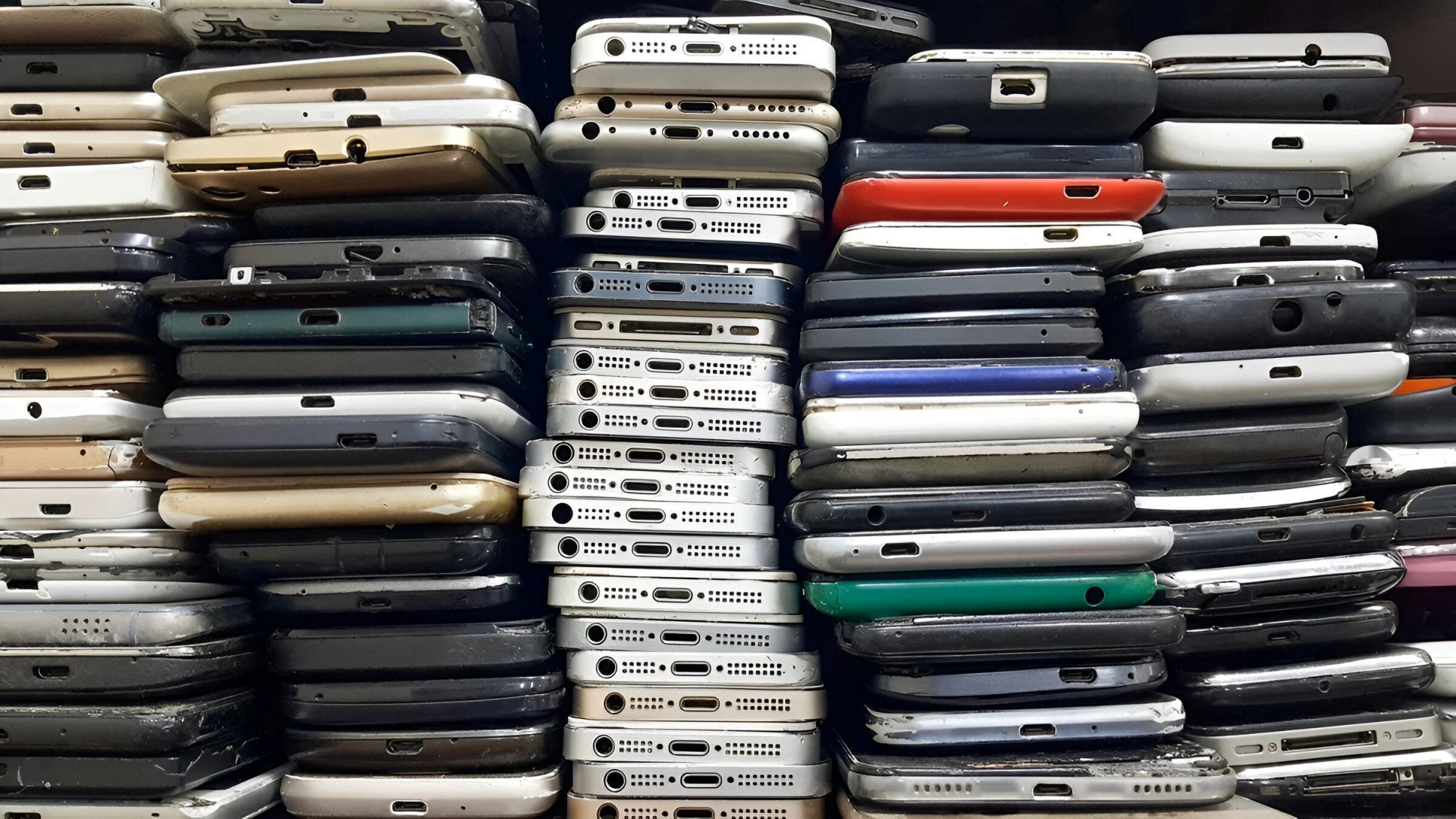
Pre-owned smartphones have become popular for several reasons. Many people upgrade every year, leaving behind well-maintained devices. Others prefer older models because they still function well and cost less. Buying a used phone can also help reduce electronic waste, making it a more eco-friendly choice.
But this choice only works well if you identify a device that has been handled with care. Without inspection, you may end up spending more on repairs than on the phone itself. That is why it is essential to follow careful evaluation steps.
1. Confirm That the Device Is Not Stolen
The first and most important step is confirming the phone’s legitimacy. Buying a device that has been stolen can cause serious problems later. The original owner may have reported it to authorities, and the network may block it permanently.
Ask for the bill
Request the original purchase invoice from the seller. A genuine bill includes the store name, purchase date, serial number, and buyer details. This helps prove ownership.
Match the IMEI number
Use *#06# to display the IMEI. Match the number with the one printed:
- On the box
- Inside the SIM tray
- On the back sticker (if available)
If all numbers match, the device is most likely legitimate.
Use IMEI checker websites
Several online tools verify whether a phone is blacklisted. Technicians strongly recommend this step to check via IMEI number because it takes seconds and prevents major issues later.
Even if you are being lured to a deal that’s simply a steal, buying a stolen phone is a strict ‘no-no’. After all, why get into a trouble with the authorities at a later stage for spending your money on a device that has been reported as lost or stolen or for buying a second hand phone that may have been misused in the past for execution of unlawful activities?
2. Identify Fake Models and Replicas
Replica models look almost identical to original ones. They often copy the body design, logo placement, and packaging. Many buyers confuse them with real devices.
Check model details inside settings
Go to Settings → About Phone and check:
- Model number
- RAM
- Storage
- Processor
- OS version
Compare these with the official specifications provided by the manufacturer.
Fake phones often show unusual software menus, mismatched RAM, or outdated security patches.
Examine build quality
Original devices typically feel:
- Solid
- Balanced
- Premium in finishing
Clone phones may feel lighter, hollow, or poorly assembled.
Visit a service centre if unsure
Authorised centres can check the device in minutes using internal tools. This is one of the best ways to confirm authenticity when buying an expensive used model.
3. Inspect the Physical Condition Thoroughly
A visual inspection gives you a clear idea of how the phone was used. A well-maintained device usually lasts longer.
Check the exterior
Look for:
- Dents on the corners
- Hairline cracks
- Scratches on the camera lens
- Loose frame
- Damaged buttons
Some scratches are normal, but major cracks indicate heavy falls.
Test the display
Turn on the display and check:
- Touch responsiveness
- Dead pixels
- Uneven colours
- Brightness uniformity
- Backlight bleeding
Touchscreens should respond smoothly. Lag or unresponsive zones show internal damage.
Identify water exposure
Even splash-resistant smartphones can get damaged when fully exposed to water. Most devices have a Liquid Damage Indicator (LDI). If it has turned pink or red, the phone has been exposed to moisture. Apart from falls, water damage is a common injury that is associated with mobile phones.
Check the:
- Charging port
- SIM tray
- Speaker grills
Battery check (for removable batteries)
Remove the back cover if applicable and inspect:
- Battery bulges
- Corrosion marks
- Colour changes on the internal sticker
Bulging batteries are unsafe and should not be used.
Camera inspection
Open the camera app and test:
- Autofocus
- Low-light performance
- Sharpness
- Colour accuracy
Foggy or blurred photos may indicate moisture damage inside the lens.
4. Run Diagnostic Tests Using Service Codes
Most smartphones include hidden diagnostic tools. These allow buyers to test sensors and internal components.
What you can test
Diagnostic menus help you verify:
- Touch sensitivity
- Speaker volume
- Microphone input
- Vibration motor
- Sensors (gyroscope, proximity, light)
- Wi-Fi and Bluetooth
- LED flash
- Battery health
- Camera functions
Technicians use these codes daily to identify issues quickly. Check these diagnostic secret codes of Android phones to perform various tests.
To learn a lot of service codes and other mobile repairing tips, you can join the mobile repairing course offered at Prizm Institute’s training center in Kurla.
Why this step is important
Many internal issues are not visible from the outside. A diagnostic test reveals things like:
- Failing sensors
- Speaker distortion
- Faulty microphones
- Battery degradation
- Display colour problems
This is one of the best ways to ensure the phone is in good working condition.
5. Test Ports, Buttons, Battery and Accessories
Ports and buttons receive continuous use, so they often wear out faster.
Charging port test
Insert a charger and observe:
- Does it charge smoothly?
- Does the cable feel loose?
- Does the charging stop when moved slightly?
Poor charging ports are costly to repair.
Battery behaviour
Check for:
- Fast draining
- Heating
- Sudden percentage drops
Many modern phones show battery health inside settings.
Buttons and fingerprint sensor
Check the:
- Power button
- Volume keys
- Mute switch
- Home/fingerprint sensor
Each should respond instantly.
Earphones and speakers
Plug in earphones and play music. Check:
- Left and right channels
- Audio clarity
- Volume
Test the loudspeaker with calls and videos.
USB data transfer
Connect the device to a computer. Ensure the data transfer starts instantly.
6. Compare Prices and Negotiate Smartly
Price comparison is a crucial step before buying any used smartphone. You should check:
- Online marketplaces
- Local phone shops
- Certified refurbished stores
- Exchange offers
- Official websites
Many times, a brand-new budget device may offer better value than an older flagship model. You should also know how to select and buy a new smartphone in case you are planning to buy a new handset.
Negotiate based on condition
Use the results of your inspection:
- If the battery is weak → ask for a lower price
- If the screen has scratches → negotiate a discount
- If accessories are missing → reduce the offer
Refurbished models with warranty
Certified sellers often test and repair devices before selling them. Many of these come with a short warranty period. This adds safety and reduces the risk of hidden repairs.
A smart buyer isn’t one who buys new, but one who buys wisely.
Additional Expert Tips for Buyers
Check for account locks
Ask the seller to remove:
- Google account
- Apple ID
- Screen lock
A locked device may become unusable.
Reset the device before purchase
Always format the device in front of you to ensure there is no hidden data or security lock.
Test network and connectivity
Insert your own SIM and check:
- Call clarity
- 4G/5G connectivity
- Wi-Fi stability
- GPS accuracy
Check storage performance
Install an app or take a few photos to test how the device handles simple tasks.
Look for signs of repair
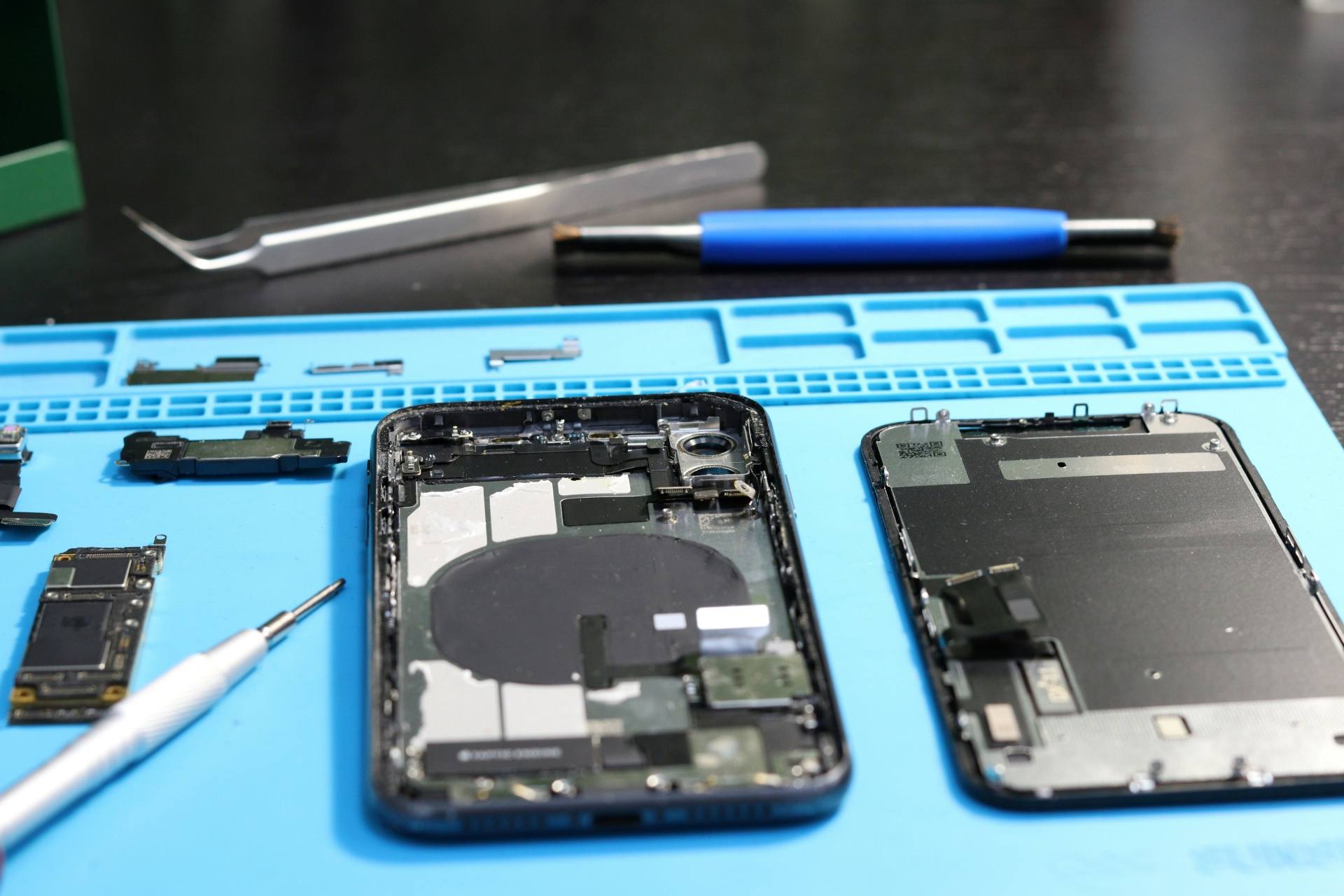
If screws are replaced or the frame is uneven, the device may have been opened earlier. This may indicate past damage.
Ask about repair history
Some sellers reveal repairs, but many do not. A quick question helps you understand past issues.
Smart buyers compare, check, and choose – not chase.
Conclusion
Buying a pre-owned smartphone can save money, reduce waste, and still give you great performance – if you inspect it properly. By checking authenticity, verifying condition, running diagnostics, testing hardware, and negotiating smartly, you can choose a reliable device that lasts long.
A little caution today prevents expensive repairs tomorrow. With the steps in this guide, you can make an informed and confident decision when selecting a used phone.