
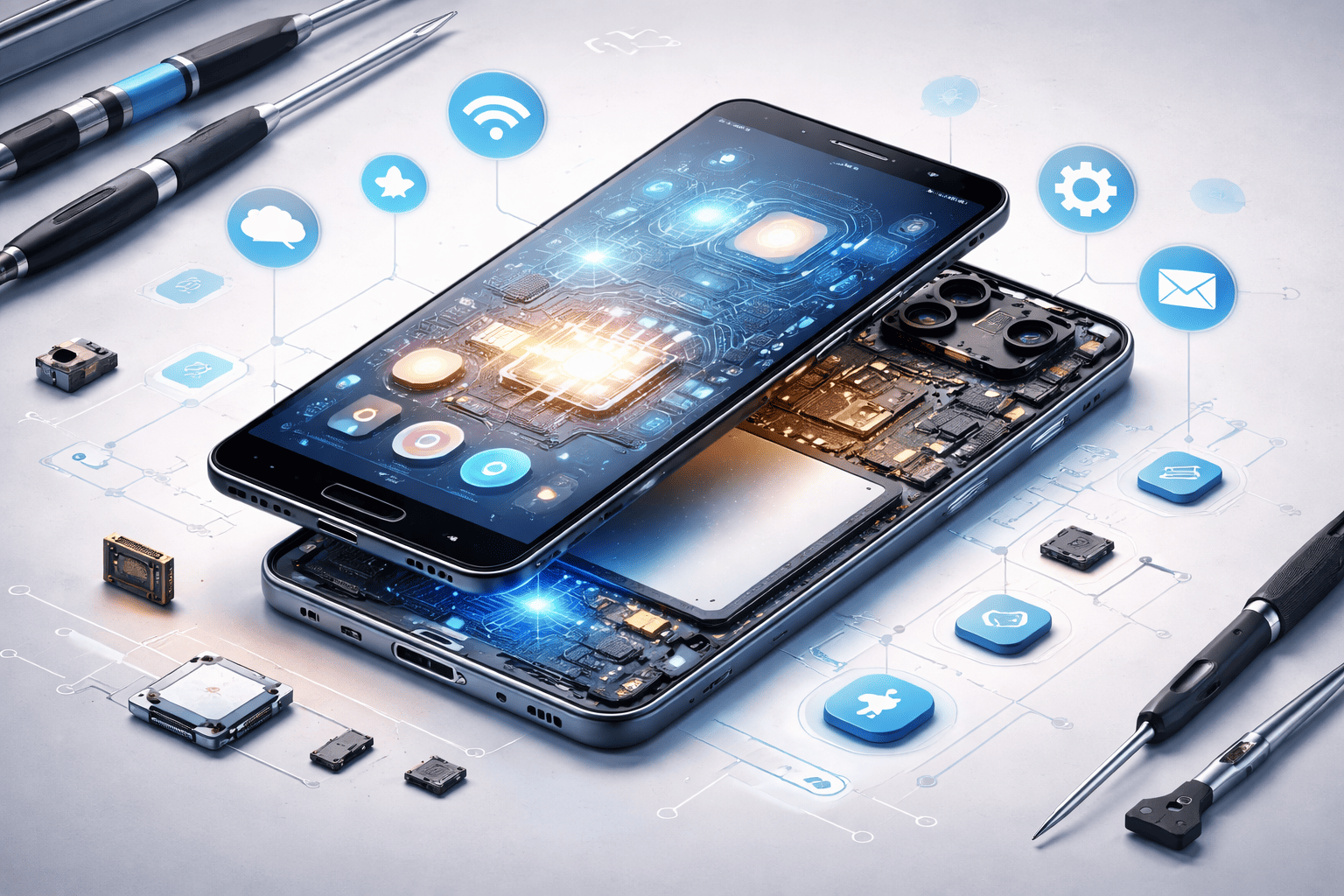
Smartphones have become an essential part of daily life. We use them to make calls, send messages, browse the internet, take photos, attend meetings, and even manage finances. Yet, many people still wonder: how does a smartphone actually work?
Behind the smooth screen taps and instant responses is a combination of powerful hardware and intelligent software working together. This article explains everything in simple terms, step by step, without technical jargon.
Whether you are a curious user, a student, or someone planning to learn mobile repairing, this guide will give you a clear and complete understanding.
What Makes a Smartphone Different from a Basic Phone?
A smartphone is a handheld mobile device that combines the functions of a phone and a computer. Unlike basic phones, smartphones can:
- Run applications (apps)
- Connect to the internet
- Take high-quality photos and videos
- Perform multitasking
- Store and process large amounts of data
To do all this, a smartphone relies on two core pillars:
- Hardware – the physical parts you can touch
- Software – the programs and operating system that control the device
Let’s start with the hardware.
Smartphone Hardware Explained (The Physical Parts)
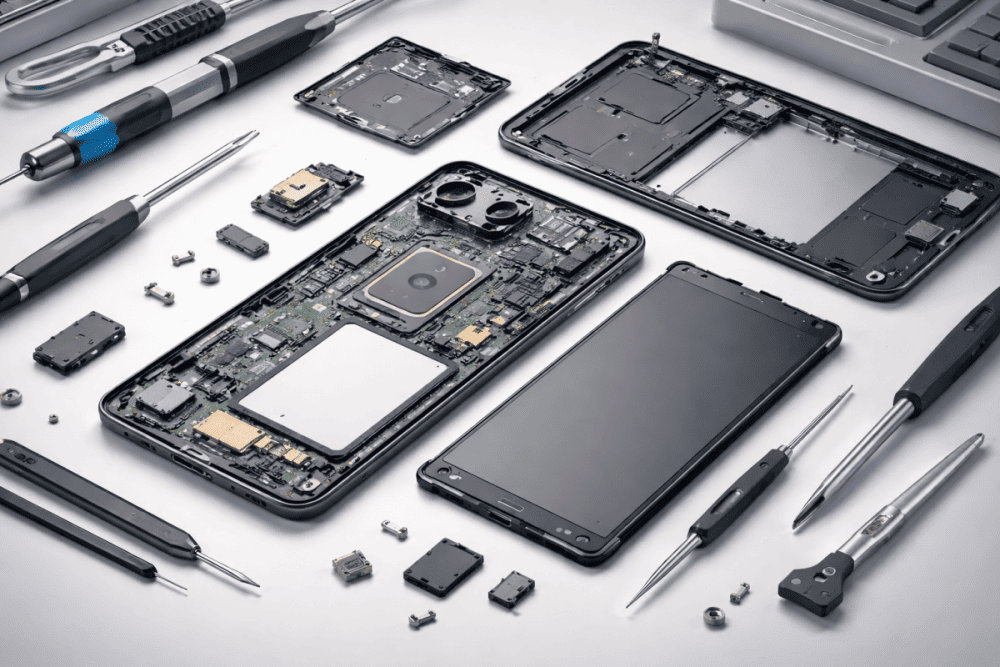
Hardware refers to all physical components inside and outside a smartphone. Each part has a specific role, and together they make the phone function smoothly.
Before moving ahead, you may want to understand how smartphones are actually made and manufactured.
1. Processor (CPU): The Brain of the Smartphone
The processor, also called the CPU (Central Processing Unit), is the brain of the smartphone.
It is responsible for:
- Running apps
- Processing commands
- Handling multitasking
- Managing system performance
Modern smartphones use System on a Chip (SoC) designs. This means the CPU, GPU, AI engine, and other components are integrated into a single chip.
In simple terms:
The faster and more efficient the processor, the smoother your phone feels.
2. RAM: Temporary Working Memory
RAM (Random Access Memory) stores data that the phone is actively using.
- More RAM allows better multitasking
- Apps stay open in the background
- Less lag when switching between apps
Example:
If you open Instagram, WhatsApp, and a browser together, RAM keeps them ready for quick access.
3. Internal Storage: Permanent Memory
Storage is where your smartphone saves:
- Apps
- Photos and videos
- Music and documents
- System files
Unlike RAM, storage does not reset when the phone is turned off.
Important point:
When storage becomes almost full, phone performance often slows down.
4. Battery: Power Source of the Device
The battery supplies energy to all components.
Most smartphones use lithium-ion or lithium-polymer batteries because they are:
- Lightweight
- Rechargeable
- Energy-efficient
Battery health affects:
- Screen-on time
- Performance throttling
- Overall device lifespan
5. Display: Where Everything Comes to Life
The display shows all visuals, including apps, videos, and text.
Common display types include:
- LCD
- OLED
- AMOLED
Key display factors:
- Size
- Resolution
- Refresh rate
- Brightness
The touchscreen layer on top detects finger touches and gestures.
6. Cameras: Image and Video Capture System
Smartphone cameras include:
- Camera sensors
- Lenses
- Image processing hardware
Photos are not just captured by the camera hardware. The processor and software play a huge role in enhancing images using:
- HDR
- Night mode
- AI-based processing
7. Sensors: Smart Features Enablers
Sensors allow smartphones to interact with the environment.
Common sensors include:
- Accelerometer (motion detection)
- Gyroscope (rotation)
- Proximity sensor (screen off during calls)
- Fingerprint sensor
- Face recognition sensor
These sensors make features like auto-rotate, step counting, and biometric security possible.
8. Connectivity Components
Smartphones stay connected using multiple technologies:
- Cellular networks (2G, 3G, 4G, 5G)
- Wi-Fi
- Bluetooth
- GPS
- NFC
Each has a dedicated chip or module working with the processor which are mounted on the motherboard.
Smartphone Software Explained (The Brainpower)
Hardware alone cannot do anything useful without software. Software tells the hardware what to do and how to do it.
What Is Smartphone Software?
Software includes:
- The operating system (OS)
- System apps
- User-installed apps
- Background services
The two most common smartphone operating systems are:
- Android
- iOS (used on iPhone)

1. Operating System (OS): The Controller
The operating system is the core software that:
- Manages hardware resources
- Runs apps
- Controls security
- Handles user input
In simple words:
The OS acts as a bridge between the user and the hardware.
2. User Interface (UI): What You See and Touch
The UI includes:
- Home screen
- App icons
- Menus
- Settings
Manufacturers often customize the UI on top of Android, while iPhones use a consistent iOS interface.
A good UI ensures:
- Ease of use
- Smooth navigation
- Visual clarity
3. Apps: The Real Functionality
Apps are software programs designed for specific tasks such as:
- Messaging
- Social media
- Banking
- Photography
- Gaming
Apps request permisions from resources like:
- Camera
- Microphone
- Storage
- Internet
The OS manages permissions to keep user data safe.
4. Background Processes
Even when you are not actively using an app, some services run in the background:
- Notifications
- Syncing emails
- Location tracking
Efficient background management helps save battery and improve performance.
How Hardware and Software Work Together
The real magic happens when hardware and software work as a team.
Let’s understand this with a simple example.
Example: Opening the Camera App
- You tap the camera icon on the screen
- The touchscreen sends input to the processor
- The operating system interprets the command
- The camera app loads into RAM
- Camera hardware activates
- The display shows the camera preview
All this happens in milliseconds.
How Smartphones Connect to the Internet
Smartphones access the internet using:
- Mobile data networks
- Wi-Fi routers
When you open a website:
- The browser app sends a request
- Data travels through the network
- The processor decodes the data
- The display shows the webpage
This process repeats continuously as you scroll or interact.
How Smartphones Handle Calls and Messages
Voice Calls
- Your voice is converted into digital signals
- Data travels through the mobile network
- The receiver’s phone converts it back to sound
Messages and Chats
- Text and media are sent as data packets
- Messaging apps use internet connectivity
- Encryption keeps messages secure
Why Smartphones Sometimes Slow Down
Common reasons include:
- Low available storage
- Too many background apps
- Aging battery
- Software bugs
- Outdated operating system
Important tip:
Regular updates and basic maintenance help keep smartphones running smoothly.
Hardware vs Software: Key Differences
| Hardware | Software |
|---|---|
| Physical components | Digital programs |
| Can wear out | Can be updated |
| Needs software to function | Needs hardware to run |
| Includes CPU, battery, screen | Includes OS and apps |
Both are equally important for overall performance.
Advantages and Limitations of Smartphones
Advantages
- Portable computing power
- Easy communication
- Access to information
- Productivity on the go
Limitations
- Limited battery life
- Smaller screens than computers
- Performance drops over time
- Dependency on software updates
Understanding these helps users make better choices.
Who Should Know How Smartphones Work?
This knowledge is useful for:
- Everyday smartphone users
- Students in technology fields
- Mobile repairing learners and technicians
- Anyone curious about technology
You don’t need to be a technician to understand the basics.
Frequently Asked Questions (FAQs)
How do smartphones work in simple words?
Smartphones work by combining hardware (physical parts like processor, battery, and screen) with software (operating system and apps). The software tells the hardware what to do when you tap, swipe, or open an app.
What is the role of hardware and software in a smartphone?
Hardware handles the physical tasks like processing, displaying images, and storing data. Software controls how these parts work together and allows users to interact with the phone.
Is Android hardware different from iPhone hardware?
Yes, Android phones and iPhones use different hardware designs and components. However, both rely on similar core parts like processors, memory, cameras, and sensors to function.
Why do smartphones slow down over time?
Smartphones can slow down due to full storage, many background apps, aging batteries, or outdated software. Regular updates and cleaning unused files can help maintain performance.
Can a smartphone work without software?
No, a smartphone cannot function without software. Without an operating system, the hardware cannot process user commands or run apps.
Final Summary
Smartphones work through a tight coordination between hardware and software. Hardware provides the physical power, while software gives intelligence and control.
- The processor acts as the brain
- RAM and storage manage data
- The operating system controls everything
- Apps provide real-world functionality
When these elements work in harmony, smartphones deliver the fast, smart experience we rely on every day.
Understanding how smartphones work helps you:
- Use your phone more effectively
- Diagnose basic issues
- Make informed buying decisions
- Appreciate the technology in your pocket