Introduction
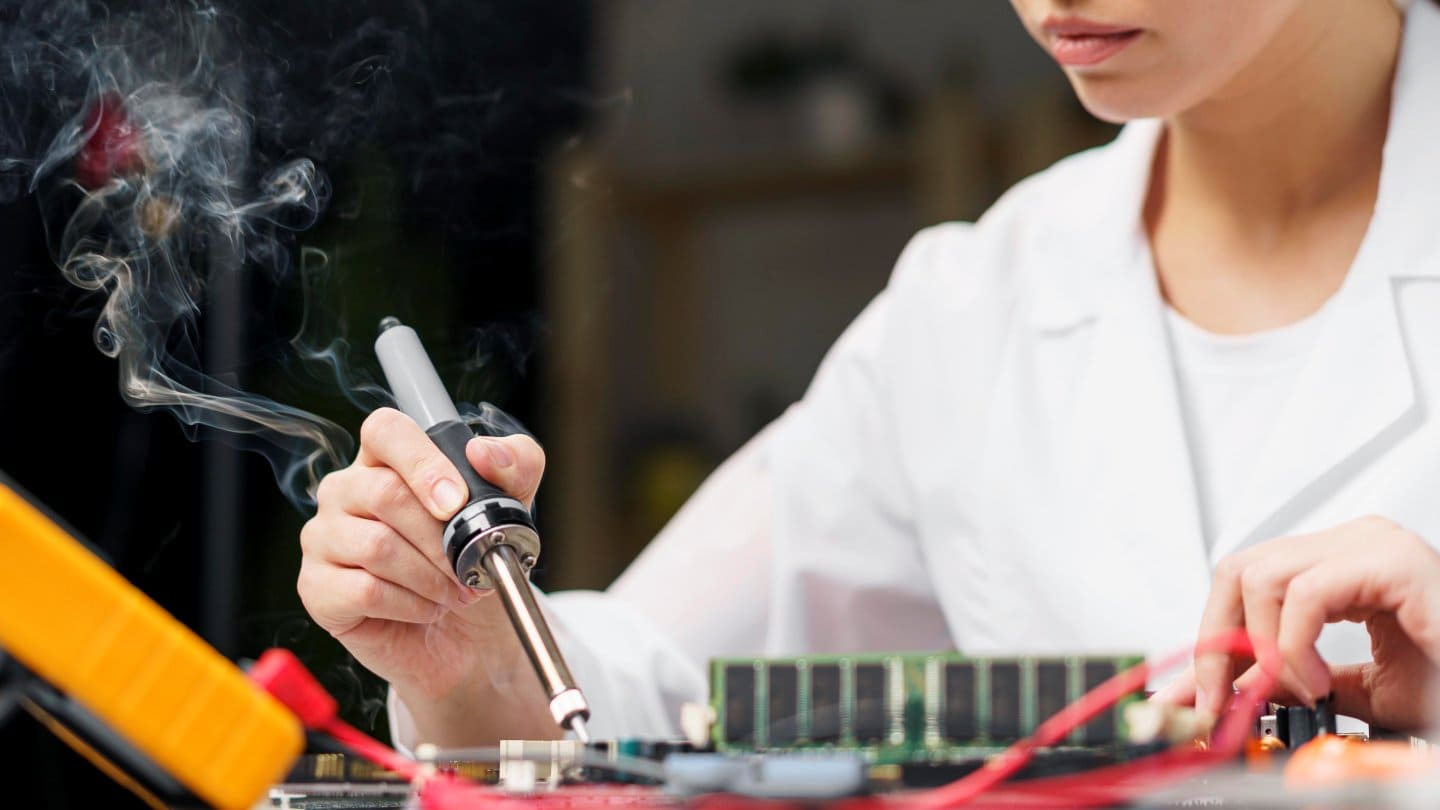
Soldering irons and hot air rework stations are essential tools in modern electronics repair. They are used daily for fixing smartphones, laptops, circuit boards, and other electronic devices. But they also generate high heat, hot airflow, and fumes that can easily cause injury or permanent device damage if handled incorrectly.
Many beginners focus only on how to solder or desolder components. Safety is often ignored until something goes wrong—burnt PCBs, lifted pads, cracked ICs, damaged batteries, or personal injuries. This guide focuses on safe, professional, and responsible use of soldering irons and hot air stations, based on real repair-bench experience.
This article explains:
- Why safety matters in electronics repair
- How soldering irons and hot air stations actually work
- Common risks and mistakes
- Step-by-step safety practices
- Practical tips for mobile phone repair and PCB repair
- What to do before, during, and after repair work
The goal is simple: help you repair electronics safely, confidently, and correctly, whether you are a beginner or an intermediate technician.
Understanding the Tools You Are Using
Before discussing safety, it is important to understand what these tools do.
What Is a Soldering Iron?
A soldering iron is a hand-held tool that heats up to melt solder, allowing you to join electronic components to a PCB (printed circuit board). Typical temperatures range from 300°C to 380°C.
Used for:
- Soldering connectors and wires
- Replacing small components
- Touch-up work on PCBs
What Is a Hot Air Rework Station?
A hot air station blows controlled hot air to heat components evenly. Temperatures often range from 200°C to 500°C, depending on the task.
Used for:
- Removing ICs, chips, and shields
- Desoldering SMD components
- Heating connectors and adhesives
Both tools are powerful and precise—but only when used safely. If you wish to enter into mobile phone repair, here is a list of mobile phone repairing tools that technicians should have to disgnose and fix faults.
Why Safety Is Critical in Electronics Repair
Ignoring safety does not just risk personal injury. It can also ruin expensive devices.
Common Risks
- Burns to fingers and hands
- Damaged phone batteries (fire or swelling risk)
- Melted connectors or plastic parts
- Lifted PCB pads and broken traces
- Inhalation of toxic solder fumes
- Static discharge damaging sensitive chips
Professional repair work is not about speed. It is about control, patience, and protection.
Setting Up a Safe Electronics Repair Workstation
A safe workstation is the foundation of safe soldering and hot air use.
Use a Stable, Heat-Resistant Surface
- Always work on a heat-resistant table or mat
- Avoid glass, plastic, or uneven surfaces
- Secure the PCB using a holder or jig
Anti-Static Protection
- Use an ESD mat and grounding strap when possible
- Static electricity can silently destroy phone ICs and CPUs
Proper Lighting
- Good lighting reduces mistakes
- Use a desk lamp or microscope for fine work
Ventilation and Fume Control
- Solder fumes contain harmful chemicals
- Use a fume extractor or work in a well-ventilated room
- Never inhale fumes directly
Personal Safety Essentials
Protect Your Hands
- Avoid touching heated tips or nozzles
- Let tools cool before changing tips or nozzles
- Use tweezers to handle hot components
Eye Protection
- Small components can pop or flick when heated
- Safety glasses help prevent eye injuries
Clothing and Accessories
- Avoid loose sleeves
- Remove jewelry like rings or bracelets
- Tie back long hair
Soldering Iron Safety Tips
Set the Correct Temperature
- Most electronics soldering works best at 320°C–350°C
- Higher temperatures increase burn risk and PCB damage
Keep the Tip Clean
- Use a brass sponge or damp sponge
- Dirty tips require more heat, increasing risk
Always Use the Stand
- Never place a hot soldering iron on the table
- Always return it to its stand after use
Do Not Force the Joint
- Let heat do the work
- Pressing hard can damage PCB pads
Here is a good soldering iron buying guide for electronics and mobile phone repair to help you select and buy the best one according to your needs.
Hot Air Rework Station Safety Tips
Hot air tools are more dangerous than soldering irons due to airflow and higher heat.
Start with Low Airflow
- High airflow can blow away tiny components
- Increase gradually only if needed
Maintain Safe Distance
- Keep the nozzle 2–4 cm away from the PCB
- Never press the nozzle directly onto components
Use Circular Motion
- Move the hot air in small circles
- Prevents overheating one spot
Shield Sensitive Areas
- Use heat-resistant tape or metal shields
- Protect plastic connectors and nearby chips
Battery Safety Is Critical
- Never heat a phone battery
- Always remove or isolate the battery before hot air work
If you wish to buy a rework station, here’s a reliable hot air rework station buying guide for electronics and mobile phone repair to help you choose the best option for your needs.
Temperature Guidelines for Common Tasks
| Task | Temperature Range | Airflow |
|---|---|---|
| PCB pre-heating | 200–250°C | Low |
| Shield removal | 320–350°C | Medium |
| IC removal | 350–380°C | Low |
| Connector heating | 280–320°C | Low |
These ranges reduce damage and improve control.
Common Mistakes to Avoid
Using Too Much Heat
More heat does not mean faster repair. It means:
- Burnt boards
- Lifted pads
- Dead ICs
Skipping Flux
Flux improves heat transfer and protects pads. Never work dry.
Working Too Fast
Rushing leads to mistakes. Professional repair is slow and controlled.
Using Cheap Heat Guns
Household heat guns lack temperature control and often destroy electronics.
Smartphone and Mobile Repair–Specific Safety Tips
Mobile devices are compact and sensitive.
- Remove plastic frames before hot air work
- Protect cameras and display connectors
- Avoid heating near fingerprint sensors
- Always disconnect the battery first
- Use lower airflow for smartphone PCBs
Modern smartphones use multilayer boards that are easy to damage permanently if overheated.
Tool Maintenance and Safety
Regular Inspection
- Check cables for cracks
- Replace worn tips and nozzles
Proper Storage
- Let tools cool fully before storage
- Store in a dry, dust-free place
Calibration
- Digital stations should be checked periodically
- Incorrect readings can cause overheating
Pros and Cons of Using Hot Air and Soldering Stations
Pros
- Precise electronic repairs
- Professional-level results
- Essential for modern phone repair
- Faster and cleaner desoldering
Cons
- Requires skill and practice
- Risk of damage if misused
- Higher initial learning curve
- Safety must be actively managed
Balanced use is the key.
Practical Safety Checklist (Quick Reference)
Before starting:
- Workspace clean and ventilated
- Battery disconnected
- Correct temperature set
During work:
- Controlled airflow
- Constant movement
- No direct contact with hot nozzle
After work:
- Power off tools
- Let everything cool
- Inspect board carefully
Frequently Asked Questions (FAQs)
1. Is hot air safe for beginners?
Yes, but only with proper training, low airflow, and temperature control. Beginners should practice on scrap boards first.
2. What temperature is safest for phone repair?
Most mobile repair tasks work safely between 300°C and 350°C, depending on the component.
3. Can solder fumes harm health?
Yes. Long-term exposure to solder fumes can cause respiratory issues. Ventilation is essential.
4. Why does my PCB turn brown after hot air?
This usually means excessive heat or staying too long in one area. Reduce temperature and airflow.
5. Should I use gloves while soldering?
Heat-resistant gloves can help, but they may reduce precision. Tweezers are usually better.
6. Can hot air damage nearby components?
Yes. Always shield surrounding parts and use controlled airflow.
7. Is soldering safe at home?
Yes, if you follow ventilation, fire safety, and tool handling guidelines carefully.
⚠️ Safety Disclaimer
🔧 Electronics repair involves high heat and electrical risk.
🔥 Improper handling of soldering irons or hot air stations can cause injury or permanent device damage.
🧪 Always practice on scrap or non-working boards before attempting repairs on valuable phones, smartphones, or electronic devices.
🛡️ Follow proper safety precautions, work in a well-ventilated area, and never rush the repair process.
Your safety—and the safety of the device—should always come first.
Conclusion
Soldering irons and hot air rework stations are powerful tools that enable modern electronics repair. But power without safety leads to damage—both to devices and to people.
By setting up a safe workstation, understanding temperature and airflow control, protecting yourself, and following disciplined repair practices, you can:
- Reduce repair failures
- Avoid personal injury
- Extend the life of your tools
- Deliver professional-quality repairs
Safety is not an extra step. It is part of the repair process itself. When you respect the tools and the technology, electronics repair becomes safer, more predictable, and far more successful.