Smartphones have become a major part of daily life. We use them for work, communication, banking, travel, entertainment, and more. Because our devices hold so much personal data, it is important to protect your smartphone from physical harm. Even a small crack, scratch, or water splash can lead to costly repairs or a complete loss of data.
The good news is that most damage can be prevented with simple habits. These updated tips are based on real repair-shop experiences, expert suggestions, and common mistakes users make every day. Each tip is easy to follow and helps you keep your phone safe, secure, and long-lasting.
1. Use a High-Quality Screen Protector
The display is the most delicate part of any handset. Modern screens are strong, but they can still crack from a small drop or sharp pressure. A single repair can cost a lot, especially for AMOLED and OLED models.
Using a tempered glass screen protector is one of the easiest ways to reduce the risk. It acts as a shield against scratches, fingerprints, and sudden impacts. Good quality glass also helps keep the touch response smooth and clear.
Make sure you choose a protector that:
- Fits your exact model
- Has edge-to-edge coverage
- Does not reduce touch sensitivity
It is best to apply a protector the same day you buy your phone. This prevents tiny scratches from forming on the original display.
Read Top 10 Brands of Touchscreen Protectors
2. Choose a Strong Protective Case
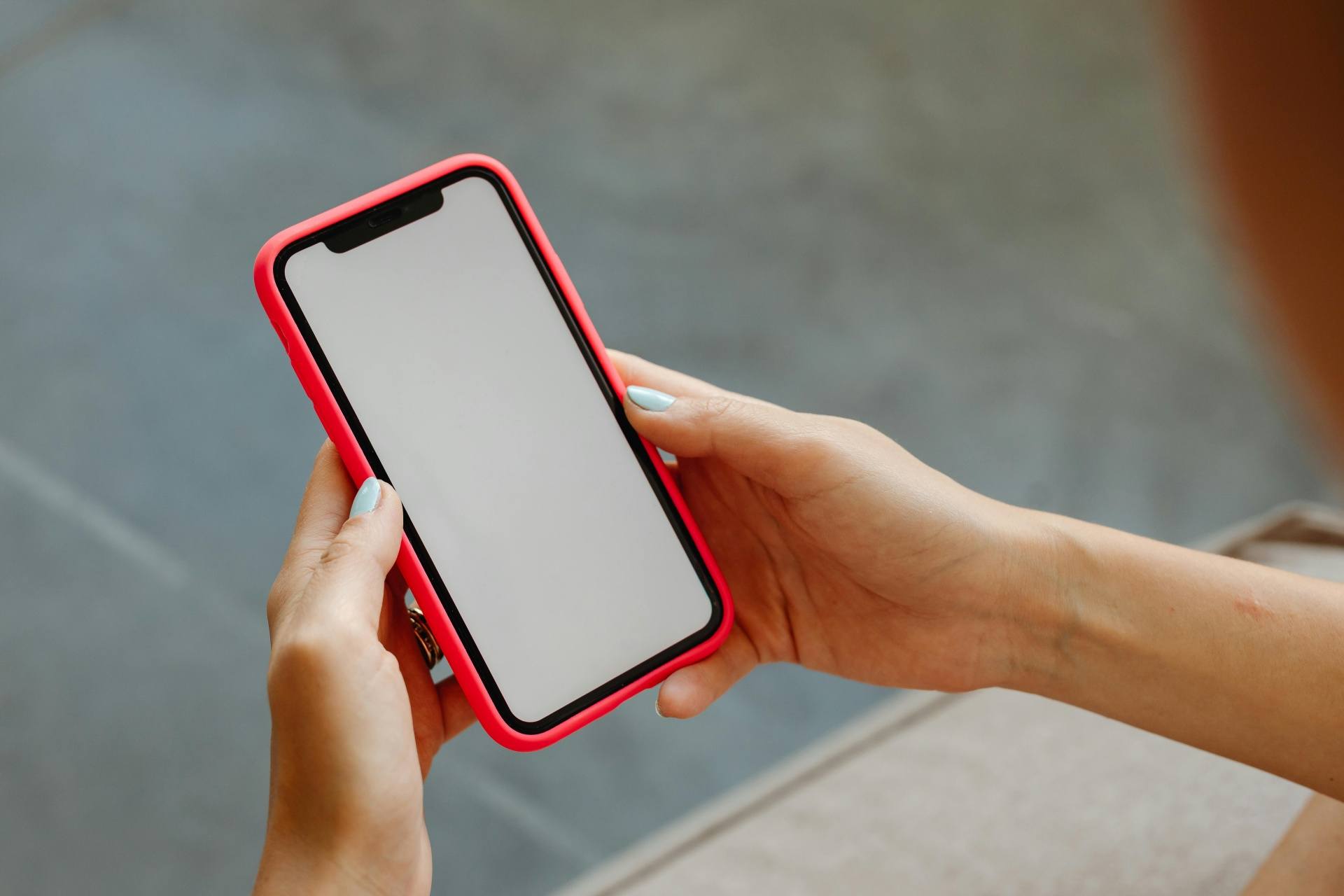
Today’s smartphones are thinner, lighter, and more slippery. Because of this, accidental drops are extremely common. A sturdy protective case helps absorb shock and prevents dents, cracks, and internal damage.
You do not need an expensive brand. Even a simple silicone or TPU case provides good protection. For people who travel often or work outdoors, using a rugged or shockproof case is even better.
When choosing a case, ensure it:
- Fits tightly
- Covers the sides, edges, and corners
- Gives a better grip
- Has raised edges to protect the camera and LCD
Cases with textured backs reduce slipping and help you hold the phone comfortably.
3. Avoid Keeping Your Phone With Sharp Objects
Many users keep their phones in pockets or bags along with keys, coins, and pens. These sharp objects can scratch the display or damage the back panel. Even metal dust can enter the charging port or speaker openings.
It is safer to keep your phone in a separate pocket or small pouch inside your bag. Avoid placing it in the back pocket of tight jeans because the phone may bend when you sit.
Also keep your device away from small children. Kids often pull, throw, or press the screen too hard, which can result in serious physical damage.
If your children often ask for your phone, you can give them an old device with games so your primary phone stays safe.
If you do not have a heart to refuse your kids your personal phones, please buy them some old working phones loaded with games to avoid regretting later.
4. Waterproof the Device Properly
Water is one of the biggest reasons phones get damaged. A few seconds of exposure can cause short circuits, corrosion, or complete failure of the motherboard. Even sweat and humidity can affect the sensors and speaker.
If your phone does not have an IP67 or IP68 rating, it is important to use a waterproof case. These cases protect the device during rains, beach trips, poolside activities, or outdoor sports.
If you travel often, also keep:
- A waterproof pouch
- A zip-lock bag
- A moisture absorber pack in your bag
In case your phone gets wet, turn it off immediately and avoid charging it. Many repair technicians say that charging a wet phone leads to more internal damage than the water itself. If in case your phone gets water logged, please read our guide to fix water logged cell phones.
5. Hold the Device With a Firm Grip
Many drops happen because users hold their phones loosely or use them with one hand while multitasking. Modern phones are larger, so grip becomes important.
Using a grip accessory like:
- A ring holder
- A pop socket
- A strap attachment
can help you hold the device firmly. When taking photos or typing in a crowded area, use both hands for better control.
If you still drop the device, and damage occurs, learning basic repair skills can help. Many institutes teach repair techniques that allow users to fix small issues or understand when a device needs expert help.
6. Do Not Leave Your Phone Unattended
Leaving your phone on an unstable surface increases the chance of falls. Placing it near the edge of a table, on a car dashboard, or on a soft bed is risky. Pets or kids can knock it down without noticing.
Always keep your device in a safe, visible place. Avoid giving the phone to very young children. They may accidentally delete files, change settings, or drop the phone while playing.
If you are storing sensitive data, enable:
- Screen lock
- Fingerprint or face unlock
- Automatic backup
This ensures your information stays safe even if the phone falls or gets lost. We also recommend keeping your phone in a fixed spot at home or work to avoid accidental slips.
Prizm Institute also known as Prizm Mobile Institute conducts course in repairs of mobile phones and tablets. You can join this courses to learn repairing skills yourself and become a certified technician in a few months.
Read How To Buy The Best Smartphone – Smartphone Buying Guide
Final Thoughts
Smartphones are expensive and hold important digital memories. Protecting them is not difficult, but it requires awareness and small daily habits. Using a good case, applying a strong screen protector, keeping the phone away from water, and handling it carefully can save you from high repair bills.
As technology advances, smartphones have become more powerful but also more delicate. Following these simple tips can help extend the life of your device and keep it looking new for a long time.
Always stay mindful of where you place your phone and how you carry it. A little care goes a long way in ensuring your device stays safe and functional.
Please let us know your views in the comments below. We would love to know your opinion. Please also share this article on facebook and other social platforms.