Introduction: Why Understanding This Difference Matters
When a mobile phone stops working properly, the first question every technician and user asks is simple:
Is it a hardware problem or a software problem?
This one decision decides:
- The repair method
- The cost
- The time required
- Whether the phone can be fixed or not
Many people assume that every phone issue needs parts replacement. Others think a simple software reset can fix everything. Both assumptions are wrong.
Understanding the difference between hardware and software mobile phone repair problems is one of the most important skills for beginners and experienced technicians alike.
“Correct diagnosis is already half the repair.”
This article explains the difference clearly, using real-life examples, technician-level insights, and practical repair logic—without unnecessary technical jargon.
What Types Are Mobile Phone Repair Problems?
Mobile phone repair problems are faults that stop a phone, smartphone, or device from working as expected. These problems usually fall into two main categories:
- Hardware-related issues
- Software-related issues
Sometimes, both can exist together, which makes diagnosis more challenging.
What Is a Hardware Mobile Phone Repair Problem?
A hardware problem is related to the physical components of the phone.
These include:
- Display
- Battery
- Charging port
- Speaker and microphone
- Camera module
- Buttons
- Motherboard
- ICs and connectors
If a physical part is damaged, loose, burnt, or worn out, the phone develops a hardware fault.
Common Causes of Hardware Problems
- Accidental drops
- Water or moisture damage
- Power surges
- Poor-quality charging accessories
- Wear and tear over time
- Improper previous repairs
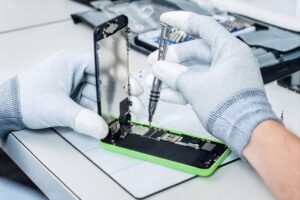
Hardware issues usually require opening the phone and working with tools.
Understand the difference between paid and free mobile repairing courses here, including what topics free courses usually cover—and what important skills and practical training they often leave out.
Examples of Common Hardware Repair Problems
Below are typical mobile phone hardware problems seen in repair shops:
- Phone not powering on due to battery or power issue.
- Broken or cracked display
- Touch not responding properly
- Phone not charging because of charging port damage
- Speaker or mic not working
- Network issues caused by antenna
- Phone overheating due to short circuits
In most cases, replacement or repair of a physical part is required.
What Is a Software Mobile Phone Repair Problem?
A software problem is related to the operating system or internal programming of the phone.
This includes:
- Android OS
- iOS
- Firmware
- System apps
- Boot files
- Security patches
In software issues, the hardware may be perfectly fine, but the phone does not function correctly due to corrupted or misconfigured software. Software related problems are common in both iPhones and ANdroid phones
Common Causes of Software Problems
- Failed updates
- Virus or malware
- Incorrect app installations
- System file corruption
- Storage overload
- Improper flashing
Software issues usually do not require opening the phone. You can join Prizm Institute’s mobile software flashing and unlocking course in Mumbai and learn all necessary software repairing skills and techniques.
Examples of Common Software Repair Problems
Some of the most common software-related mobile phone problems include:
- Phone stuck on logo or boot loop
- Apps crashing repeatedly
- Phone hanging or freezing
- Network not working after update
- Touch working but phone behaving abnormally
- Phone restarting automatically
- Forgotten lock (pattern, PIN)
- Phone slow despite no visible damage
Many of these issues can be fixed using software tools, resets, or flashing or sometimes even by secret codes.
Key Difference Between Hardware and Software Problems (Simple View)
| Aspect | Hardware Problem | Software Problem |
|---|---|---|
| Nature | Physical damage | System or OS issue |
| Phone opening | Usually required | Not required |
| Tools used | Screwdrivers, hot air, multimeter | Computer, cable, software tools |
| Repair type | Part repair or replacement | Reset, update, flashing |
| Cost | Often higher | Usually lower |
| Time | Depends on complexity | Often quicker |
This basic understanding helps avoid wrong repairs.
How Technicians Diagnose Hardware vs Software Issues
Experienced technicians follow a logical diagnosis process instead of guessing.
Step 1: Listen to the Customer
- What happened before the problem started?
- Was there a drop, water exposure, or update?
- Did the phone suddenly fail or gradually?
Customer history gives strong clues.
Step 2: Visual and Functional Checks
- Check display, charging, sound, buttons
- Observe boot behavior
- Look for physical damage signs
Step 3: Basic Software Checks
- Restart
- Safe mode
- Factory reset (if possible)
If the problem continues even after trying basic software fixes, it usually means there is a hardware issue. Many users have misunderstandings and rumors about cell phone repairs, and these often grow when phone problems are not diagnosed properly.
When Hardware Problems Look Like Software Issues
Some hardware faults mimic software problems, which can confuse beginners.
Examples:
- Faulty power button causing boot loop
- Damaged storage IC causing hanging
- Loose display connector causing screen flicker
- Weak battery causing random restarts
This is why experience and testing matter more than assumptions.
When Software Problems Look Like Hardware Issues
The opposite also happens i.e some software problems look like hardware problems
Examples:
- Display appears blank due to OS crash
- Touch unresponsive because of system error
- Network missing due to corrupted baseband software
Replacing parts in such cases wastes money and time. If you have a faulty smartphone, we at Prizm Institute also provide mobile repairing services in Mumbai at reasonable prices.
Tools Used in Hardware Repair
Hardware repair requires physical tools such as:
- Screwdrivers
- Hot air gun
- Soldering station
- Multimeter
- Microscope
- Power supply
It also requires steady hands and practice.
Hardware repair is skill-intensive and risky if done incorrectly. See here a full list of mobile phone repairing tools with their prices to equip yourself to perform professional repairing of both android smarphones and iPhones.
For reliable mobile repairs, invest in a quality soldering iron — Here are the best soldering irons and soldering stations for mobile repairing in India
Tools Used in Software Repair
Software repair relies on:
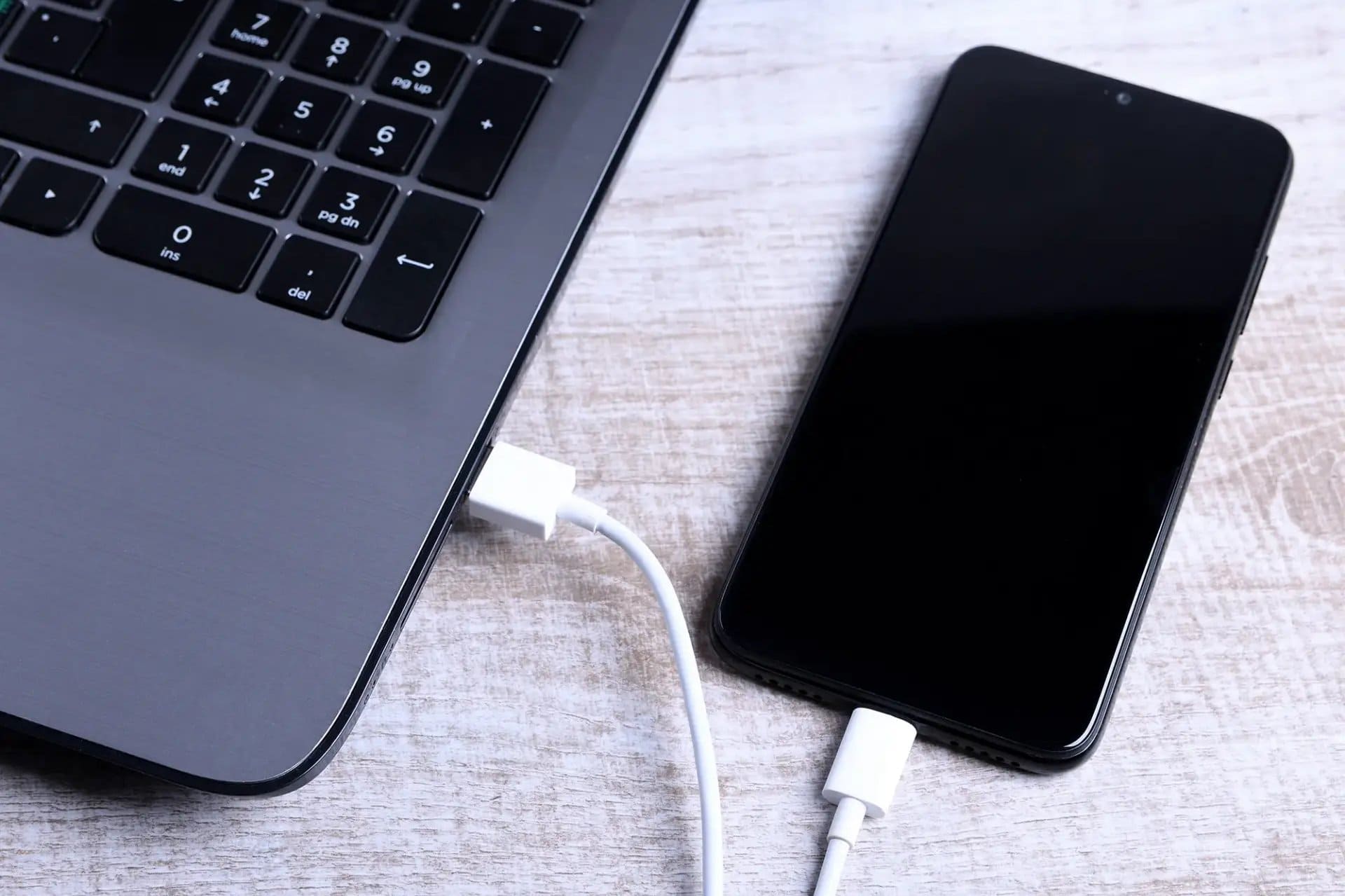
- Computer or laptop
- USB cable
- Flashing tools
- Firmware files
- Diagnostic software
Software repair is cleaner and safer but requires correct knowledge to avoid data loss or device locking.
Skill Difference: Hardware vs Software Repairing
Hardware Repair Skills
- Electronics basics
- Soldering
- Circuit understanding
- Component-level diagnosis
- Patience and precision
Software Repair Skills
- OS knowledge
- Flashing procedures
- File handling
- Error interpretation
- Data safety awareness
Many technicians specialize in one area, but the best technicians understand both.
Which Repair Has More Risk?
Hardware repair carries higher physical risk:
- Board damage
- Connector breakage
- Overheating components
Software repair carries data risk:
- Data loss
- Lock issues
- Software corruption if done incorrectly
Both require responsibility and customer consent.
Cost Difference Between Hardware and Software Repairs
Hardware repairs usually cost more because:
- Parts are involved
- Tools and time are higher
- Skill level is critical
Software repairs are usually cheaper but still valuable, especially for common smartphone issues.
Career Perspective: Which Skill Is Better to Learn First?
For beginners:
- Software repair is easier to start
- Lower investment
- Faster learning curve
For long-term growth:
- Hardware repair adds strong value
- Higher earning potential
- Fewer skilled competitors
A balanced technician learns both step by step.
If you are thinking about career options after a mobile repairing course, this article clearly explains about mobile repairing job vs mobile repairing shop diffrences and opportunities.
Common Mistakes Beginners Make
- Replacing parts without diagnosis
- Assuming every issue is hardware-related
- Ignoring software solutions
- Skipping customer history
- Rushing repairs
Avoiding these mistakes builds trust and skill.
How Customers Can Understand the Difference
Customers don’t need technical depth, but technicians should explain simply:
- “This issue is related to the phone’s system, not a physical part.”
- “A component is damaged and needs repair or replacement.”
Clear explanation builds trust.
Can Hardware and Software Problems Exist Together?
Yes.
This is common in many devices.
Example:
- Software corruption caused by unstable power due to weak battery
In such cases, both repairs may be required, and honesty is essential. Technicians follow trial and error method in such cases.
Final Tips for Technicians
- Never guess; always test
- Try software solutions before hardware
- Explain options clearly to customers
- Don’t overpromise fixes
- Keep learning as phones evolve
“A good technician fixes phones. A great technician understands problems.”
Final Summary
The difference between hardware and software mobile phone repair problems lies in what is actually causing the issue.
- Hardware problems involve physical components
- Software problems involve system and OS behavior
Correct diagnosis saves time, money, and reputation.
Whether you are a beginner learning mobile repairing or an experienced technician improving accuracy, understanding this difference is non-negotiable.