
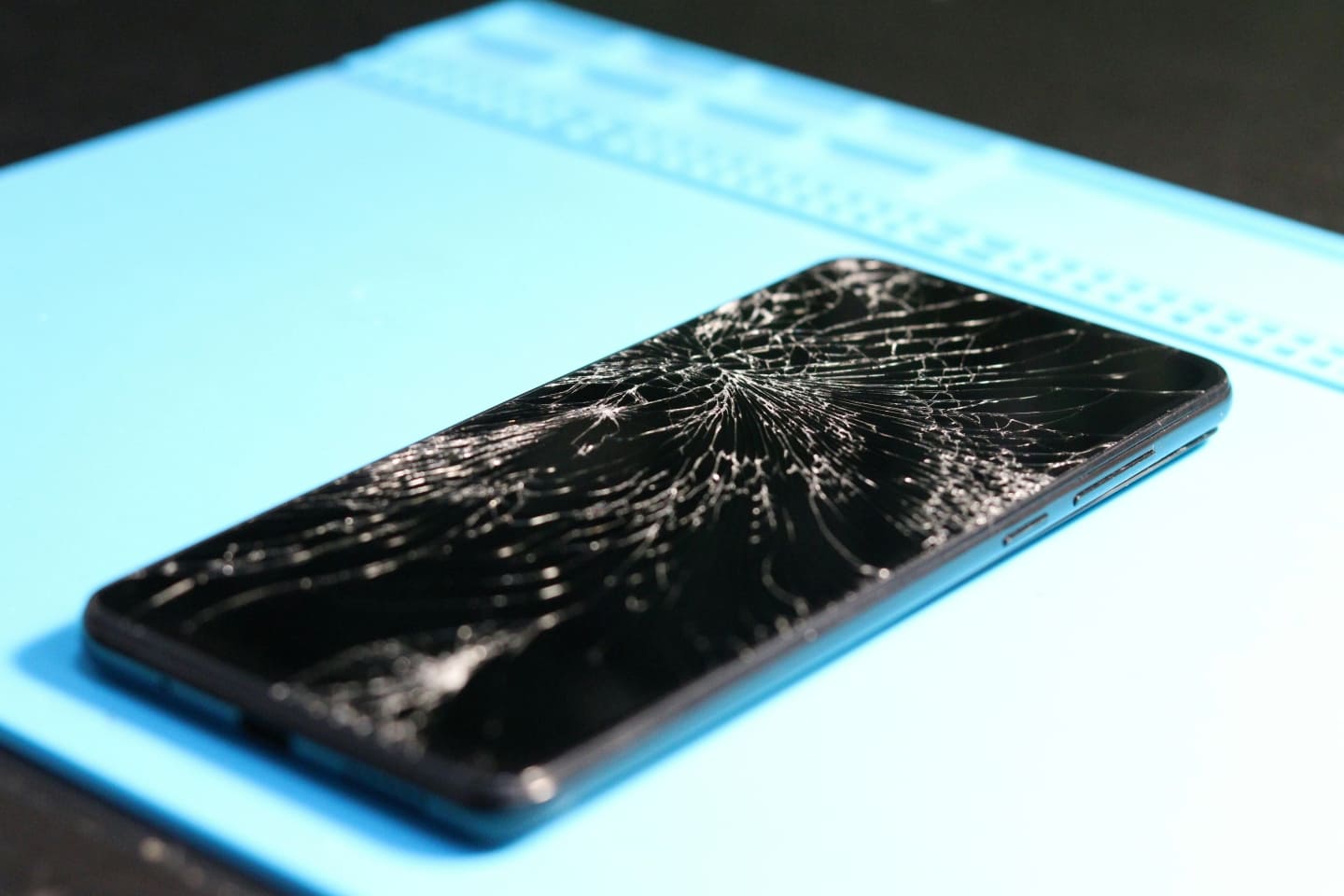
You drop your phone. Your heart skips a beat. You pick it up and see cracks across the display.
Now the big question hits you: Is the screen cracked or just the protector?
This is one of the most common concerns smartphone users face. And the answer matters. Replacing a tempered glass protector costs very little. Replacing a damaged display panel can cost hundreds or thousands of rupees.
The good news? In many cases, it’s only the protective glass.
In this detailed guide, you’ll learn how to identify the difference using practical methods. Whether you’re a regular user trying to avoid unnecessary repair costs or a technician diagnosing devices daily, this article will give you clear answers and structured troubleshooting steps.
As technicians often say, “Never replace a display until you’re sure the damage is internal.” That single habit can save money and reputation.
Cracked Screen or Just the Screen Protector? Whats the Difference?
When someone asks, “Is my screen cracked or just the protector?”, they are trying to determine whether:
- The outer tempered glass or screen guard is damaged
OR - The actual display assembly (digitizer + LCD/OLED panel) is cracked
Key Difference:
- Screen Protector: Removable outer protective layer.
- Display Screen: Built-in component attached to the smartphone frame and connected to the motherboard.
Understanding this difference is critical before attempting any repair.
Understanding Smartphone Screen Layers
Modern mobile phones typically have these layers:
- Tempered glass protector (optional, user-installed)
- Front glass panel
- Touch digitizer
- LCD or OLED display panel
- Frame and chassis
On some premium devices (like iPhone or AMOLED Android phones), the glass and display are laminated together. This makes diagnosis slightly trickier.
4 Ways to Tell If It’s the Screen or Just the Protector
1️⃣ Run the Fingernail Test
This is the simplest physical inspection method.
How to do it:
- Gently drag your fingernail across the crack.
- Feel for depth variation.
What it indicates:
- If your nail catches strongly and the crack feels raised, it is likely the protector.
- If the surface feels completely smooth but the crack is visible underneath, the actual screen glass may be damaged.
Important Tip: Most tempered glass protectors crack into spider-web patterns but still feel slightly raised at fracture points.
Technician Insight:
When inspecting customer devices, experienced repair professionals tilt the phone under direct LED light. Protector cracks reflect differently compared to display cracks.
2️⃣ Check Edge Separation
Tempered glass protectors usually stop slightly before the edge of the frame.
Look closely at:
- Corners
- Edges near the frame
- Camera cutout area
If you see:
- A thin air gap line around the border → likely a protector.
- Cracks extending perfectly into the frame without edge gap → possibly the real display glass.
In many workshop cases, customers panic over cracks that clearly stop at the protector’s curved edge.
3️⃣ Turn the Screen Off and Inspect
This method works extremely well.
Steps:
- Power off the phone.
- Hold it under bright light.
- Rotate it slowly.
If cracks disappear or become barely visible when the screen is off, the damage is often limited to the outer glass protector.
If cracks remain clearly visible even when powered off, especially deep lines, internal screen glass may be broken.
OLED and AMOLED displays sometimes show internal fracture lines that look darker and deeper than protector cracks.
4️⃣ Check Display Functionality
This is the most reliable functional test.
Ask yourself:
- Is the touch working properly?
- Are there black spots?
- Are there colored vertical lines?
- Is there display bleeding?
- Is brightness uneven?
If everything works perfectly — touch, brightness, color, no dead pixels — then in most cases, it’s just the screen protector.
If you notice:
- Dead zones
- Ghost touch
- Flickering
- Green or purple lines
- Ink-like spreading black patches
Then the display panel (LCD or OLED) is damaged.
Critical Fact: Black spreading patches almost always indicate internal panel damage, not a simple protector crack.
Common Causes of Screen vs Protector Damage
Understanding causes helps in diagnosis.
When Only the Protector Breaks
- Minor drops from low height
- Impact absorbed by tempered glass
- Side hits without direct force on center
- Quality screen guard installed correctly
When the Actual Display Breaks
- Hard impact on corner
- Phone dropped without case
- Heavy object pressure
- Bend stress on frame
- Manufacturing defect (rare)
Technician Note:
Frame bending can crack AMOLED panels even without visible outer glass damage.
Step-by-Step Fixes (From Basic to Advanced)
If It’s Just the Screen Protector
Fix:
- Remove the broken tempered glass carefully.
- Clean the surface using isopropyl alcohol.
- Apply new protector.
- Ensure dust-free installation.
Cost: Minimal.
Time: 5–10 minutes.
If the Display Screen Is Cracked
Now the solution depends on the device type.
Option 1: Replace Display Assembly (Most Common)
- Remove back panel
- Disconnect battery
- Open front assembly
- Replace full screen module
For iPhone and many Android devices, display and digitizer come fused.
Option 2: Glass-Only Replacement (Advanced Repair)
Possible only if:
- Touch works
- No display lines
- OLED panel intact
This requires:
- OCA separator machine
- Laminating machine
- Vacuum bubble remover
- Skilled technician
Only repair shops and technicians can perform this type of repair.
Technician-Level Diagnosis & Repair Considerations
For repair professionals, visual inspection is not enough.
Perform These Checks:
- Touch grid test (using diagnostic apps)
- White background test
- Dark background test
- Check IMEI to confirm device model
- Inspect motherboard flex connectors
Tools Commonly Used:
- Heating pad
- Plastic pry tools
- Precision screwdriver set
- Display tester board
- Multimeter (for short circuit detection)
- Flashing tool (if device fails to boot after impact)
In some rare cases, screen damage affects proximity sensor alignment or front camera alignment.
Experienced technicians know that misalignment after display replacement can cause Face ID or fingerprint issues.
As one senior repair engineer once said, “A careful diagnosis builds trust faster than a quick repair.”
When NOT to Attempt DIY Repair
Avoid self-repair if:
- Device is under warranty (But warranty is void due to physical damage)
- It is a high-end OLED smartphone
- You lack proper tools
- Phone has water damage
- Frame is bent
Modern smartphones are tightly sealed. Opening them incorrectly can:
- Damage fingerprint sensor
- Tear display flex cable
- Void warranty
- Break motherboard components
If unsure, consult a trained technician.
Preventive Measures to Avoid Future Screen Damage
Prevention always costs less than repair.
1. Use Quality Tempered Glass
Not all protectors are equal. Choose 9H hardness rated protectors.
2. Use Shockproof Case
Corner protection reduces impact stress.
3. Avoid Back Pocket Storage
Pressure bending damages AMOLED panels.
4. Replace Damaged Protector Immediately
Cracked protector weakens structural protection.
5. Avoid Cheap Repair Parts
Low-quality displays affect battery life and brightness.
FAQs
How can I tell if my phone screen is cracked internally?
Look for:
- Black spots
- Colored lines
- Touch not responding
- Ink-like spreading marks
If these appear, internal display panel is likely damaged.
Can a cracked screen protector affect touch?
Usually no. But if shattered heavily, it may reduce sensitivity.
Is it safe to use a phone with cracked screen?
If only protector is cracked, yes temporarily.
If display is cracked, glass shards can cause injury and moisture can enter.
Does insurance cover screen damage?
Depends on policy. Many mobile insurance plans cover accidental damage with deductible.
Can screen cracks spread over time?
Yes. Both protector and display cracks can worsen with pressure and heat exposure.
Final Thoughts
So, is your screen cracked or just the protector?
In most everyday drop cases, it’s only the tempered glass protector. But proper inspection is essential before deciding.
Use the four methods:
- Fingernail test
- Edge inspection
- Screen-off light test
- Display functionality test
These simple checks help avoid unnecessary expenses.
For technicians, accurate diagnosis builds credibility. For users, awareness saves money.
Remember: Never assume the worst until you test properly.
If you’re still unsure after inspection, visiting a qualified repair professional is always the safest choice.
Smartphones are delicate devices. A little care goes a long way in protecting your investment.