
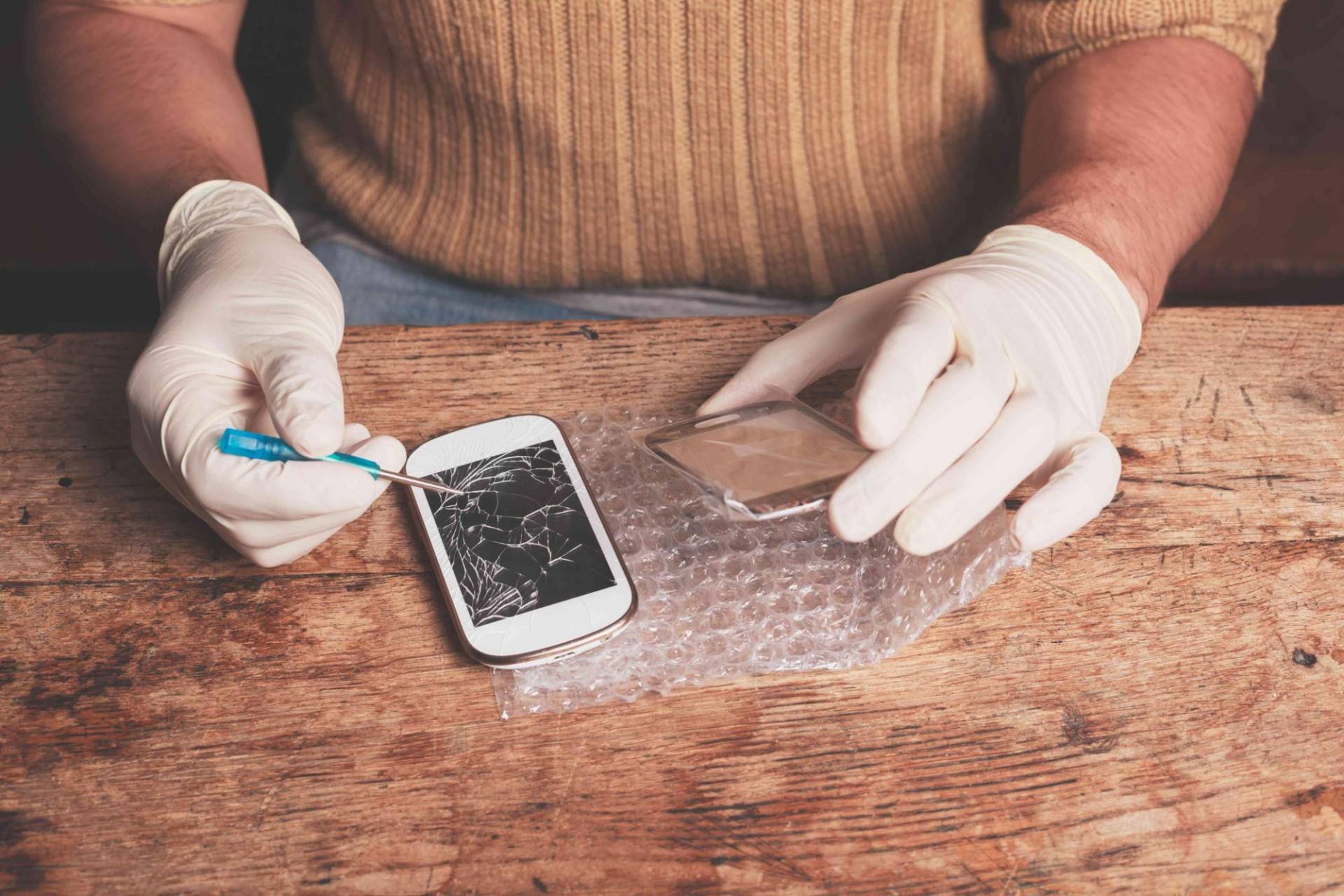
I am sharing a few important tips for cell phone repair technicians that are useful for every professional who undertakes repair jobs. For those who are new to this field, this will be a good learning experience. And for those who already know these points, it will act as a simple revision and a reminder of best practices.
In every profession, it is important to follow rules, ethics, and the right methods. This ensures safety, professionalism, and customer satisfaction. Mobile repair is a sensitive job because customers trust you with their device, their personal data, and sometimes even their business information. So, being careful and disciplined always pays off.
Below are some valuable guidelines that have been followed by successful mobile repair technicians across the world. These tips are based on real work experience, industry standards, and lessons learned on the job.
1. You Should Have All the Necessary Tools
A professional workstation must always have all the required tools. Mobile repair is a wide field and requires both basic tools and specialized tools.
A smartphone technician should keephave the below tools:
- Precision screwdrivers
- Opening tools
- Anti-static brushes
- Spudgers and tweezers
- Multimeter
- Heat gun or separator machine
- Magnifying lamp
- Cleaning solutions
- Soldering equipment (if you repair hardware faults)
A workstation that is well stocked always motivates the technician. It saves time and helps complete repairs without delays. Technicians who lack tools often damage parts unknowingly, especially when working on delicate components.
Man is a tool using animal.
Without tools he is nothing;
With tools he is all.
– Thomas Carlyle
Modern smartphones require specialized instruments for tasks such as screen replacement, water damage cleaning, battery calibration, and motherboard repairs. Having organized and well-maintained tools helps achieve better results and increases efficiency.
2. While Dismantling a Phone
You should always remember the order in which you dismantled the phone. When you reassemble it, you need to go in the same reverse sequence. If you forget the method, you will waste time and may miss important steps.
Earlier, it was challenging because many handsets were sliders, flippers, and complicated designs. Today, smartphones follow a more standard pattern, which makes disassembly easier. However, the internal components are more delicate, so extra care is needed.
Be especially careful with LCD screens and display units, as they are among the most expensive and fragile parts of any phone. Even slight pressure at the wrong point can crack the display.
Many technicians sharpen their dismantling skills through professional courses. For example, Prizm Institute’s online cell phone repair training course teaches students everything from basics to advanced troubleshooting, including disassembly and diagnosis.
3. Replacing All the Screws Back in Place
When you put back the screws after fixing the phone, ensure that you place every screw in its correct slot. Every screw has a specific length and size. If you put a longer screw in a smaller slot, you may damage the internal components or break the thread.
If due to carelessness you misplace some screws, use screws of the same type, size, and shape. Using the wrong screws can cause serious alignment problems. Handsets with missing screws look unprofessional and may cause rattling or internal movement.
Replacing screws properly maintains:
- Tight alignment
- Stability
- Warranty safety
- Customer trust
Technicians must never ignore this step because it impacts the overall quality of the repair.
If you want to improve your safety skills, you should also read safety measures to be followed by cell phone repair technicians.
4. Always Keep the Work Area Neat and Clean
Your work environment speaks a lot about you. A messy workstation reflects badly on your character and reduces your confidence. A clean and organized workbench always gives better results.
A neat workplace:
- Prevents losing screws and small components
- Improves focus
- Saves time
- Reduces dust-related issues
- Increases professionalism
Many experienced technicians say that cleanliness improves accuracy and reduces mistakes when dealing with tiny components like ICs, connectors, and flex cables.
If you want to increase your output and reduce errors, keeping a clean workstation is one of the simplest and most effective tips.

5. All the Spare Parts Should Be Available
When you accept a phone repair job, make sure you have all the necessary spare parts. A professional technician always keeps stock of the most commonly required parts, such as:
- Batteries
- Charging ports
- Display screens
- Camera modules
- Speakers and mic units
- Back panels
- Buttons and flex cables
Keeping these spares reduces waiting time for customers. It also increases your efficiency because you can complete repairs on the same day.
This practice is extremely important in the mobile repair business because speed and reliability matter. Customers appreciate technicians who repair their phones quickly and professionally.
You can also read our 10 killer tips to be successful in cell phone repair business to grow your business more.
Always look for ways to save time and increase productivity. This is the key to success in a competitive industry.
6. Keep the Customer’s SIM and Memory Card Safely
When you accept a handset for repair, always keep the SIM card and memory card safely. Losing these items can cause major problems, as they may contain personal or business information.
Follow a proper system such as:
- Label a small box or pouch
- Write the customer’s name
- Note the model number
- Add the receipt number if needed
This helps you return everything quickly when the customer comes back. You won’t need to search through drawers and waste time.
Organized handling of customer items builds trust and shows professionalism. We share many of these common tips to our students and also during our training in BMC schools.
7. Ensure That the Customer’s Data Is Secure
Data is often more important than the phone itself. Customers store:
- Contacts
- Photos
- Messages
- Business files
- Login details
- Important documents
So while repairing a phone, never delete data unless absolutely necessary. If you must reset the phone or wipe storage, always take a backup first.
Most importantly, get the customer’s written or verbal consent before deleting anything. This protects both you and your customer.
The importance of data protection,customer privacy and all tips related to data are taught in Prizm Institute’s mobile software repairing course.
Data security is a critical and essential part in the repair industry.
8. Take Assistance From the Internet
The internet is a powerful tool for technicians. If you are confused while fixing a fault, search online for solutions. Many technicians across the world share their knowledge, repair tricks, and step-by-step guides.
Sometimes, the solution to a complicated issue may be surprisingly simple. Searching online helps you learn faster and gain confidence.
When searching on Google, always try:
- Text search
- Image search
- Video search
This helps you understand the problem better. Platforms like YouTube, forums, and manufacturer manuals often provide repair diagrams, motherboard layouts, and fault explanations.
You should also consider reading these misconceptions about cell phone repair.
Expert tip: Always verify solutions before applying them. Authentic sources and experienced technicians provide more reliable information.
Final Thoughts
Following these tips for cell phone repair technicians will help you improve your skills and become a trusted expert. Good habits build a strong reputation in the repair world. Customers prefer technicians who repair their devices safely, neatly, and efficiently.
These tips will help you:
- Work faster
- Reduce mistakes
- Gain customer trust
- Increase your income
- Build long-term clientele
Professional repair is not only about fixing a device. It is also about handling customers responsibly, protecting their data, using the right tools, and keeping your workplace organized.
If you have additional tips to share, please mention them in the comments below. And if you found this post useful, share it with others in the mobile repair community.